Free Plugins - The Producer Collection
PriceFREE
Instant Download
This listing has ended
See similar gear from other Reverb sellers
Listed:over a month ago
Views:88,052
Saves:562
Downloads:16,838

Chicago, IL, United States
Our users rate Reverb
Cover all of your beat producer needs with the best free plugins to hit Reverb.
What it is:
A collection of free plugins with near endless sonic capacities.
How we use it:
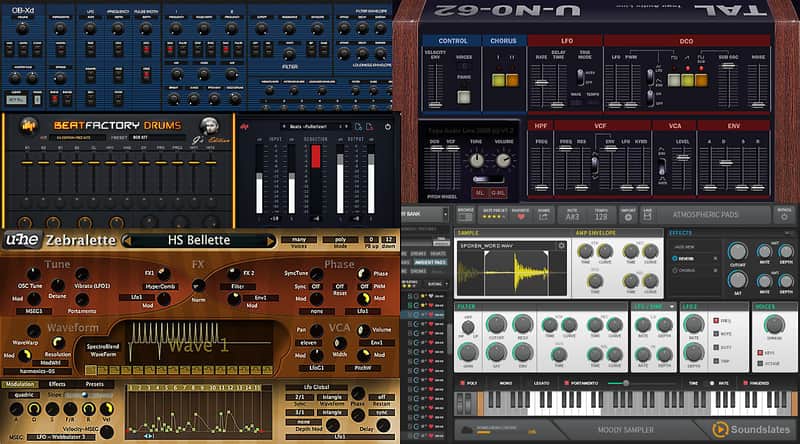
From the warm pads of TAL-U-No-62 to the hard hitting drums of Beatskillz Beatfactory Drums, this collection offers a complete studio of sounds.
Why it's cool:
This best of collection is a great first step into the world of beat production as well as a fantastic edition to any producer's studio. Free Plugins - The Producer Collection
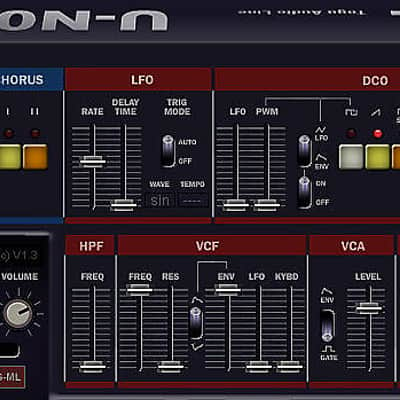
TAL-U-No-62
A digital recreation of the Juno 60 polyphonic synth.
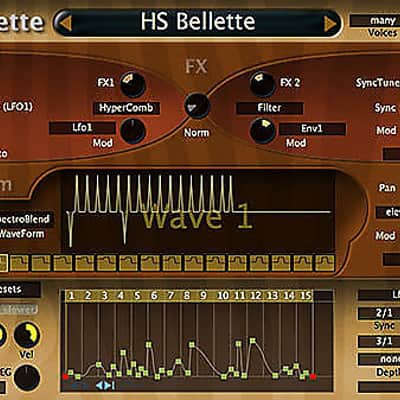
u-he Zebralette
For all high-quality synth needs from bass to leads.
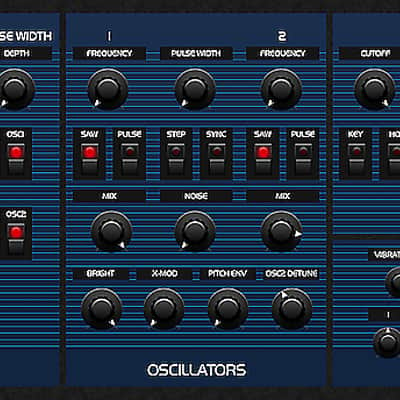
DiscoDSP OB-Xd
A wonderfully accurate homage to the famous Oberheim OB series.
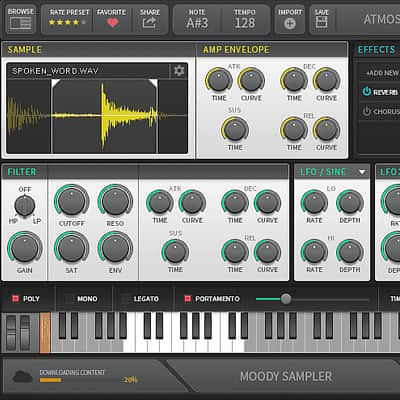
Soundslates Moody Sampler
Shape any audio to perfectly fit your track with this cloud-based sampler.
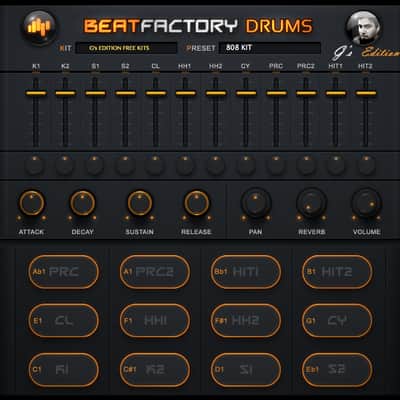
Beatskillz Beatfactory Drums
Classic drum machine with sounds sampled from the MPC2500.
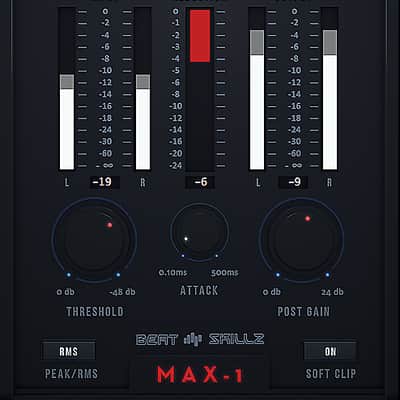
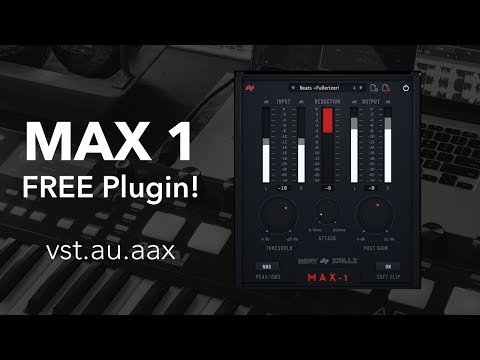
BeatSkillz MAX1 Compressor
Effortless compression and energy maximization.
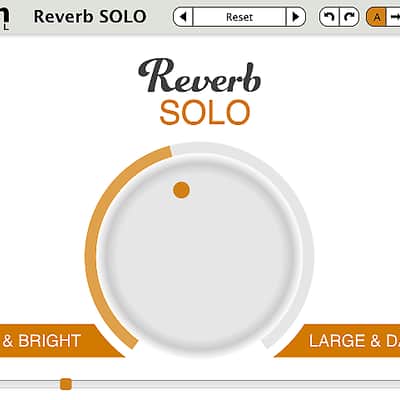
Reverb SOLO
A foundational reverb effect that gives mixes a sense of space.
Find More FREE Plugins For The Producer On Reverb.
Compatibility
TAL-U-No-62
DiscoDSP OB-Xd
u-he Zebralette
Soundslates Moody Sampler
BeatSkillz MAX1 Compressor
Formats:
Beatskillz Beatfactory Drums
Mac:
Reverb SOLO
Mac:
Installation Instructions
General Instructions:
What it is:
A collection of free plugins with near endless sonic capacities.
How we use it:
From the warm pads of TAL-U-No-62 to the hard hitting drums of Beatskillz Beatfactory Drums, this collection offers a complete studio of sounds.
Why it's cool:
This best of collection is a great first step into the world of beat production as well as a fantastic edition to any producer's studio. Free Plugins - The Producer Collection
TAL-U-No-62
A digital recreation of the Juno 60 polyphonic synth.
u-he Zebralette
For all high-quality synth needs from bass to leads.
DiscoDSP OB-Xd
A wonderfully accurate homage to the famous Oberheim OB series.
Soundslates Moody Sampler
Shape any audio to perfectly fit your track with this cloud-based sampler.
Beatskillz Beatfactory Drums
Classic drum machine with sounds sampled from the MPC2500.
BeatSkillz MAX1 Compressor
Effortless compression and energy maximization.
Reverb SOLO
A foundational reverb effect that gives mixes a sense of space.
Find More FREE Plugins For The Producer On Reverb.
Compatibility
TAL-U-No-62
- Mac OS X 10.9 + Windows 8+
DiscoDSP OB-Xd
- Mac OS X 10.9 + Windows 8+
u-he Zebralette
- Current PC or intel Mac
- Multicore CPU with SSE2
- (Sandy Bridge architecture or newer recommended)
- Mac OSX 10.5 or newer
- Windows XP / Vista / 7 / 8 / 10
- 1GB RAM, more recommended
- 60MB free disc space
- display 1000x600px and up
- OSX: VST2 or AU compatible host software
- Windows: VST2 compatible host software
- Supports 32bit and 64bit in all formats
- AAX support for Pro Tools 10.3.7 or later, 11 & 12
Soundslates Moody Sampler
- Mac OS X 10.9 + Windows 8+.
BeatSkillz MAX1 Compressor
Formats:
- VST/AU/AAX – 64bit /32 Bit
- Windows XP SP2 or later / OSX 10.6.8 or later
- Intel Core 2 Duo 2GHz / AMD Athlon 64 or equivalent 2 GB RAM / 300 MB HD
- Screen resolution: 1024×768 VST2, AU 32-bit or 64-bit host
- Double click on the MAX1.pkg file
- Right click on the package and click open
- Follow the instructions to install the plug-in(s) Follow the instructions to install the plug-in(s)
- Run MAX1 Installer.exe
- Follow the instructions to install the plug-in(s)
- In demo mode the plugin will fully function for 15 days (trial mode)
- Just enter your email address and register for FREE! the plugin will be then fully functional with no restrictions
Beatskillz Beatfactory Drums
Mac:
- Mac OS X 10.7 - 10.11.Ableton Live, Logic Pro, or any host compatible with VST/AAX/AU.Intel Core i3 / i5 / i7 / Xeon2GB RAM.Display Resolution of at least 1280 x 1024px
- Windows 7 - 10.Ableton Live, or any host compatible with VST/AAX.Intel Core i3 / i5 / i7 / Xeon2GB RAM.Display Resolution of at least 1280 x 1024px.
Reverb SOLO
Mac:
- Mac OS X 10.7 - 10.12
- Pro Tools 10 and above, Ableton 9 and above, Logic Pro X and above, or any host compatible with VST/AAX/AU.
- Intel Core i3 / i5 / i7 / Xeon2GB RAM.
- Display Resolution of at least 1280 x 1024px
- Windows 7 - 10.
- Pro Tools 10 and above, Ableton 9 and above, FL Studio 12 and above, or any host compatible with VST/AAX.
- Intel Core i3 / i5 / i7 / Xeon2GB RAM.
- Display Resolution of at least 1280 x 1024px.
Installation Instructions
General Instructions:
- We auto-detect your computer operating system, so just click the download button above.
- Find the downloaded plugin (it's in your computer's download folder, or wherever you've chosen to save it) and double click the installer.
- A plugin installer window will open. Simply go through the installation process.
- We will also send you an email with a link to re-download in case you need it.
- If Ableton Live is closed, open it and skip to #5.
- If Ableton Live is already open, go to Preferences.
- Go to Files & Folder.
- Click "Rescan plugins".
- Find the plugin in the Ableton plugins folder in the sidebar.
- Drag-and-drop the plugin onto your track at the bottom of the screen.
- Open Logic Pro X. Newly installed plugins should be detected automatically every time Logic is opened.
- If you've downloaded an effect or utility plugin, these can be used on an insert for any track in the mixer.
- Create a software instrument track if you downloaded a virtual instrument plugin.
- Under Default Patch, go to AU Instruments and choose the plugin you just installed.
- Open Pro Tools. Newly installed plugins should be detected automatically every time Pro Tools is opened.
- If you've downloaded an effect or utility plugin, these can be used on an insert for many types of tracks (Audio, Aux, Instrument, Master Fader...)
- If you’ve downloaded a software instrument, create a new Instrument track.
- Navigate to the Mixer and locate the newly created Instrument track.
- Select the desired instrument plugin by clicking on any of the Inserts on the Instrument track.
- Go to the Reverb SYNC Software and plugin Collection.
- Choose your desired plugin.
- Reverb will auto-detect your platform, so simply click the download button.
- Continue the installation process by following the prompt.
- Hover your mouse over the smart control button.
- Click Show Inspector icon.
- Click on plugins and choose your desired plugin.
| Brand | |
|---|---|
| Model |
|
| Categories |
Product safety information may be available here.