The Synth Sounds Of Stand Back By Stevie Nicks - Pro Tools Session - Reverb Exclusive
Original PriceA$29.44
100% price drop
New PriceFREE
Instant Download

Free Shipping
from Chicago, IL, United States

Only 1 left
Grab it before it's gone
Listed:over a month ago
Views:1,605
Saves:30
Downloads:483

Chicago, IL, United States
Our users rate Reverb
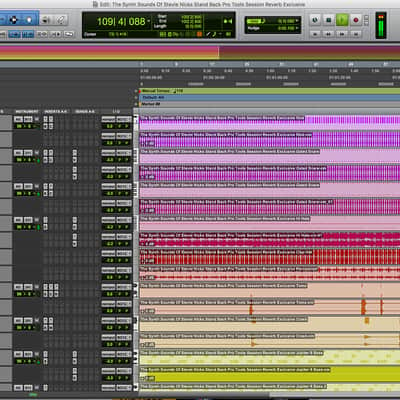
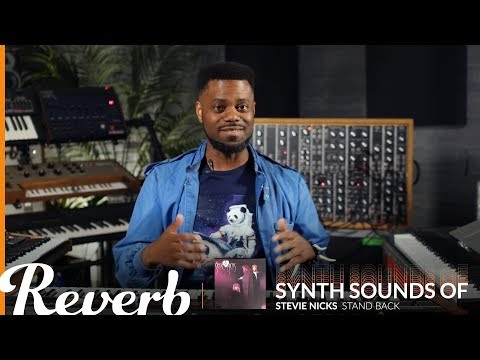
An exclusive Pro Tools arrangement and sound set of Stevie Nicks' "Stand Back".
What it is:
A MIDI arrangement and customized set of sounds emulating Stevie Nicks' "Stand Back".
How we use it:
Learn the production techniques and other tactics behind a Stevie Nicks' hit.
Why it's cool:
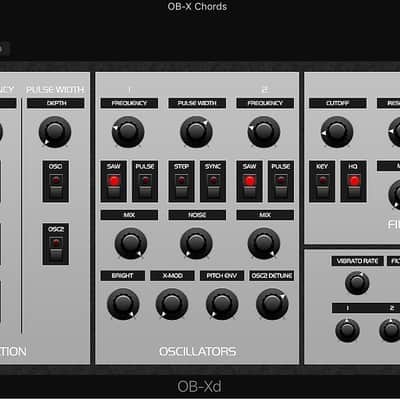
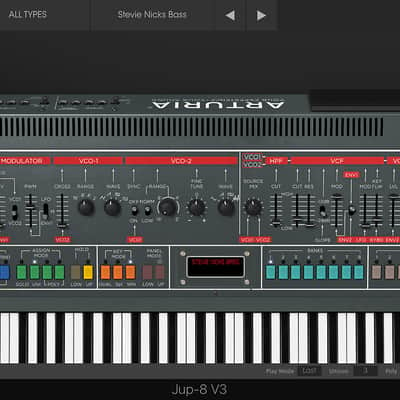
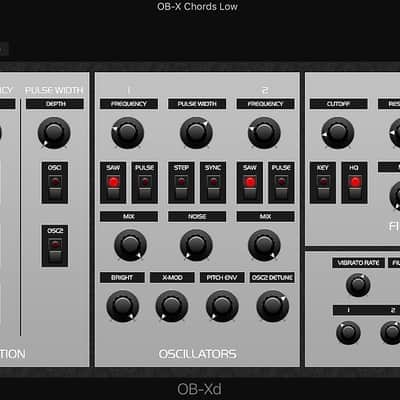
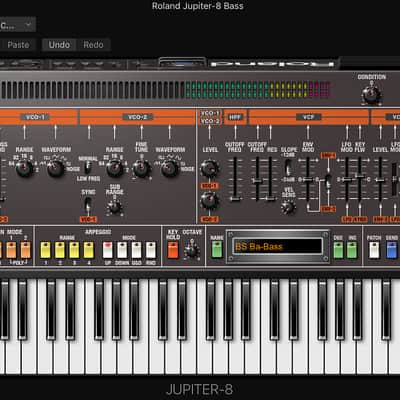
The Stevie Nicks' "Stand Back" Pro Tools Session uses only built-in sounds, Arturia Jup-8 V, DiscoDSP OB-Xd, Roland Cloud Jupiter-8, from the Roland Cloud Instrument Suite, in Pro Tools to recreate the sounds of Stevie Nicks' celebrated work.An exclusive Pro Tools Session designed by the Reverb team that captures the sound and personality of Stevie Nicks' iconic track, "Stand Back".
Includes:
Get Arturia Jup-8 V: Arturia Jup-8 V
Get DiscoDSP OB-Xd: DiscoDSP OB-Xd
Get Roland Cloud Jupiter-8: Roland Cloud Jupiter-8
Get Roland Cloud Instrument Suite: Roland Cloud Instrument Suite
Compatibility
Installation Instructions
What it is:
A MIDI arrangement and customized set of sounds emulating Stevie Nicks' "Stand Back".
How we use it:
Learn the production techniques and other tactics behind a Stevie Nicks' hit.
Why it's cool:
The Stevie Nicks' "Stand Back" Pro Tools Session uses only built-in sounds, Arturia Jup-8 V, DiscoDSP OB-Xd, Roland Cloud Jupiter-8, from the Roland Cloud Instrument Suite, in Pro Tools to recreate the sounds of Stevie Nicks' celebrated work.An exclusive Pro Tools Session designed by the Reverb team that captures the sound and personality of Stevie Nicks' iconic track, "Stand Back".
Includes:
- MIDI arrangement of the track.
- Custom-designed sounds using Pro Tools instruments, Arturia Jup-8 V, DiscoDSP OB-Xd, Roland Cloud Jupiter-8, from the Roland Cloud Instrument Suite with Pro Tools included effects devices.
- Custom Instrument that can be saved and reused in any Pro Tools project
Get Arturia Jup-8 V: Arturia Jup-8 V
Get DiscoDSP OB-Xd: DiscoDSP OB-Xd
Get Roland Cloud Jupiter-8: Roland Cloud Jupiter-8
Get Roland Cloud Instrument Suite: Roland Cloud Instrument Suite
Compatibility
- Apple Mac or WIN PC
- Pro Tools
- DiscoDSP OB-Xd
- Arturia Jup-8 V or Arturia V Collection 6
- Roland Cloud Jupiter-8 or Roland Cloud Instrument Suite
Installation Instructions
- Download the .zip file
- Unzip the file with a third party software
Mac : http://www.kekaosx.com/en/
PC : https://www.7-zip.org/ - Find the file in your Downloads folder
- Double-click the file, which will unzip the folder
- Double-click the Pro Tools Session - The Synth Sounds Of Stand Back By Stevie Nicks - Pro Tools Session - Reverb Exclusive, which will launch Pro Tools
- Press "play" in the Pro Tools Arrangement view
- Hear Stevie Nicks' "Stand Back"
| Brand | |
|---|---|
| Model |
|
| Categories |
Product safety information may be available here.

