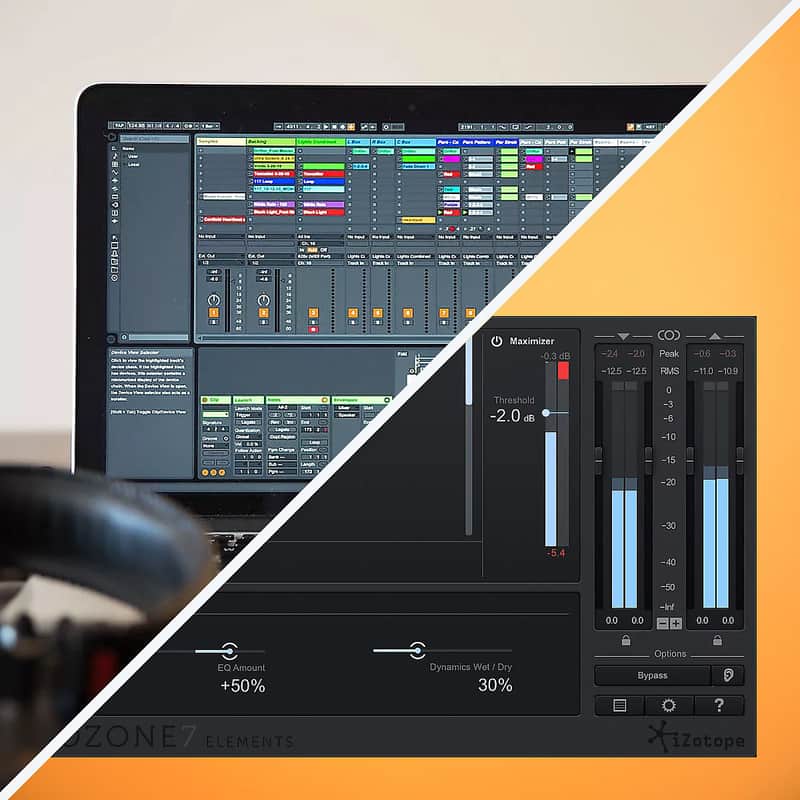
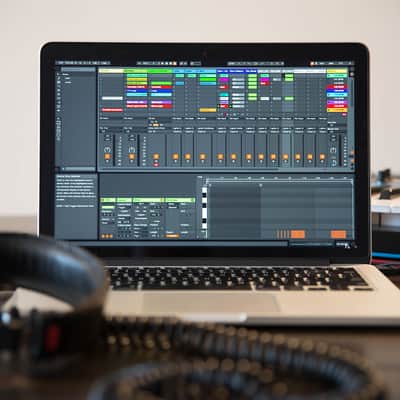
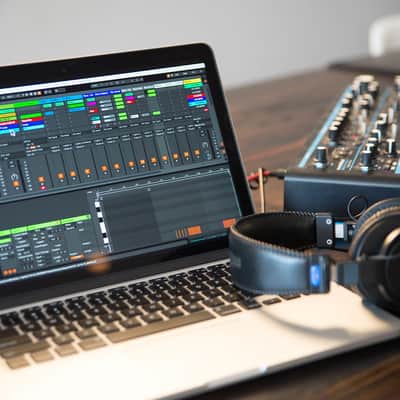

Ableton Live 9 Standard + iZotope Ozone 7 Elements
This listing has ended
See similar gear from other Reverb sellers

What it is:
Live 9 Standard - A DAW that breaks from the traditional linear timeline view of music.
Ozone 7 Elements - Preset-based mastering plugin ideal for beginning producers, beatmakers, and songwriters.
How we use it:
Live 9 Standard - To quickly create loops and ideas that transform into finished productions.
Ozone 7 Elements - For the perfectionists amongst us, Ozone 7 Elements is the single-stop solution to ensure radio-ready gleam to a flawless mix.
Why it's cool:
Live 9 Standard - The Session view unlocks new ways of writing, recording, and performing.
Ozone 7 Elements - Top-tier presets combined with select parameters allows you to solidify your mix in a matter of minutes.The Reverb Exclusive Free Content Bundle Includes everything needed to start making music now:
- Exclusive Reverb Reverb SOLO plugin
- Reverb Vintage Drums Vol. 1 sample pack
- Reverb Artist Series Vol 1 - Intermodal
- Reverb Roland Modded TR-707 Sample Pack
- Reverb Roland TR-808 Sample Pack
- Reverb Roland TR-909 Sample Pack
- Reverb Moog Synth Collection Sample Pack
- Reverb Dark Juno Synth Collection Sample Pack
- Reverb Nord Lead I Synth Collection Sample Pack
- Reverb Roland Synth Collection Sample Pack
- Reverb DSI Synth Collection Sample Pack
- Reverb Oberheim Synth Collection Sample Pack
- Reverb Tracks - Reggaeton Template Pack
- Reverb Tracks - Nu Disco Template Pack
- Reverb Tracks - Tech House Template Pack
- Reverb Tracks - Indie Rock Template Pack
- Reverb Tracks - Electro Pop Template Pack
- Reverb Tracks - Hip Hop Template Pack
- Reverb Tracks - Trap Template Pack
- Sounds of Twin Peaks sound pack
- Sounds of Stranger Things sound pack
- Sounds of John Carpenter MIDI pack
- Ableton Live PDF manual
- Ableton Basics video tutorials
- Printed Essential Shortcuts guide
Ableton Live 9 Standard
Live is software for creating musical ideas, turning them into finished songs, and even taking them onto the stage. With two views – the classic Arrangement View, where musical ideas are laid out along a timeline, and the unique Session View, where you can improvise and quickly experiment with musical ideas – Live is a fast, fun, intuitive way to make music.
Advanced warping features mean you can change the tempo and timing of any audio, in real time, without stopping the music. And since the software handles keeping everything in time, it’s the perfect program for taking your music out of the studio and onto the stage either as a solo or band performance. Live provides all the tools and effects you need to get your mix or master sounding great, and comes with an array of software instruments and sounds so you can start making music right out of the box.
Live 9 Standard key features:
- Multitrack Audio recording and MIDI sequencing of software and hardware instruments
- Unique Session View for nonlinear composition, flexible performance and improvisation
- Real-time warping of audio: automatically sync music and loops, regardless of tempo
- MIDI-mappable controls for hands-on creation onstage or in the studio – plus automatic mapping for popular hardware controllers
- Audio to MIDI conversion tools: extract harmony, melody or drums from an audio sample and convert it into MIDI.
- Comprehensive selection of built-in audio effects for creative sound design, mixing or mastering
- Advanced sampling and slicing tools
- VST and Audio Unit support
- Groove engine to apply swing to audio or MIDI, or extract rhythmic ‘feel’ of other audio files
- Video import and export for scoring to video or warping video to music
- 3 instruments: Simpler, Impulse and Drum Rack – plus Instrument Racks and the External Instrument device
- 37 audio and MIDI effects
- 1100+ Instrument Racks and drum kits
- 11GB of loops and samples
- Nondestructive editing with unlimited undo
- Multitrack recording up to 32-bit/192 kHz
- Automatic plug-in delay compensation
- MIDI remote control instant mapping
- MIDI output to hardware synths
- MIDI Clock/sync
- ReWire support
- Link technology integration
- Multicore/multiprocessor support
- WAV, AIFF, MP3, Ogg Vorbis, FLAC file support
- Ableton Link integration
- Unlimited Audio and MIDI tracks
- Unlimited Scenes
- 12 Send and return tracks
- 256 Audio inputs, 256 outputs
- Rex file support
- POW-r dithering
- Serato Scratch Live integration
Ozone 7 Elements
New to audio mastering? Effortlessly get your mixes radio and streaming-ready with Ozone 7 Elements. With best-in-class processing from Ozone 7, this new mastering plug-in enables you to achieve a full, rich, and loud final master with professionally crafted presets and simple macro controls to shape your sound.
Masterfully Simple
Professionally designed, goal-oriented presets. Simple, high-impact macro controls. It’s never been easier to achieve a final mix with the sonic impact and energy of songs from your favorite albums.
Ozone to the Max- Ozone 7 Elements includes processing from Ozone's most popular module—its legendary Maximizer.
- Ozone's Maximizer has been used by top mastering engineers the world over to bring intensity, energy, and loudness to countless top 40 hits with its renowned IRCTM (Intelligent Release Control) technology.
- Ozone 7 Elements brings this same processing with simplified controls so you can get your tracks up to a competitive level while retaining punch and detail.
- Your music, your decisions. Ozone 7 Elements puts you in creative control with best-in-class, professional presets you’re able to tweak to taste.
- Custom mastering for your songs. Audition presets and mold Ozone 7 Elements’ processing to your track with high-impact macro controls to optimize the sound of your master.
- The sound of the pros. Ozone 7 Elements utilizes Ozone 7’s renowned processing under the hood—the same algorithms used both by the biggest names in mastering, and by producers in home studios around the world.
Preset-based mastering plug-in ideal for beginning producers, beatmakers, and songwriters
- 70+ professionally crafted presets
- Includes VST, AU, RTAS, and AAX plug-in formats
- Simple controls make it effortless and quick to shape the radio-ready sound you’re after
- Polish off your tracks with Ozone’s industry standard processing, made easy
- Get your songs up to a competitive level with a taste of Ozone’s legendary Maximizer
Compatibility
Live 9 Standard
Windows:
- Windows 7, Windows 8, or Windows 10.
- Multicore processor.
- 4 GB RAM.
- 1024x768 display.
- DVD drive or broadband internet connection for installation.
- Intel Mac with Mac OS X 10.7 or later.
- Multicore processor.
- 4 GB RAM.
- 1024x768 display.
- DVD drive or broadband internet connection for installation.
- 3 GB of disk space required for basic installation.
Live 9 Standard requires 12 GB of free disk space to install all sounds.
Live 9 is compatible with the legacy operating systems Mac OS X 10.5 and 10.6, Windows XP and Vista up to version Live 9.1.10.
Live 9.2 and later is not compatible with Mac OS X 10.5 and 10.6, Windows XP and Vista.
Ozone 7 Elements- Windows: 7, 8, and 10
- Mac: OS X 10.9–10.12 (Intel only)
Installation Instructions
Live 9 Standard
Reverb will email you your serial number. Before proceeding, register your serial number at: https://www.ableton.com/en/account/add_license/
Downloading
To get started with Live, it is recommended to download and install the latest available Live 9 update.
Log in to your User Account, then select the Live version and the operating system from the drop down menus.
Installing for Mac:- When the download of the Live 9 dmg is complete, double-click on that file and a mounted disk named 'Ableton Live 9' will appear on your desktop and open automatically.
- As shown, drag the application Ableton Live 9 in the Applications folder at the root of your Mac OS X drive. After this, you can unmount the dmg file by pressing the eject button in the Finder sidebar.
- Once the disk image has been unmounted you can drag the dmg file to the trash.
- To launch Live 9, open the Applications folder and click twice on the Ableton Live 9 application. You can also drag the application icon to your dock in order to add a shortcut for Live 9.
Installing for Windows:
- Please unpack the downloaded zip file by right-clicking on it.
- Choose "Extract All..." from the drop down menu and launch the Setup.msi file by double clicking it once the file has been unpacked. The program will guide you through the steps necessary to install Live 9 on your Windows machine.
- Once the installation has completed, click on the Windows Start menu where you'll find the Live 9 shortcut.
- When starting Live for the first time, follow the instructions on the authorization dialog in order to authorize Live.
- If you'd prefer to authorize offline or would like additional information, step-by-step instructions are available.
Ozone 7 Elements General Instructions: Register and download at: https://www.izotope.com/en/support/product-downloads.html
- Find the downloaded plugin (it's in your computer's download folder, or wherever you've chosen to save it) and double click the installer.
- A plugin installer window will open. Simply go through the installation process.
- We will also send you an email with a link to re-download in case you need it.
- If Ableton Live is closed, open it and skip to #5.
- If Ableton Live is already open, go to Preferences.
- Go to Files & Folder.
- Click "Rescan plugins".
- Find the plugin in the Ableton plugins folder in the sidebar.
- Drag-and-drop the plugin onto your track at the bottom of the screen.
| Brand | |
|---|---|
| Model |
|
| Categories |
Product safety information may be available here.