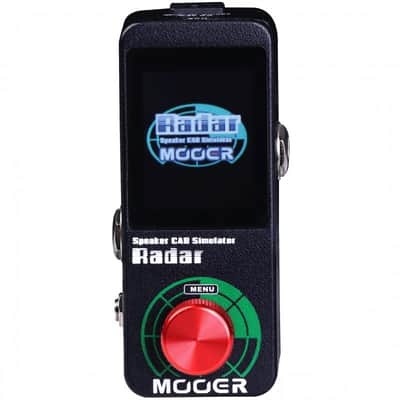
Mooer Radar Speaker Cab Simulator


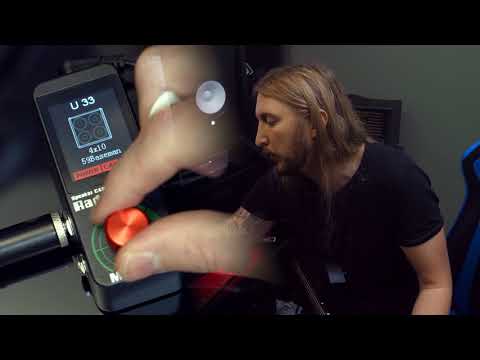
Mooer Radar Speaker Cab Simulator
This seller has not set a shipping cost for Continental U.S.. Please contact them to ask about shipping.
Original Price$125.29
$29.45 price drop
New Price$95.84
+ Shipping
Listed:over a month ago
Views:75
Saves:1
Offers:0
Ottawa, Canada

14-Day Return Policy
Enjoy peace of mind with your new gear
Our users rate Reverb
- Before opening the STUDIO software for the first time you must have your Radar connected to the computer via USB cable.
- Boot Radar into firmware update mode by pressing and holding the menu button(Red knot) and powering the unit on. You can now open the STUDIO software for the first time.
- Some USB cables are not for meant for DATA transfer and are only supposed to be used for powering devices. Also, cable quality can vary greatly. Please ensure that you're using a high quality USB cable for trouble free operation.
- Please turn off the antivirus programs before installing STUDIO software or updating. Some of the antivirus program will pop up false alert and prevent software from installing or data transferring. Please ensure that you have turned off them completely.
| Condition | Brand New (New) Brand New items are sold by an authorized dealer or original builder and include all original packaging.Learn more |
|---|---|
| Brand | |
| Model |
|
| Categories | |
| Pedal Format |
|
| Color Family |
|
Product safety information may be available here.

