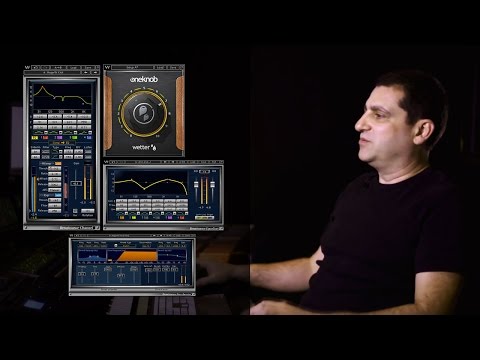
Waves Renaissance Maxx Bundle
Nuovo prezzo€370.89
Download istantaneo
Lo strumento è stato venduto
Vedi strumenti simili di altri venditori Reverb
Pubblicato:più di un mese fa
Visualizzazioni:1.031
Salvataggi:13
Offerte:6

Chicago, IL, Stati Uniti
I nostri utenti valutano Reverb
Ten classic Waves plugins. Countless hit records. Endless possibilities.
What it is:
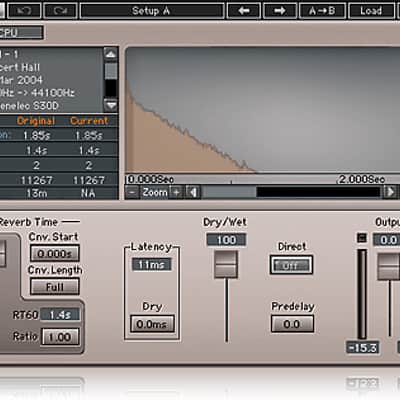
Eight Waves Renaissance plugins, plus Wave Tune LT and IR-L Convolution Reverb.
How we use it:
Add rich, warm sound to a digital production.
Why it's cool:
The Renaissance bundle comes with everything you need to complete a mix from start to finish. Plus, as classics, the Renaissance plugins are a fantastic addition to any engineer's arsenal. 10 classic Waves plugins that combine the warmth of analog gear with the precision of digital control: compressors, EQ, reverbs, bass enhancement and more.
In the digital production environment, rich, warm sound is the holy grail. Renaissance Maxx delivers the warmth of vintage analog hardware with the flexibility and precision control of digital software. This is the classic Waves sound, heard on countless hit records and major motion pictures worldwide.
Features:
Compatibility
Mac:
CPU
Memory
Operating System
Screen Resolution
Support for Visually Impaired Users
Windows:
CPU
Memory
Operating System
Screen Resolution
Installation Instructions
What it is:
Eight Waves Renaissance plugins, plus Wave Tune LT and IR-L Convolution Reverb.
How we use it:
Add rich, warm sound to a digital production.
Why it's cool:
The Renaissance bundle comes with everything you need to complete a mix from start to finish. Plus, as classics, the Renaissance plugins are a fantastic addition to any engineer's arsenal. 10 classic Waves plugins that combine the warmth of analog gear with the precision of digital control: compressors, EQ, reverbs, bass enhancement and more.
In the digital production environment, rich, warm sound is the holy grail. Renaissance Maxx delivers the warmth of vintage analog hardware with the flexibility and precision control of digital software. This is the classic Waves sound, heard on countless hit records and major motion pictures worldwide.
Features:
- 10 classic Waves plugins, heard on countless hit records
- The warmth of analog, the precision of digital
- Includes compressors, reverbs, EQ, bass enhancement, de-esser, vocal auto-tuning and more
- IR-L Convolution Reverb
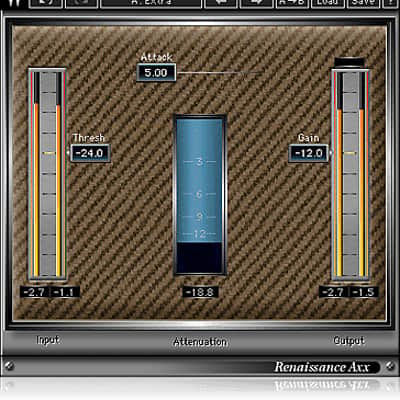
- Renaissance Axx
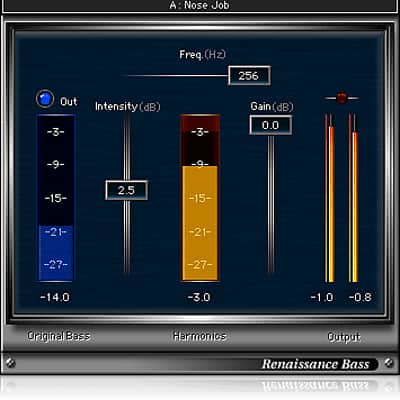
- Renaissance Bass
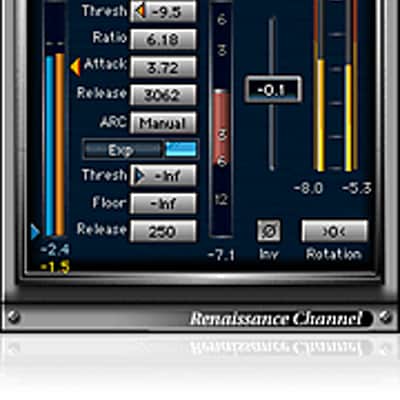
- Renaissance Channel
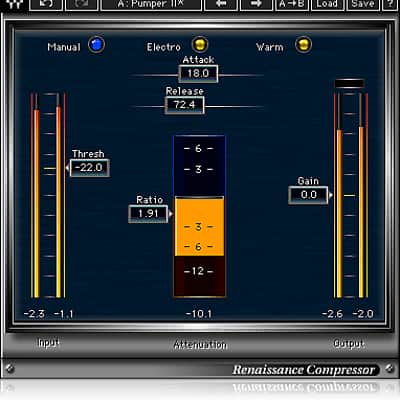
- Renaissance Compressor
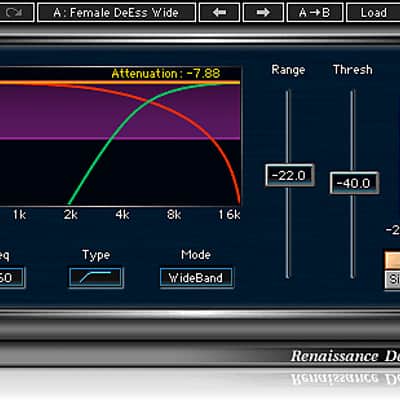
- Renaissance DeEsser
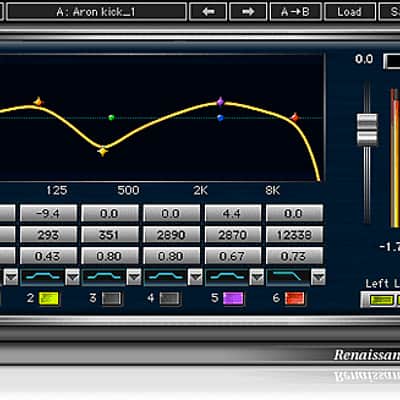
- Renaissance Equalizer
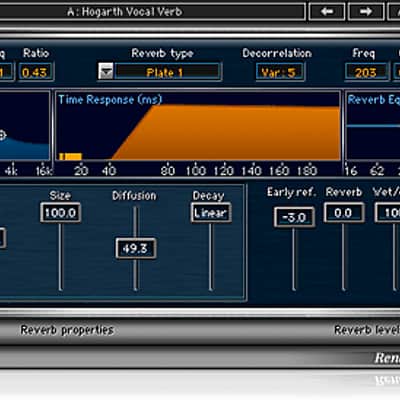
- Renaissance Reverb
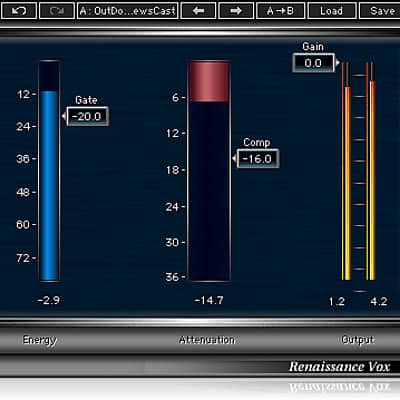
- Renaissance Vox
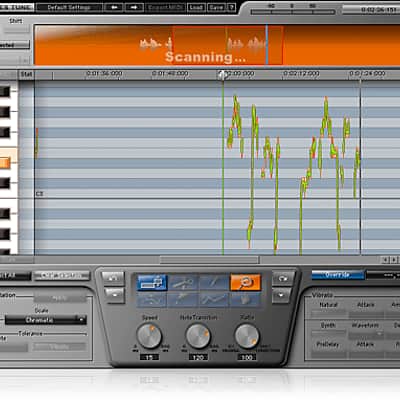
- Wave Tune LT
Compatibility
Mac:
CPU
- Intel Core i5 / i7 / Xeon
Memory
- 8 GB RAM
- 8 GB free disk space on the system drive
Operating System
- 10.10.5 - 10.12.5
Screen Resolution
- Minimum: 1024x768
- Recommended: 1280x1024 / 1600x1024
- USB displays are not supported as the primary display.
Support for Visually Impaired Users
- Mac OS Sierra 10.12.4
- VoiceOver Utility enabled
- Pro Tools 12.7
- Logic 10.3.1
Windows:
CPU
- Intel Core i3 / i5 / i7 / Xeon / AMD Quad-Core
Memory
- 4 GB RAM
- 8 GB free disk space on the system drive
Operating System
- Windows 7 with SP1 64 bit
- Windows 8.1 64 bit
- Windows 10 64 bit
Screen Resolution
- Minimum: 1024x768
- Recommended: 1280x1024 / 1600x1024
Installation Instructions
- Create an account: https://www.waves.com/create-account (if you have an account, skip this step)
- Register the serial number we emailed: https://www.waves.com/account/register
- Download and install Waves Central for Mac | Windows.
- If you already have Waves Central installed, skip to step 4. - Launch Waves Central.
- Windows: via the desktop shortcut or Start Menu > All Programs > Waves.
- Mac: Applications > Waves Central. - Log into Waves Central using your Waves account information.
- Click on Easy Install & Activate.
- Select the products you wish to install & activate on this computer.
- Click on the Install & Activate button.