München, Germany
About this listing
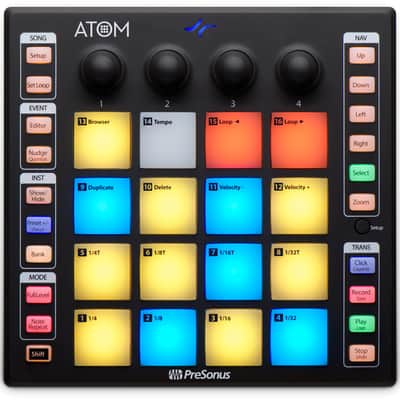
Presonus ATOM - MIDI pad controller
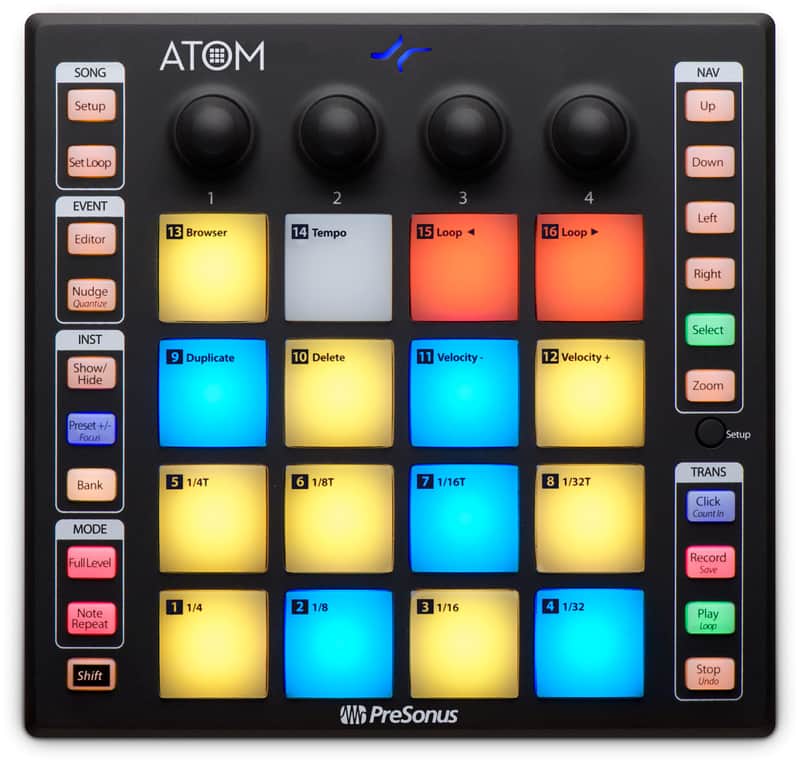
Capture the beat whenever and wherever creativity strikes with PreSonus’ ATOM. An intuitive, musical, MIDI pad controller, ATOM’s dynamic, ultra-sensitive pads will give you all the expression you need, whether you’re making a beat, creating a driving synth line, or triggering sound effects and loops on the fly. Tight integration with both Studio One and Ableton Live mean that you stay inspired without missing a beat. Your focus will be off the screen and on your performance—where it matters most.
Features:
General
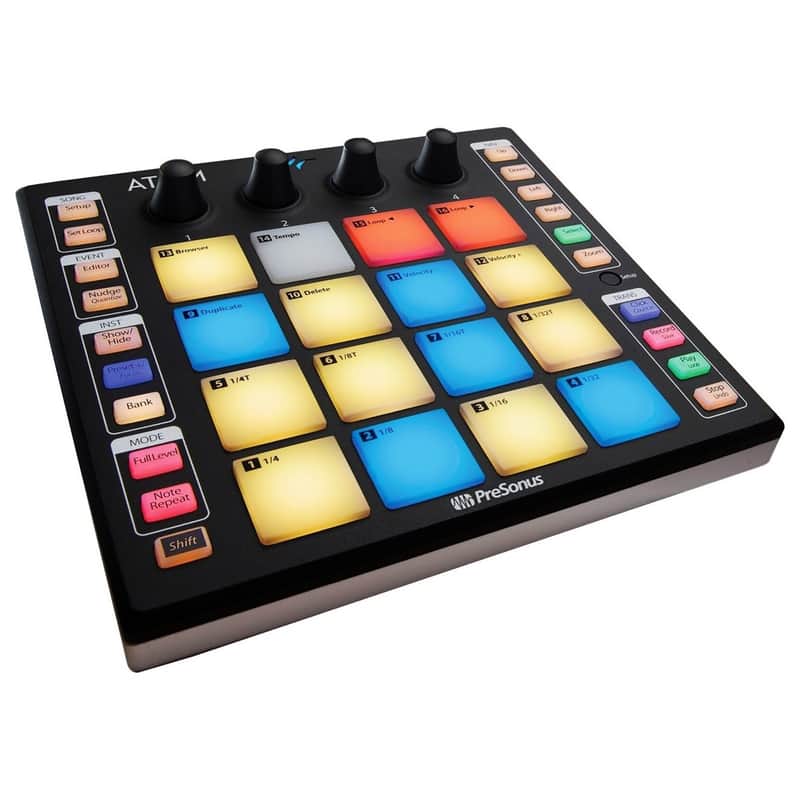
Trigger loops and effects and play virtual instruments with 16 full-size, velocity- and pressure-sensitive RGB pads
8 assignable pad banks
MIDI Keyboard mode, Note Repeat mode, and Full Velocity mode to customize instrument control (application-dependent)
4 programmable rotary encoders and 20 assignable buttons; navigate and set more parameters faster
Pressure switchable between MIDI aftertouch, channel pressure, and CC messages
Selectable pad velocity curves and pad pressure thresholds
Studio One Integration Features
Automatically detected by Studio One Artist—no setup required
Navigate and choose an instrument from the Browser
Studio One dynamically switches ATOM between Keyboard and Drum modes depending on the selected instrument
Create a new track
Change presets on a virtual instrument
Change song tempo
Set looping points
Navigate the timeline
Zoom in and out on the timeline or events
Edit and quantize MIDI events
Transport control (stop, play, record)
Ableton Live Integration Features
Navigate up, down, left, or right in Live's Session view in banks of 4 with ATOM's navigation buttons
Launch clips and scenes using ATOM's Session mode
RGB LEDs display which clips are playing or stopped and reflect each clip's assigned color
Play virtual instruments and Live's Drum Rack device using ATOM's Note mode
Navigate Live's mixer using ATOM's Channel mode
Select, solo, and record-enable channels, as well as stop all clips on a selected channel
Knobs are used to change track volume, track panning, Sends A, and Sends B for the selected bank
Switch between Session and Arranger views from ATOM
Record in either Session Record or Arranger Record modes
Dedicated User mode for custom user assignments
Metronome On/Off, Save and Undo, Loop On/Off, and more...
Modes
MIDI Keyboard mode
Note Repeat mode
Full Velocity mode (only send velocity 127)
Connections
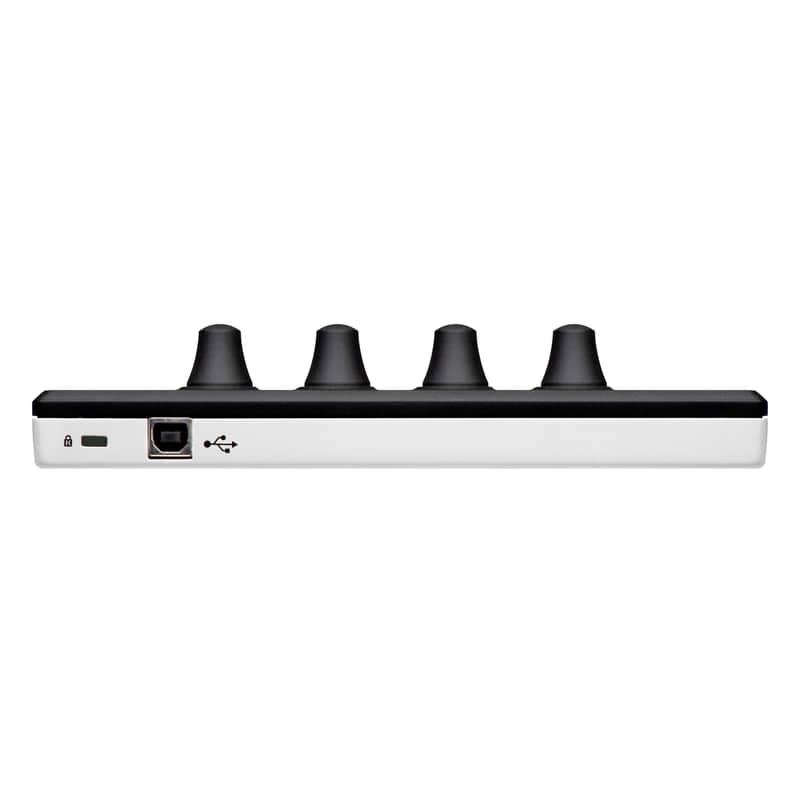
USB 2.0
Included Software
Studio One Artist production software for macOS and Windows
Ableton Live Lite (for registered users after October 20, 2019)
MVP Loops content custom-designed for ATOM
Compatible with most music production and performance software for Mac and Windows
Condition: Opportunity! One-time special offer, b-stock from the manufacturer. Unit technically and visually new in neutral or slightly used original packaging including full warranty.
Original Price€123
8% price drop
New Price€114
Incl. VAT
+ €10.71 Shipping
Only 1 left
Grab it before it's gone
30-Day Return Policy
Enjoy peace of mind with your new gear