Waves Studio Classics Collection
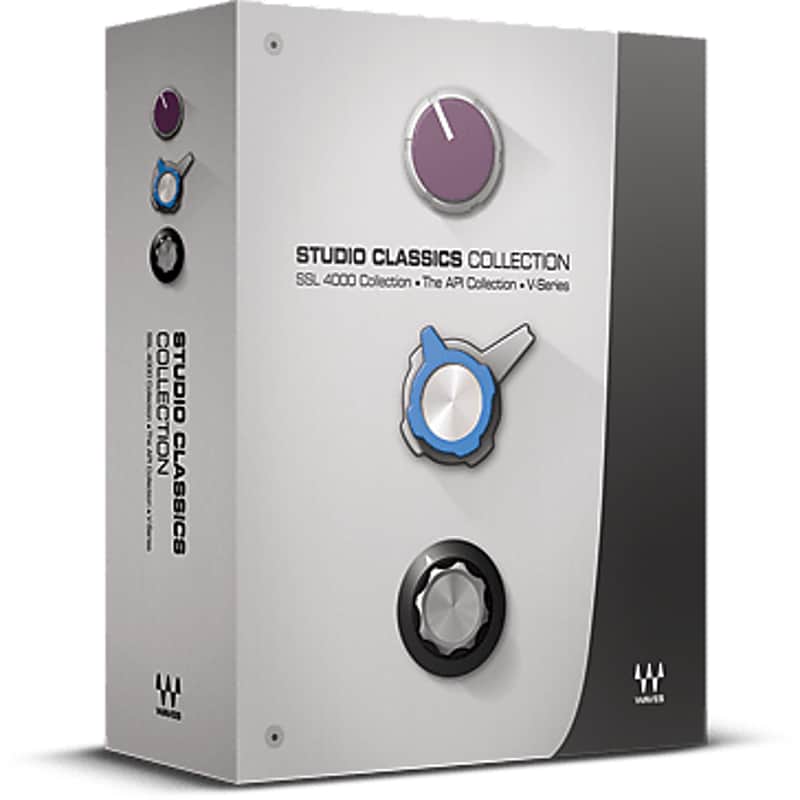
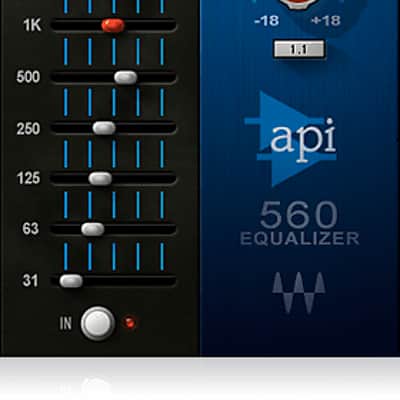
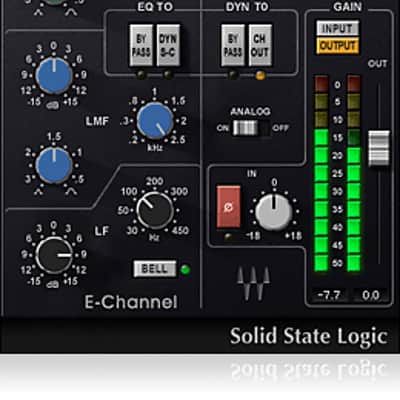
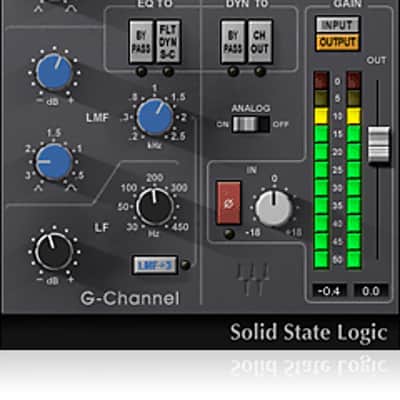
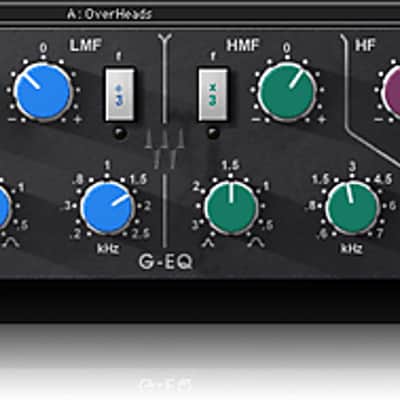
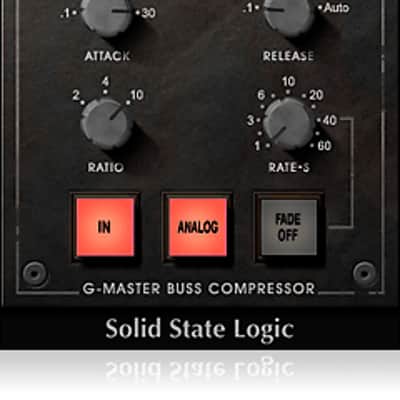
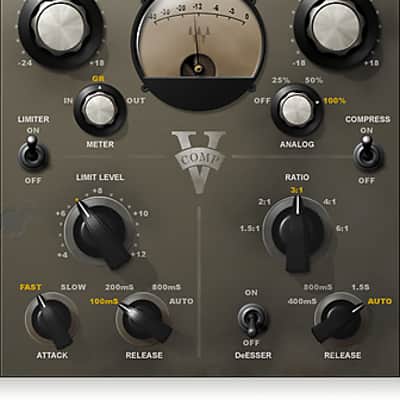
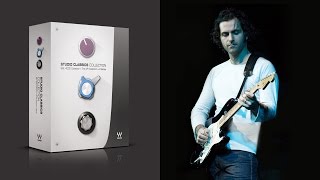
Waves Studio Classics Collection
New Price$1,699
Instant Download
This gear has sold
See similar gear from other Reverb sellers
Listed:over a month ago
Views:672
Saves:5
Offers:3

Chicago, IL, United States
Our users rate Reverb
The most respected consoles in the world - together in one collection.
What it is:
11 meticulously-modeled audio plugins.
How we use it:
Sculpt and craft a mix to perfection.
Why it's cool:
Waves revitalizes a collection of the gear that shaped music history to shape music again. When it comes to audio hardware modeling, Waves sets the standard to which others aspire. Our plugins don’t just mimic components and circuit schematics; they recreate every last nuance of actual hardware behavior.
Now, Waves has captured the most respected recording consoles in the world.
The big budget studio sound.
The consoles that made music history.
Together, in one collection.
Features:
Compatibility
Mac:
CPU
Memory
Operating System
Screen Resolution
Support for Visually Impaired Users
Windows:
CPU
Memory
Operating System
Screen Resolution
Installation Instructions
What it is:
11 meticulously-modeled audio plugins.
How we use it:
Sculpt and craft a mix to perfection.
Why it's cool:
Waves revitalizes a collection of the gear that shaped music history to shape music again. When it comes to audio hardware modeling, Waves sets the standard to which others aspire. Our plugins don’t just mimic components and circuit schematics; they recreate every last nuance of actual hardware behavior.
Now, Waves has captured the most respected recording consoles in the world.
The big budget studio sound.
The consoles that made music history.
Together, in one collection.
Features:
- 11 meticulously-modeled audio plugins
- Based on the gear that helped make recording history
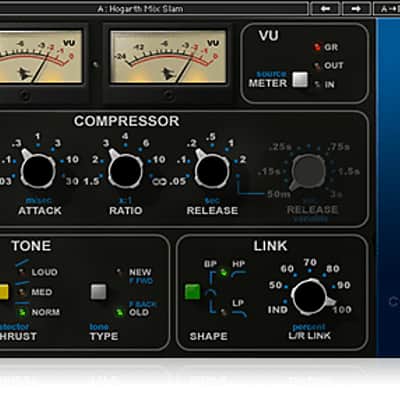
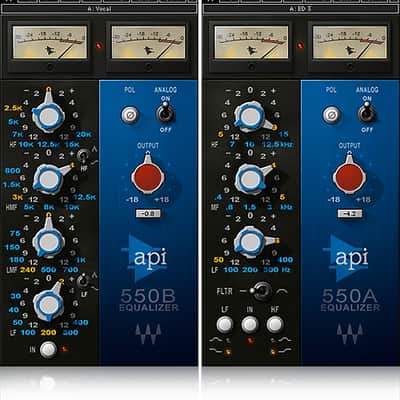
- Includes SSL 4000 Collection, V-Series and The API Collection
Compatibility
Mac:
CPU
- Intel Core i5 / i7 / Xeon
Memory
- 8 GB RAM
- 8 GB free disk space on the system drive
Operating System
- 10.10.5 - 10.12.6
Screen Resolution
- Minimum: 1024x768
- Recommended: 1280x1024 / 1600x1024
- USB displays are not supported as the primary display.
Support for Visually Impaired Users
- Mac OS Sierra 10.12.4
- VoiceOver Utility enabled
- Pro Tools 12.7
- Logic 10.3.1
Windows:
CPU
- Intel Core i3 / i5 / i7 / Xeon / AMD Quad-Core
Memory
- 4 GB RAM
- 8 GB free disk space on the system drive
Operating System
- Windows 7 with SP1 64 bit
- Windows 8.1 64 bit
- Windows 10 64 bit
Screen Resolution
- Minimum: 1024x768
- Recommended: 1280x1024 / 1600x1024
Installation Instructions
- Create an account: https://www.waves.com/create-account (if you have an account, skip this step)
- Register the serial number we emailed: https://www.waves.com/account/register
- Download and install Waves Central for Mac | Windows.
- If you already have Waves Central installed, skip to step 4. - Launch Waves Central.
- Windows: via the desktop shortcut or Start Menu > All Programs > Waves.
- Mac: Applications > Waves Central. - Log into Waves Central using your Waves account information.
- Click on Easy Install & Activate.
- Select the products you wish to install & activate on this computer.
- Click on the Install & Activate button.