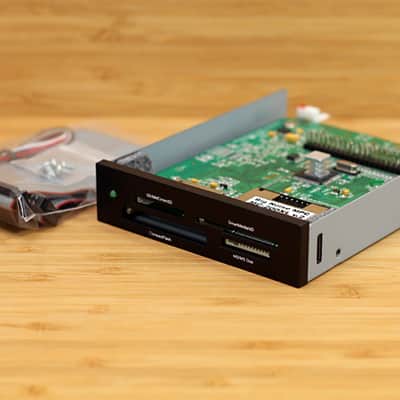
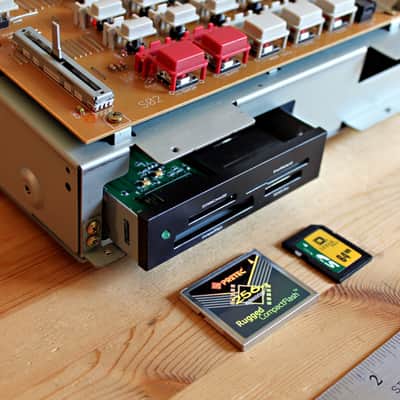
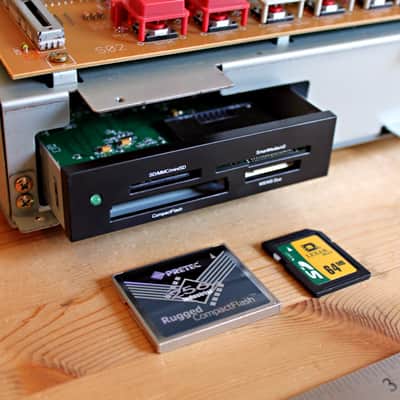
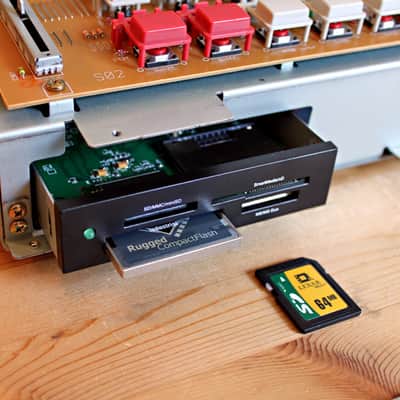
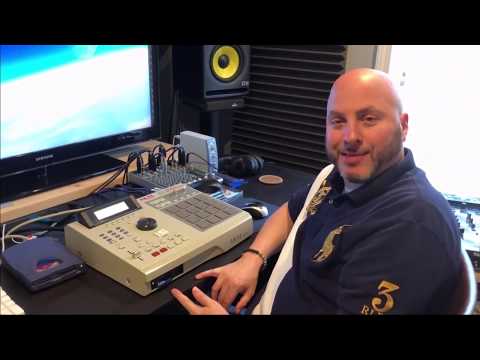
Akai MPC 2000XL ATAPI Card Reader Kit | Hot Swap Flash Drive
This listing has ended
See similar gear from other Reverb sellers
Our users rate Reverb
SD & CF Hot Swap Flash Drive v.2 | Black
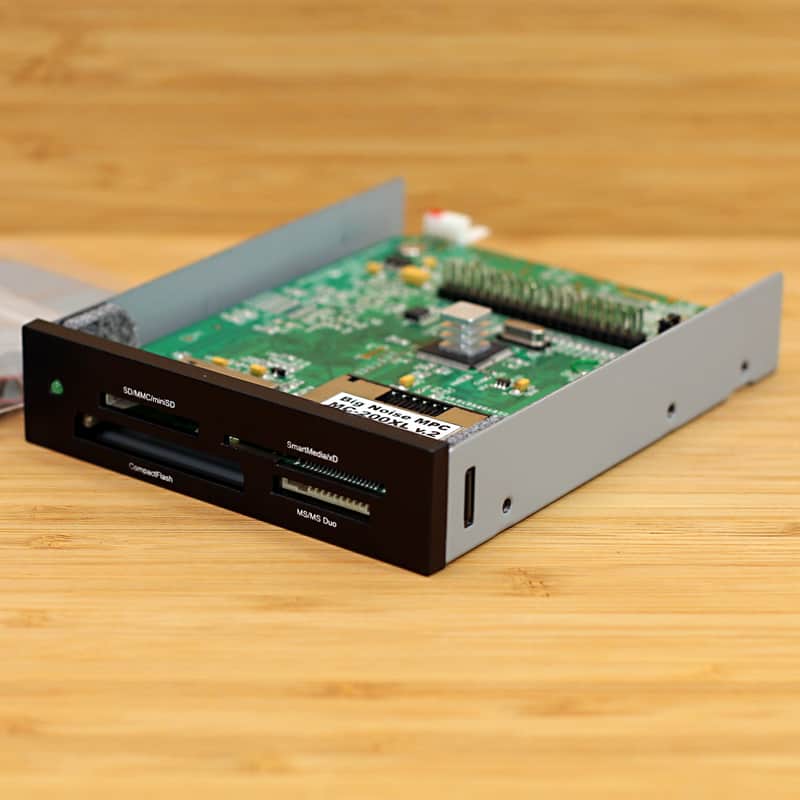
Upgrade to this SD and Compact Flash drive kit for the Akai MPC 2000XL today. Are you tired of that stack of slow floppy and zip disks? They will only last so long, eventually wearing out. You don't want to loose all your valuable music. These units are Hot Swappable, media can be inserted and removed with the MPC powered on. All media needs to be formatted to 1GB (977MB) to work with the MPC. Super easy to install, comes with MPC installation manual. All MC-2000XL units are brand new, no MPC mods required. Data cable, power cable and mounting screws included. This unit has the bottom mounting holes needed for MPC installation. This kit ONLY works with the Akai MPC 2000XL.
The MC-2000XL SD and Flash Card writer / reader kit is available in Black (limited edition) and Ivory. It allows you to move sounds from PC to MPC and back. Memory card access time is much faster then floppy and zip disk drives. Why keep your 3.5 floppy or zip drive when you can upgrade! Replace your old floppy or zip drive with this card reader kit. That's about 715 floppy disks on one fast access removable media card. Archive and save up to 977MB of all of your favorite drums, samples, sequences and songs on one media card! Older 1GB flash cards work best. 2GB, 4GB and 8GB SD or CF cards can be used. Media larger then 1GB will need to be partitioned and formatted to work with the MPC 2000XL. Instructions below.The MC-2000XL stores information on a removable memory card (SD or CF card), just as a removable disk-drive stores information on a floppy-disk or zip-disk. The MC-2000XL gives you the same features of a floppy-drive or zip-drive, but is much faster, has no moving parts that can break or wear out, compact and easy to use. This is the perfect solution for all your MPC storage needs. Load and Save samples, programs, sequences and songs using your MPC 2000 XL. We provide SD and CF Media Cards for drum machines.
PLEASE NOTE: You must install Akai MPC 2000XL OS version 1.20 before installing the drive. You can purchase the 1.20 OS Upgrade on floppy disk, or Download for FREE from our store. When you format your media with OS version 1.20 you will be able to move files between your computer and your MPC (using MAC or Windows platforms), however this Akai OS version will only recognize 1GB (977MB) of memory on your media card. These new card readers no longer support MPC 2000XL OS 1.14 due to internal firmware changes. Some SD and CF flash cards will not work with this card reader. Legacy media cards that operate at 15MB/S transfer speed usually work best. You may have to experiment to find cards that work with your unit. This is a Hot Swap MCD.
How To Partition and Format Compact Flash Cards to 1GB: Instructions for reducing the partition size of a Compact Flash (CF) or Secure Data (SD) card for use with Akai MPC 2000XL:
01. Open a command Window (Windows-> Start -> cmd). 02. Type "diskpart" A new window will open up with a “diskpart>” prompt. 03. Type "list disk". 04. Select disk n (where n is the number of your CF card). 05. Type "list volume". 06. Select volume n (where n is the number of CF card volume). 07. Type "clean all" (this completely re-formats the disk – it will take a while and appear to hang but be patient). 08. Type "create partition primary" (this gives the newly formatted CF card a partition so it can be resized). 09. Type "shrink querymax" This will tell you how much space is currently on available on your CF card. Subtract this from the file-size in MB you want for the final disk than add 1. For a 2GB disk, shrink querymax returns: “The maximum number of reclaimable bytes is: 1954MB” We want a final disk size of 1GB (977MB) so 1954 – 977 + 1 = 978. 10. Type "shrink desired" = 978 (This tells diskpart to try and shrink the disk by 978 MB). 11. Now that the disk is the right size, you can format the partition… Type "format fs=fat label=volumelabel” ("volumlabel" can be any name you want i.e. "mpcdisk"). 12. The media is now 1GB (977MB) and ready to use in the MPC 2000XL. Type "exit" to leave the command window.
MPC Compact Flash Card Troubleshooting: Compact Flash operation | mpchunter(dot)com/compact-flash-card-troubleshooting | Our card readers work with Removable or Fixed drives.
SPECIFICATIONS:
-
MC-2000XL v.2 SD & CF Card Reader Flash Drive Kit | Black Face
-
Includes Formatted SD or CF Card | Please Specify During Order
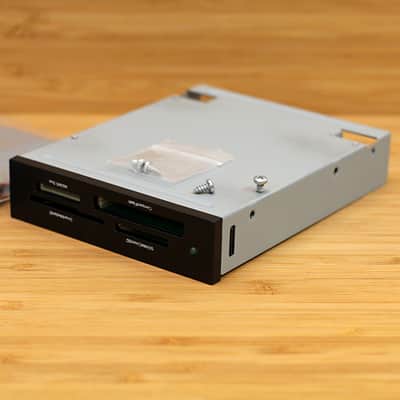
- Unit Features Bottom Mounting Holes (standard floppy drive spacing)
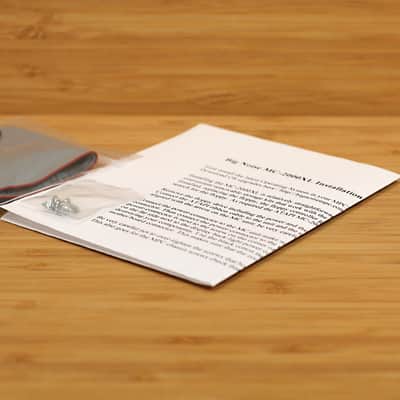
- Data Cable, Power Cable, Mounting Screws & Manual Included
- Standard Hot Swap ATAPI / IDE | Akai MPC Media Drive Interface
- Compatibility: Akai MPC 2000XL | Windows PC | Macintosh PC
- Data Transfer Rate: 43096 KB/S | Best Media Data Rate: 15 MB/S
- Removable Storage Capacity: 1GB (977MB) via Akai MPC 2000XL OS 1.20
- Media Types: Secure Digital (SD), CF-I & II, Smart Media, Memory Stick, Micro Drive & Multimedia Card
- Product Dimensions (WxDxH): 4.0" x 5.2" x 1.0"
- Product Weight: 1 Pound & 2 Ounces
| Condition | Brand New (New) Brand New items are sold by an authorized dealer or original builder and include all original packaging.Learn more |
|---|---|
| Brand |
|
| Model |
|
| Finish |
|
| Categories | |
| Year |
|
| Made In |
|
Product safety information may be available here.