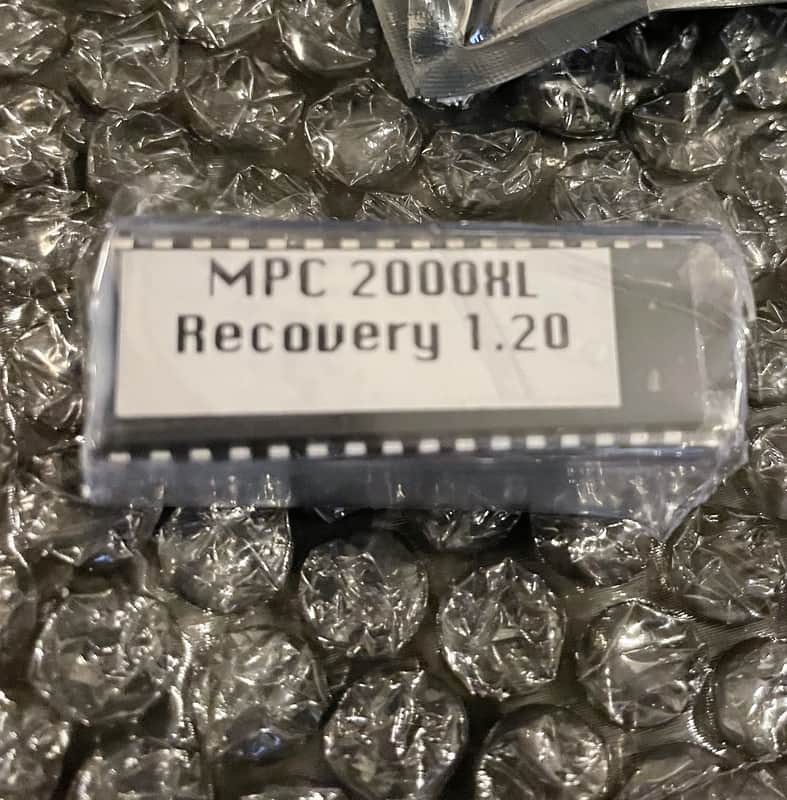
Akai MPC2000XL Recovery ROM repair your dead mpc 2000xl EPROM 1.20
Price€58.45
Incl. VAT
+ €23.65 Shipping
1
10+ in stock
Listed:over a month ago
Views:886
Saves:12
Offers:2

Portland, OR, United States
Our users rate Reverb
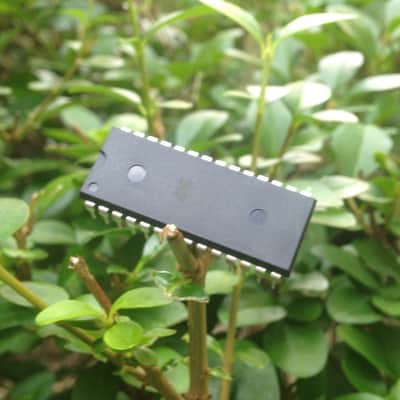
This is the very rare recovery chip that you need when your 2000xl just won’t boot. It is an original AKAI service part that reprogram the internal OS flash on the uncommon but unfortunate event the 2000xl system gets scrambled. Additionally if the flash ROM completely dies, you CAN boot the 2000xl directly from this EPROM.
3-3. Boot block recovery
3-3-1. Operating system
The MPC2000XL is designed to operate with an operating system that is held in flash ROM. If this becomes corrupt, or an operating system upgrade is needed, the contents of the flash ROM must be reprogrammed.
3-3-2. OS recovery with boot EPROM
Note: Turn the unit's power off before starting.
1) Set the JP20 jumper to the 2-3 position.
2) Insert the updated EP-ROM into the IC20 socket.
3) Set the JP30 jumper to the 2-3 position.
4) Turn the power on.
5) Press the "F5" (BOOT) button on the "DISK SAVE" screen. The "JP20 Change P-ROM gt> F-ROM" message will appear on the display.
6) According to the instructions [on screen], set the JP20 jumper to the 1-2 position.
7) Press the "F6" (GO) button. The "FROM Boot write complete!!" message will appear on the display.
8) Turn the unit's power off.
9) Return the JP30 jumper to the 1-2 position.
10) Disconnect the EP-ROM from the IC20 socket.
3-3. Boot block recovery
3-3-1. Operating system
The MPC2000XL is designed to operate with an operating system that is held in flash ROM. If this becomes corrupt, or an operating system upgrade is needed, the contents of the flash ROM must be reprogrammed.
3-3-2. OS recovery with boot EPROM
Note: Turn the unit's power off before starting.
1) Set the JP20 jumper to the 2-3 position.
2) Insert the updated EP-ROM into the IC20 socket.
3) Set the JP30 jumper to the 2-3 position.
4) Turn the power on.
5) Press the "F5" (BOOT) button on the "DISK SAVE" screen. The "JP20 Change P-ROM gt> F-ROM" message will appear on the display.
6) According to the instructions [on screen], set the JP20 jumper to the 1-2 position.
7) Press the "F6" (GO) button. The "FROM Boot write complete!!" message will appear on the display.
8) Turn the unit's power off.
9) Return the JP30 jumper to the 1-2 position.
10) Disconnect the EP-ROM from the IC20 socket.
| Condition | Brand New (New) Brand New items are sold by an authorized dealer or original builder and include all original packaging.Learn more |
|---|---|
| Brand | |
| Model |
|
Product safety information may be available here.

