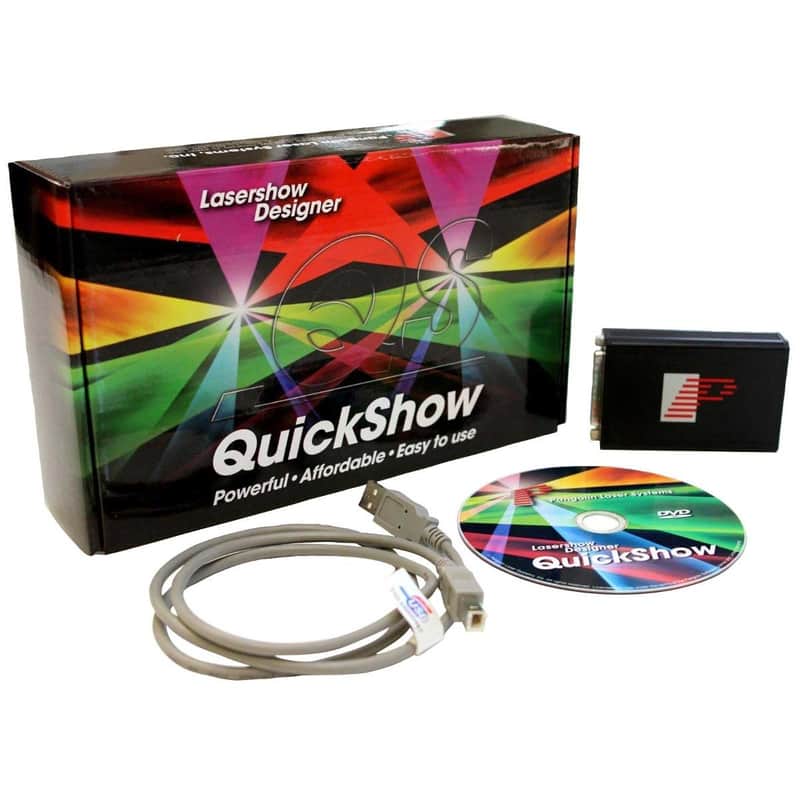
Pangolin QuickShow FB3 Laser Control Software with ILDA Interface
This seller has not set a shipping cost for Cyprus. Please contact them to ask about shipping.


30-Day Return Policy
Enjoy peace of mind with your new gear
Our users rate Reverb
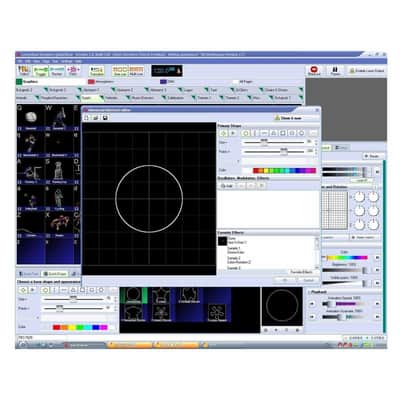
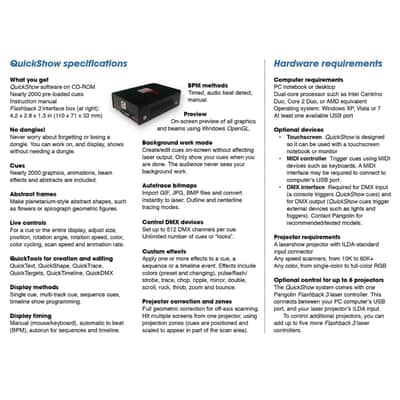
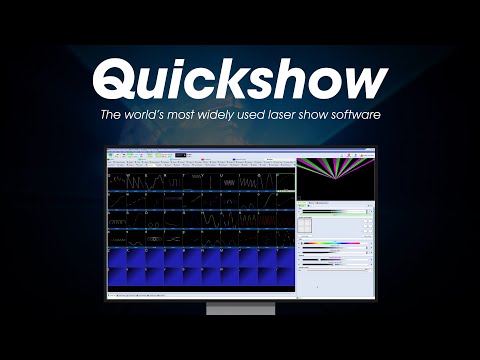
QuickShow is a complete laser control system including both the QuickShow software and FB3QS hardware. Whether you're a new to lasers or a seasoned professional, you can get amazing results in just minutes using QuickShow. The software is packed with powerful features so that you can create both "live" and pre-programmed laser shows faster and easier than ever before. If you want to create stunning laser light shows without spending a fortune, then QuickShow is the answer. QuickShow was designed to be an easy-to-use program for anyone wanting to control lasers – including beginners who have never used a laser before, as well as to the most experienced laser operators. Although ease-of-use was the guiding principal behind QuickShow, it is still quite powerful since it is based on Pangolin's new BEYOND calculation engine and it has many advanced features not found in any other product.
During the development of QuickShow, laserists of all kinds were consulted, including everyone from hobbyists playing shows in their garages, all the way up to top-level Laser DJs, including Glenn Turner of Oracle Projects and Derek Garbos of Garbos Consulting. Derek contributed hundreds of suggestions and he also created the demonstration workspace that comes with QuickShow. Unlike most of Pangolin's past developments, QuickShow uses the PC to do all of the laser calculations and processing, while output boards such as the FB3 are used only for color conversion and final laser output. Because of this, it is recommended that you use a dual-core processor (Intel Centrino Duo or Core 2 Duo or equivalent AMD) for best results. QuickShow was designed to work with a single monitor with a resolution of 1024 by 768 or higher. QuickShow will work with a lower resolution, but some of the features on the lower portion of the screen will be unavailable. QuickShow comes with nearly 2000 cues installed along with the program. However, you can also download additional shows and workspace elements for free, using the new Pangolin Cloud feature. .
Windows OS only, Macintosh can load software when running Parallels Windows Emulator.
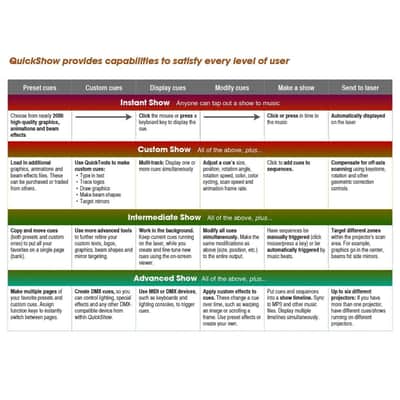
- Choose from nearly 2000 high-quality graphics, animations, and beam effects.
- Click the mouse or press a keyboard key to display a cue.
- Click or press in time to the music.
- Automatically disaplayed on the laser.
- Load in additional graphics, animations, and beam effects.
- These can be purchased or traded from others.
- Use Quick tools to make custom cues.
- Multi-track: display one or more cues simultaneously.
- Adjust a cue's size, position, rotation angle, rotation speed, color, color cycling, scan speed, and animations frame rate.
- Click to add cues to sequemces.
- Compensate for off-axis scanning using keystone, rotation, and other geometric correction controls.
- Copy and move cues to put all your favorites on a single page.
- Use more advanced tools to further refine your custom texts, logos, graphics, beam shapes, and mirror targetting.
- Work in the background.
- Keep current cues running on the lader while you create and fine-tune new cues using the on-screen viewer.
- Modify all cues simultaneously.
- Have sequences be manually triggered or automatically triggered by music beats.
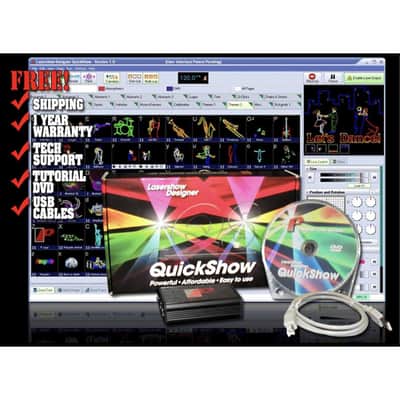
(1) Pangolin QuickShow FB3 Control Software
(1) ILDA USB Interface
(1) USB Cable
| Condition | Brand New (New) Brand New items are sold by an authorized dealer or original builder and include all original packaging.Learn more |
|---|---|
| Brand | |
| Model |
|
| Finish |
|
Product safety information may be available here.

