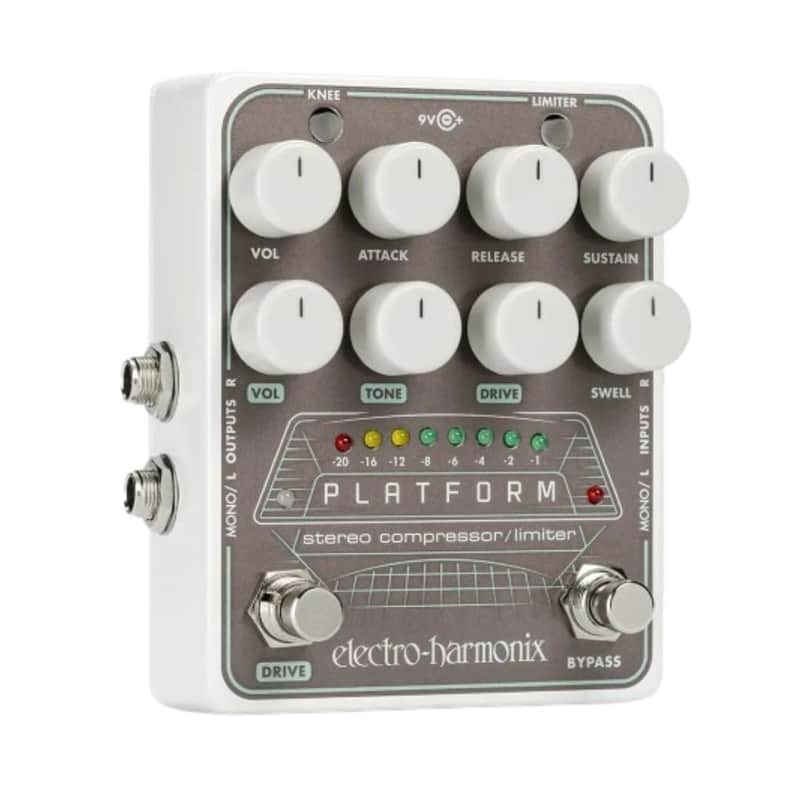
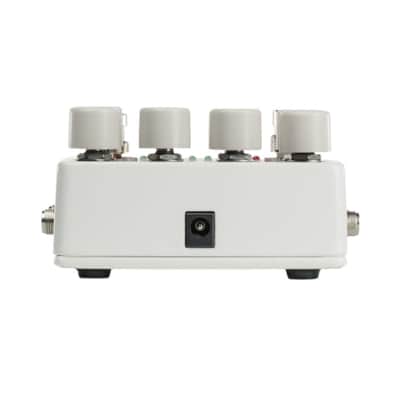
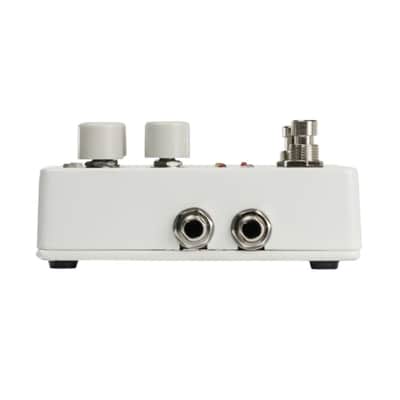
Electro-Harmonix Platform Stereo Compressor Limiter Pedal with Foot-Switchable Overdrive and Three-Color LED Compression Meter
This seller has not set a shipping cost for Bulgaria. Please contact them to ask about shipping.

Only 1 left
Grab it before it's gone


30-Day Return Policy
Enjoy peace of mind with your new gear
Our users rate Reverb
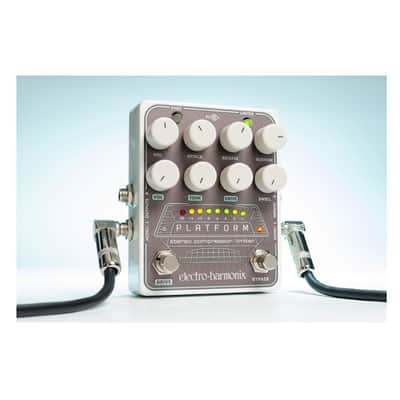
The Electro-Harmonix Platform Stereo Compressor Limiter
presents a versatile and powerful studio-quality compressor enclosed in a
stompbox-sized package. Use the Platform’s compressor limiter on any
instrument, such as guitar, bass, or keyboards, for precise and powerful
control of your signal’s volume. Engage the Drive and Swell functions to tailor
further and enhance your sound. Whether you’re on stage, in the studio, putting
together a podcast, or creating your next YouTube masterpiece, the Platform
will help you get the job done.
Features
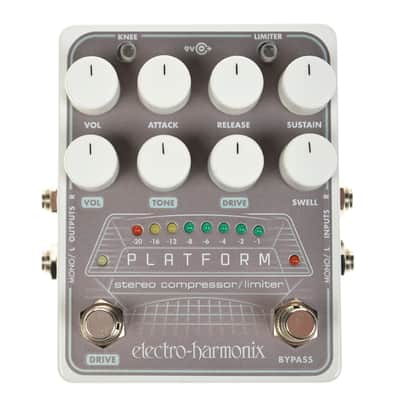
Studio-quality compressor limiter lets the user precisely tune dynamics
regardless of the instrument or situation. The compressor limiter includes a
full complement of controls: Volume, Attack, Release, and Sustain, plus
pushbuttons for Hard or Soft Knee and the Limiter. The foot-switchable
overdrive section adds versatility and includes dedicated controls for Volume,
Tone, and Drive. Together with the compressor it produces a sound that’s
saturated, smooth, and slippery. The adjustable Swell function creates bowed,
fade-in, and reverse effects. True stereo operation, can be used as Mono In and
Out, Mono In and Stereo Out, or Stereo In and Stereo Out. It features a
three-color, eight-LED compression meter that displays the compressor’s actual
gain reduction in real time. It contains a stereo-buffered bypass that’s great
for keeping your signal pristine with multiple pedal setups and long cable
runs.
Controls
The Knee button changes the compression/limiting curve to produce a compression
sound that is either more or less transparent. The limiter button engages the
limiter. The Volume Knob (Main Output Level) controls the master volume. Use
this control to balance your level between bypass and effect mode. The ATTACK
knob sets the amount of time delay before the compressor limiter is activated
once the input signal level reaches or exceeds the threshold setting. While the
compressor limiter are acting on the signal, the input may drop below the
threshold setting and cause the compressor to cease working on the signal. The
compressor does not stop working immediately, though. Rather, it gradually
stops over a period that is set by the Release knob. The Sustain knob adjusts
the compression ratio in Compressor Mode. It adjusts the threshold level in
Limiter Mode. Volume Knob (Drive Level) controls the output volume of the Drive
section. The Tone knob adjusts the frequency response of the overdrive's hi-cut
filter, allowing you to dial in the perfect overdrive tone. The Drive Knob
controls the input gain of the overdrive section. The Swell Knob adjusts fade-in
time. The Drive footswitch allows you to engage or bypass the overdrive
section. When the Drive is engaged, the white LED above the Drive footswitch
lights up. The bypass footswitch and LED let you toggle between effect mode and
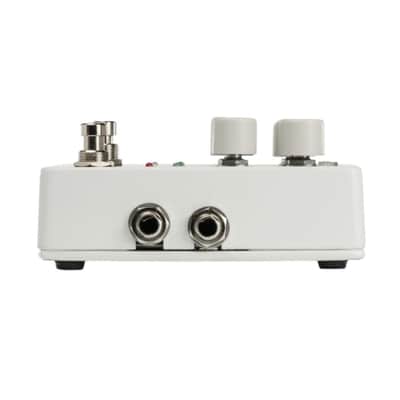
bypass. Plug your instrument output or another effects pedal into the R Input
jack. The Right output signal is sent through the R Output jack. Plug your
instrument or output from another effects pedal into the Mono or L Input jack.
The Left output signal is sent through the Mono or L Output jack.
| Condition | Brand New (New) Brand New items are sold by an authorized dealer or original builder and include all original packaging.Learn more |
|---|---|
| Brand | |
| Model |
|
| Categories |
Product safety information may be available here.

