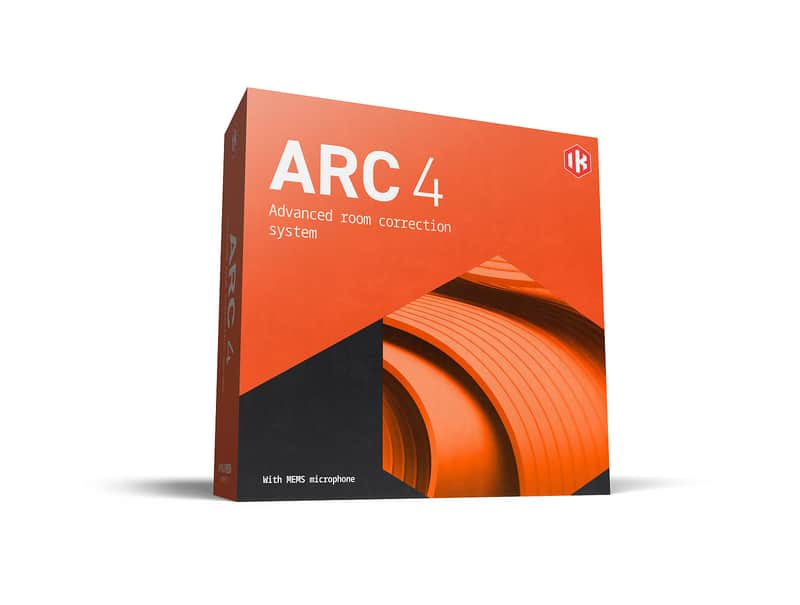
IK Multimedia ARC 4

Free Shipping
from Chicago, IL, United States

Our users rate Reverb
Next-generation acoustic correction system. Software-only
Mix faster and more confidently than ever
ARC System 4 combines analysis software and correction plug-in to improve the accuracy of your monitoring in any room. Work faster and more freely, confident you’re hearing your music itself and that your music will sound great everywhere.
With a faster, easier calibration process, breathtaking new more natural algorithm and the ability to manage profiles on ARC Studio hardware, everything about ARC 4 is designed to let you focus on your music and create audio that translates to any system effortlessly.
Key Features
• Room analysis software and correction plug-in
• Improves frequency balance and stereo imaging in any room
• Work faster and create better mixes without expensive room treatment
• Emulates the sound of top monitors and common listening devices
What’s new
• All-new more natural correction algorithm for incredible results
• Expanded virtual monitoring adds 20+ iconic studio monitors profiles
• "Quick Mode" for room processing with just 7 measurement points
• Updated graphics and user interface with dark and light mode options
• Ability to manage and switch profiles on ARC Studio hardware
Compatibility
PC - Intel® Core i5 Processor or equivalent, 4GB of RAM, Windows 10 (64 bit) or newer. Supported Plug-in formats: VST 2, VST 3, AAX. ASIO-compatible audio interface required
Mac - Apple M1 or Intel® Core i5 Processor, 4 GB of RAM, macOS® 10.15 or newer (macOS 11 or newer required for Apple Silicon Processors). Supported Plug-in formats: Audio Units, VST 2, VST 3, AAX.
Works with any audio interface with ASIO drivers, a phantom powered XLR microphone input and a pair of outputs for monitoring. 44.1kHz or 48kHz sampling rate is required for the measurement process. Select RTA microphones recommended for ideal performance
Installation Instructions
| Brand | |
|---|---|
| Model |
|
| Categories |
Product safety information may be available here.

