Kuassa Efektor WF3607 Wah Filter
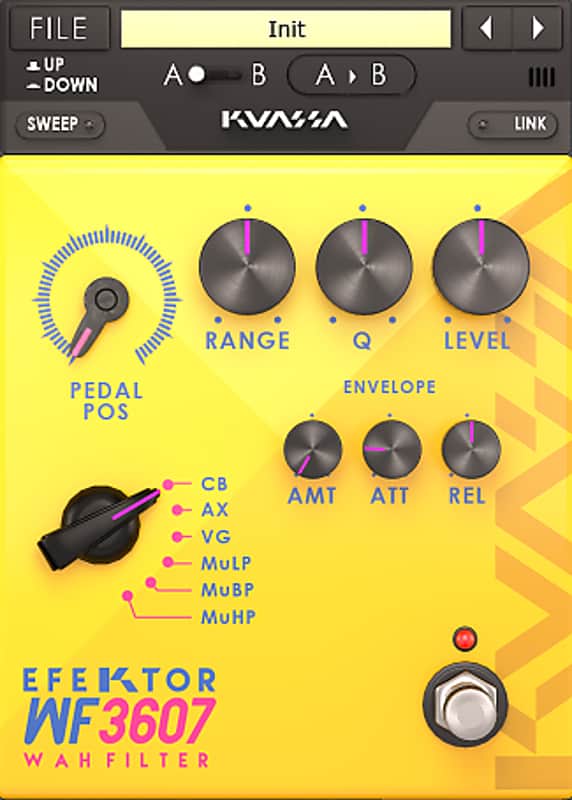
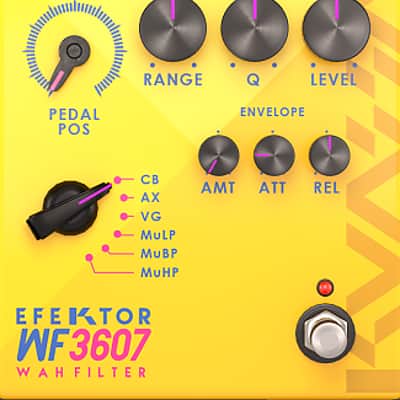
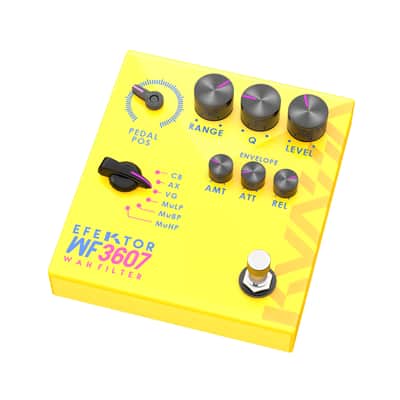

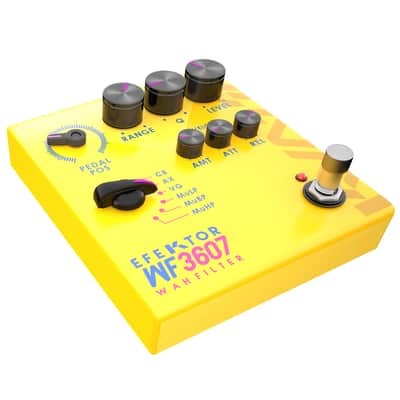
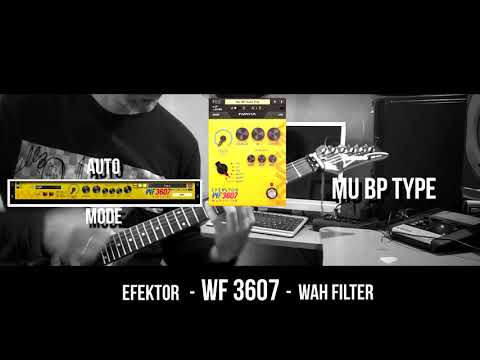
Kuassa Efektor WF3607 Wah Filter
This listing has ended
See similar gear from other Reverb sellers

Our users rate Reverb
What it is:
A multi-faceted filter plugin from Kuassa.
How we use it:
Leverage filtering ranging from classic Cry Baby to esoteric Mu-Tron.
Why it's cool:
Though housed in a stompbox-style enclosure, WF3607 packs enough modes and parameters to satisfy the needs of multiple wah and filter circuits.
Designed to mimic the “wa wa” sound from a Wah pedal. WF3607 features 6 modes of filtering effect taken from the familiar crybaby sound to synth-like filters.
WA WA WACKA WACKA WACKA WA WA
In the 1920s guitar players were fascinated by the “wa wa wa” sound made by trumpet players by opening and closing their mutes. Its filtering effect alters the resonance of the instrument and it feels to increase the expressiveness of playing.
More than 40 years later, an accidental invention resulted in a device that forever changes the sound of guitar. This pedal eventually known as the Cry Baby*. Next, in the 1970s, an aborted synthesizer project resulted in an similar “wah wah” effect, which later known as Mu-Tron* III envelope filter. These two devices revolutionized almost every genre of music as we know it today.
Select from 6 types filter modes:
- CB: Dunlop™ Cry Baby*
- AX: Vertex™ Axis Wah*
- VG: Vox™ Grey Wah*
- MuLP: Mu-Tron™ Low Pass*
- MuBP: Mu-Tron™ Band Pass*
- MuHP: Mu-Tron™ High Pass*
KEY FEATURES:
- Three types of wah and three envelope filters.
- More parameters to tweak than regular wah pedals
- Bypass button
- Stereo linking
- Plug a MIDI expression pedal for true wah-wah rocking action
Available as: VST, VST3, Audio Unit, AAX, Rack Extension
*Disclaimer: All trademarks are the property of their respective owners which are in no way associated or affiliated with Kuassa. The manufacturer names and model designations are used solely to identify the products whose tonal and sound characteristics were studied during developmen
Compatibility
Windows:
- Windows XP or Later (32/64 bit)
- Intel Pentium 4, or AMD Athlon XP or better (Core2 Duo, Athlon64, or better is recommended) with 512MB minimum RAM
- VST/VST3/AAX/RE compatible host/sequencer or Propellerhead Reason 7.1 or later.
- Mac OSX 10.5 or later (32/64 bit)
- Intel Pentium 4, or AMD Athlon XP or better (Core2 Duo or Athlon64 recommended) with 512MB minimum RAM
- VST/VST3/AU/AAX/RE compatible host/sequencer, Protools 10 or later or RE Propellerhead Reason 7.1 or later.
Installation Instructions
Redeem Instructions:
We strongly suggest for all users to register to Kuassa Member Area as described below. Your purchased product(s) and their corresponding license(s) will be available there at any time.
When purchased the plugin from Reverb:
- After completing a purchase, the reseller’s system will automatically send you a purchase receipt along with a unique 18-digit [Order ID] with format like this: ABC0000ABC-XXXX-XXXXX
- Download the correct installer for your DAW here: http://kuassa.com/downloads . We supports VST, VST3, Audio Unit and AAX (and Standalone for the Amp Sims), then make sure it runs inside your DAW.
- Visit the Member Area here: https://member.kuassa.com or through the [Support] drop-down menu from the kuassa.com main page
- To gain access, click [register] and fill all the required fields. You don’t need to provide the same credentials as the ones you entered when you do a purchase.
- After registering, our system will automatically send a confirmation email to your inbox containing an [Activation Code]. Simply click the confirmation link provided, or copy the [Activation Code] and paste to the Member Area form.
- You can sign in with the email address and password right after the [Activation Code] is successfully entered.
- Once inside the Member Area, to add your purchased plugins, click on [Register New Product] and enter your [Order ID]. Then download the [License File] which looks like this: ProductName.kuassa
- You can download the License File at any time from your Member Page by clicking on the [Download] button for related product(s).
- Use the [License File] to authorize your Kuassa plug-in using the [File] button on the top left of the plug-in’s interface, then point it to the [License File]
- Done! Visit: http://kuassa.com/redeem or e-mail [email protected] if you need assistance.
Alternative method of authorizing
If you had troubles to authorize the plugin from the DAW, you can manually authorize it by copying the license file and paste it to these folders:
Windows: “Documents/Kuassa/Licenses/”
Default full path: “C:/Users/[username]/Documents/Kuassa/Licenses/”
Mac OSX: “Music/Audio Music Apps/Kuassa/Licenses/”
Default full path: “Macintosh HD//Users/[username]/Music/Audio Music Apps/Kuassa/”
** Only for Amplifikation One
Windows: “C:\Program Files (x86)\Steinberg\Vstplugins\Kuassa\AmplifikationOne Files\”
For 64-bit users, the default location on “C:\Program Files\”
Mac OSX: “Users/[username]/Library/Application Support/Kuassa/”
By default, the User Library folder is hidden. You can access it by opening Finder, click on Go on the top menu and hold the [Option] button. A new “Library” selection will appear.