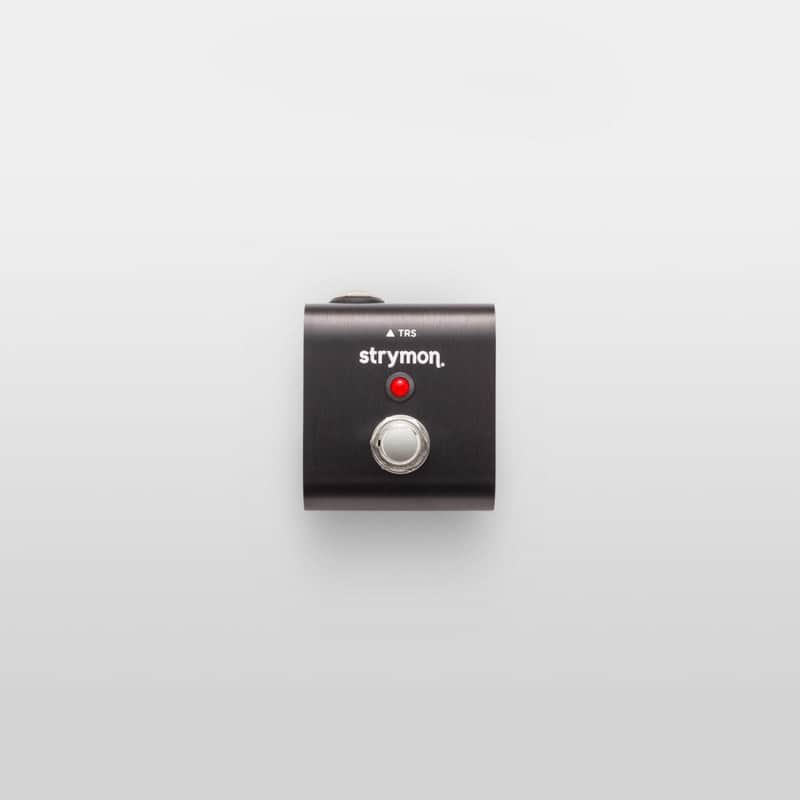
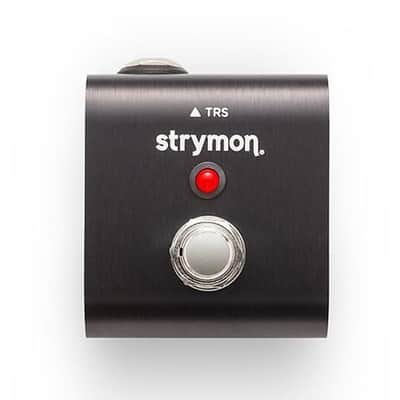
Strymon MiniSwitch Tap Tempo and Boost Switch
This seller has not set a shipping cost for Hungary. Please contact them to ask about shipping.

Our users rate Reverb
From recalling presets to tapping in tempos, MiniSwitch adds another layer of functionality to your Strymon pedals at the press of a button.
Tap TemposPlace MiniSwitch anywhere on your pedalboard and tap in your tempos remotely with ease. Perfect for large rigs or boards where pedals compete for real estate.
Recall A FavoriteWith MiniSwitch, recalling your Favorite setting is a snap. Select between your Favorite setting and the current state of the knobs on your pedal. It’s like having two presets to choose between.
Freeze And InfinitePlay a note or chord and infinitely capture and sustain Cloudburst's reverb in Freeze mode with MiniSwitch, giving you lush pads to play and experiment over.
In Infinite mode, press and hold MiniSwitch to hear reverb applied indefinitely to your entire signal for reverb trails that last forever.
Choose Your SpeedWant to remotely toggle Lex's Slow/Fast setting? MiniSwitch lets you slow down or speed up your Lex Rotary modulation speed at the press of a button.
Boost Your SignalUse MiniSwitch to engage the Boost feature within our Riverside Multistage Drive pedal. Boost your overall output signal by up to +6dB when you need to jump out in the mix.
HOW TO USE HOW TO USE1. Set MiniSwitch to Tap or Fav Mode
MiniSwitch ships in Fav mode (stays on when pressed once), used for recalling a Favorite, engaging Riverside’s boost, toggling Lex’s speed setting, or for enabling Cloudburst’s Infinite and Freeze modes without having to keep the footswitch pressed.
MiniSwitch can also be used in Tap mode (stays on only when footswitch is held). Use this mode for tap tempo, or to momentarily engage Riverside’s boost or Cloudburst’s Infinite/Freeze. To set MiniSwitch to momentary mode, unscrew the back panel using a Phillips-head screwdriver. Then locate the plastic jumper and set to Tap mode.
2. Connect MiniSwitchUse the included TRS cable to connect MiniSwitch to your desired pedal.
HOW TO USE1. Set MiniSwitch to Tap or Fav Mode
MiniSwitch ships in Fav mode (stays on when pressed once), used for recalling a Favorite, engaging Riverside’s boost, toggling Lex’s speed setting, or for enabling Cloudburst’s Infinite and Freeze modes without having to keep the footswitch pressed.
MiniSwitch can also be used in Tap mode (stays on only when footswitch is held). Use this mode for tap tempo, or to momentarily engage Riverside’s boost or Cloudburst’s Infinite/Freeze. To set MiniSwitch to momentary mode, unscrew the back panel using a Phillips-head screwdriver. Then locate the plastic jumper and set to Tap mode.
2. Connect MiniSwitchUse the included TRS cable to connect MiniSwitch to your desired pedal.
Compatability Mode Description Compatibility Tap Mode Allows you to tap in a tempo remotely for compatible pedals. BigSky, Deco V2, DIG, DIG V2, El Capistan V2, Flint, Flint V2, Lex V2, Mobius, TimeLine, Volante, Zelzah Favorite Mode Provides access to a Favorite setting. Remotely toggles between Favorite setting and regular setting for pedals with an onboard Favorite switch. blueSky V2, Brigadier, Cloudburst, Compadre, Deco, Deco V2, DIG, DIG V2, El Capistan, El Capistan V2, Flint, Flint V2, Iridium, Lex, Lex V2, Riverside, Sunset, Zelzah Boost Mode Adds up to a +6dB boost to Riverside. Riverside Freeze/Infinite Mode Engages Cloudburst's Freeze/Infinite functionality. Cloudburst 2. Configure Your PedalSet your pedal’s EXP jack to whatever functionality you’d like MiniSwitch to control. Refer to each pedal’s user manual for specific instructions. Once you’ve done that, you’re good to go!
| Condition | Brand New (New) Brand New items are sold by an authorized dealer or original builder and include all original packaging.Learn more |
|---|---|
| Brand | |
| Model |
|
| Categories |
Product safety information may be available here.

