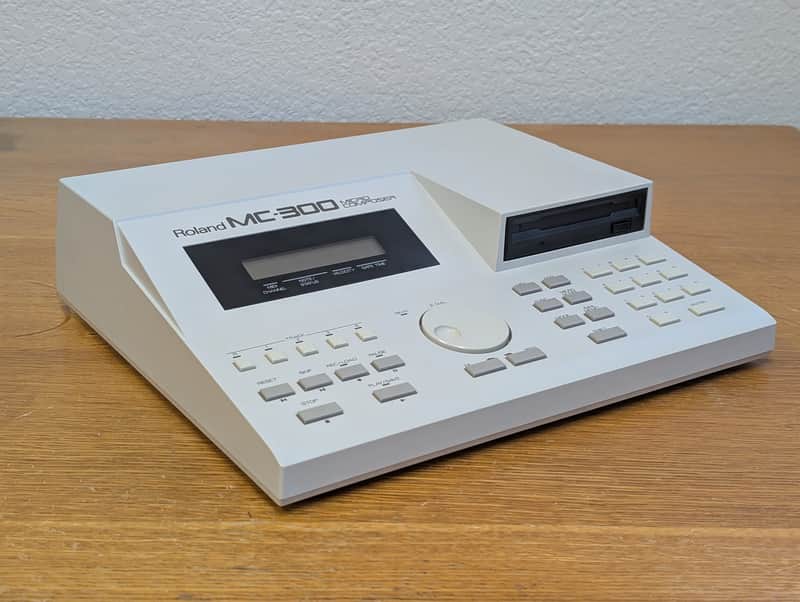
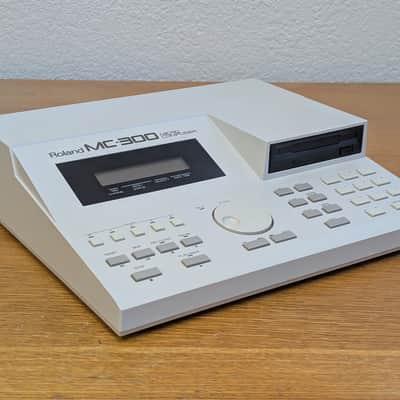
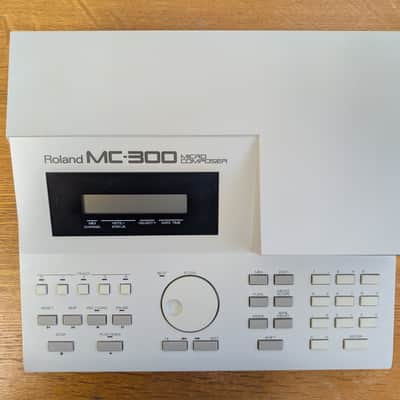
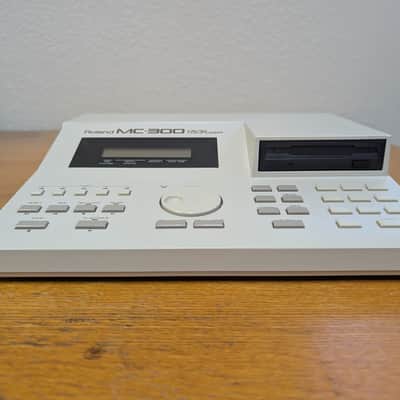
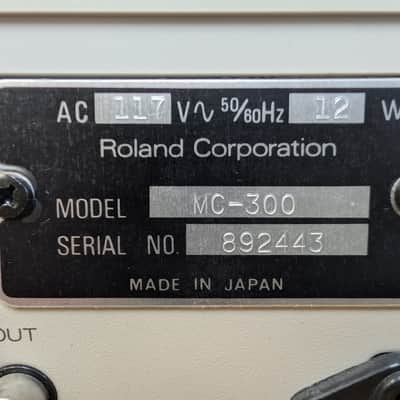
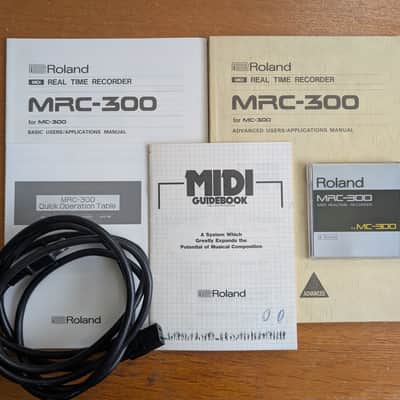
Roland MC-300 Micro Composer
This seller has not set a shipping cost for Finland. Please contact them to ask about shipping.


Our users rate Reverb
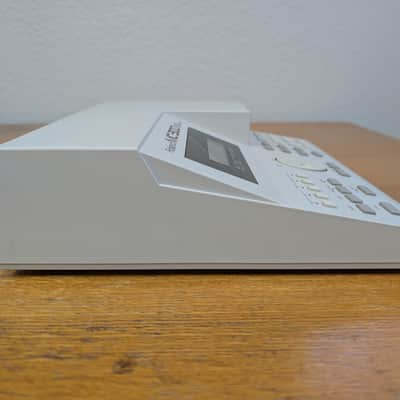
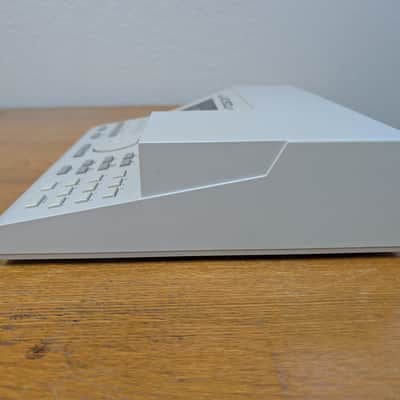
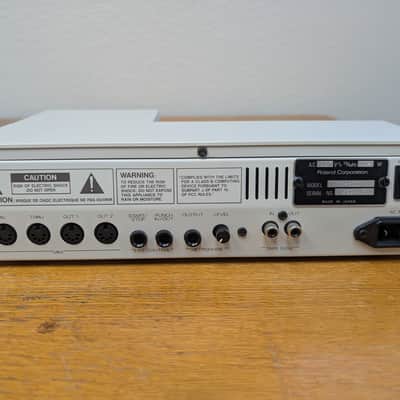
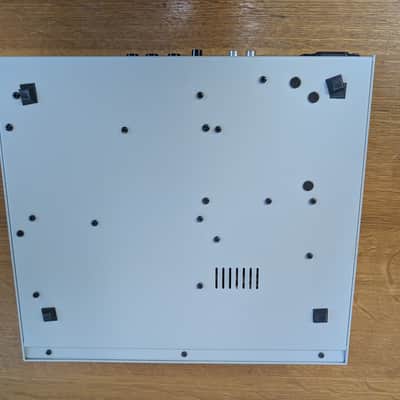
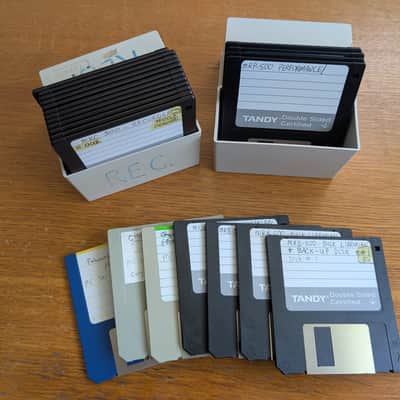
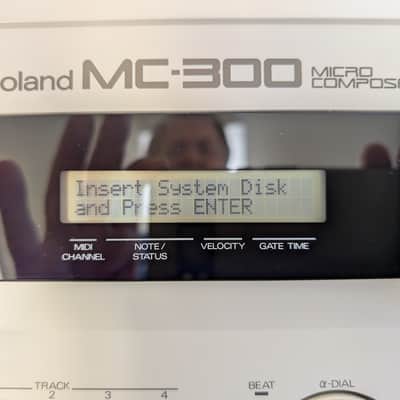
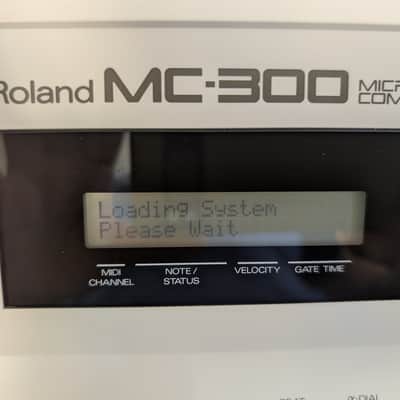
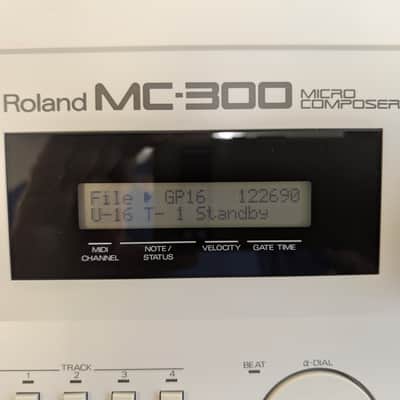
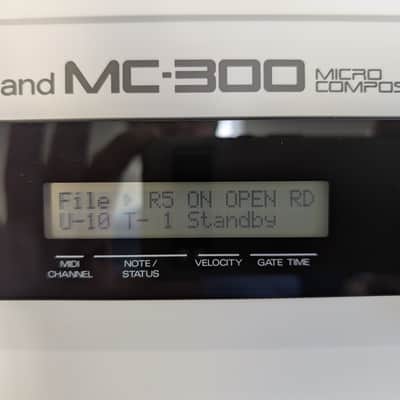
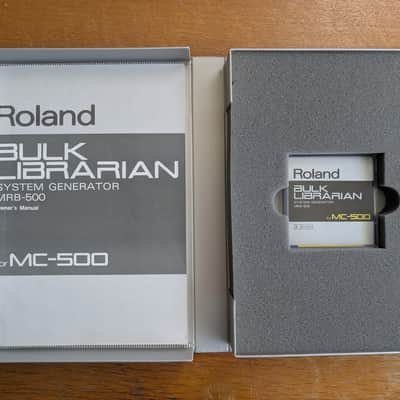
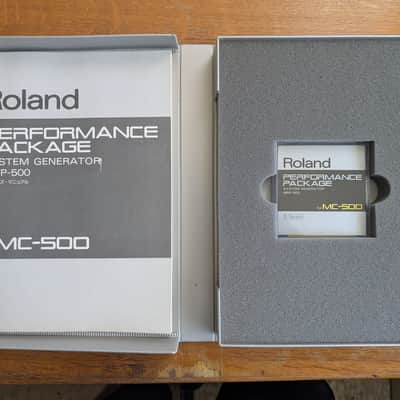
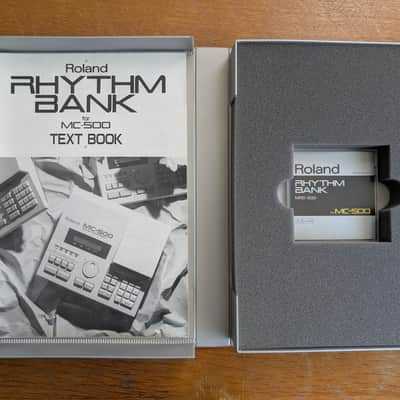
I used this for one studio project in 1990 and has been stored in a climate controlled area ever since so it had very little use. I turned on the unit and got the Bulk Librarian disk loaded (so it does work) however the other disks had errors. This is typical for floppy disks that are nearly 40 years old. In the pictures, there are 7 disks spread out in the bottom of the photo. Those are the 7 disks that loaded the Bulk Librarian at the time of this listing. Disks included are in "as is" condition but the MC-300 itself seems perfect.
You can download the system file from Roland. Do a Google search for "roland mc-300 software download".
You can make a system floppy disk from this file. If using physical floppy disks, use a Double Density (DD) 3.5" floppy disk. High Density (HD) disks will not format correctly. Since you cannot simply copy the file directly to a floppy disk, you will need a specific floppy disk imaging program (such as "rawrite" or "disk imagemager") to write the .out or .sdisk image to the 3.5-inch floppy disk.
You can also consider a USB floppy disk emulator. You could buy a pre-configured plug-and-play floppy emulator kit (I've seen some on Reverb) or if are you comfortable buying a generic Gotek drive and flashing the firmware yourself, you could save money. Here's one that sold but an example:
https://reverb.com/item/26550863-floppy-drive-emulator-usb-for-roland-mc300-mc500-incl-900-disk-library-for-mc-300-mc-500
| Listed | 3 days ago |
|---|---|
| Condition | Excellent (Used) Excellent items are almost entirely free from blemishes and other visual defects and have been played or used with the utmost care.Learn more |
| Brand | |
| Model |
|
| Categories | |
| Year |
|
| Made In |
|
Product safety information may be available here.

