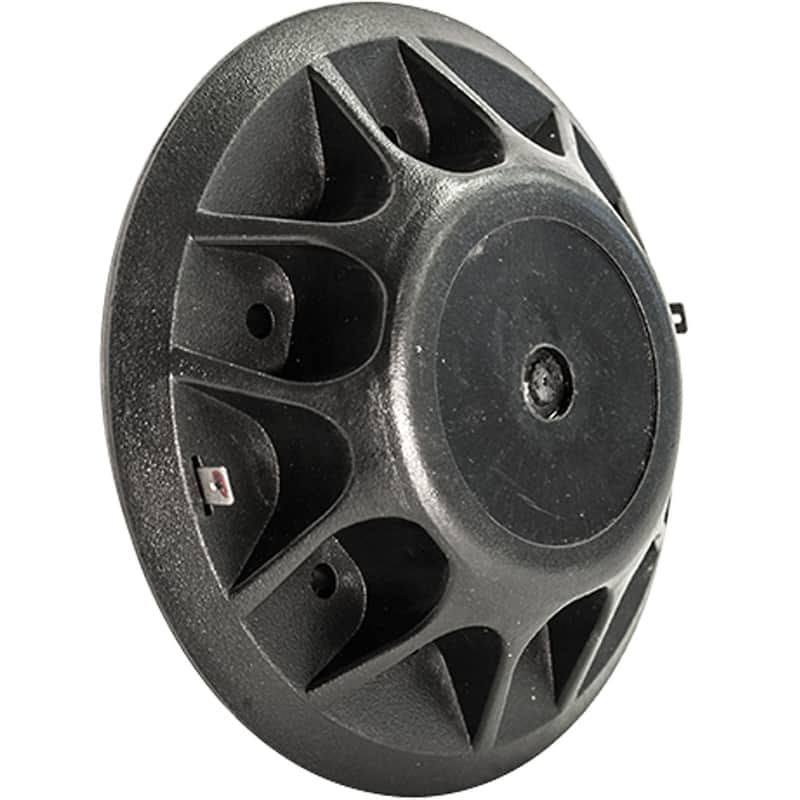
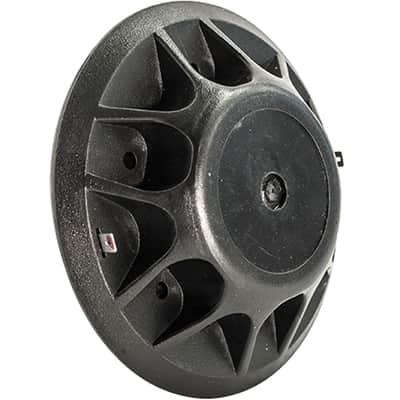
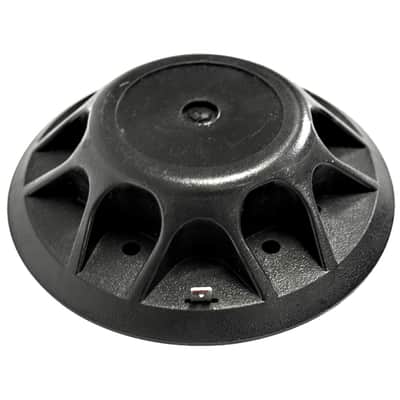
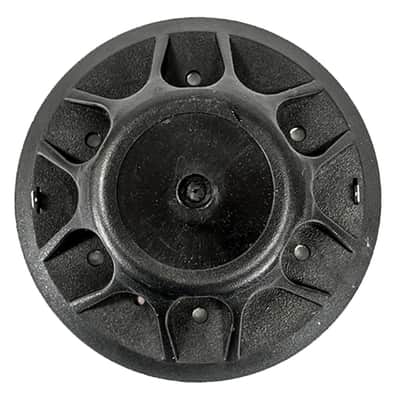
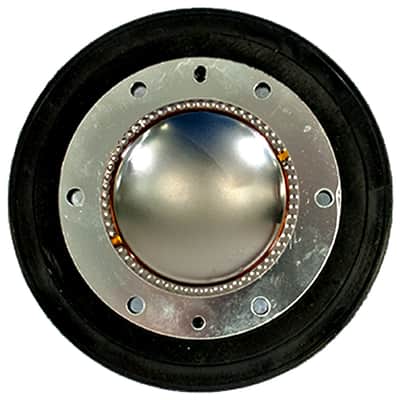
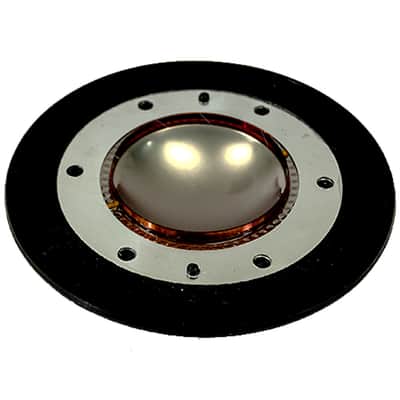
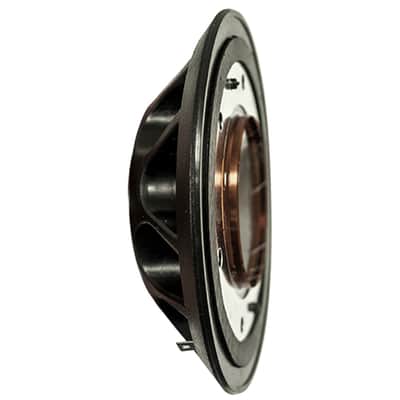
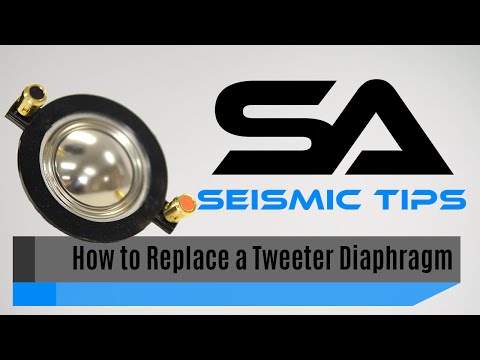
8 Ohm Replacement Diaphragm - Compatible with Peavey 22XT, RX22, 22A, 22T, 2200
This seller has not set a shipping cost for Romania. Please contact them to ask about shipping.


14-Day Return Policy
Enjoy peace of mind with your new gear
Our users rate Reverb
When your Peavey 22XT horn driver starts crackling or cutting out mid-set, you don't need to replace the entire driver assembly. The SA-DR1 titanium diaphragm gets your PA back online for a fraction of the cost of a new driver. This is the same repair shops do when they "rebuild" your drivers — except you're doing it yourself and saving the markup.
This 8-ohm titanium diaphragm works across the entire Peavey 22 series family: 22XT, 22XT+, 22XTRD, 22T, 22A, and 2200 drivers. If you've got Peavey SP series, PR series, or other PA cabinets from the last couple decades, there's a good chance you've got one of these drivers inside. The titanium construction matches the original Peavey specs, so you'll get the same crisp high-frequency response you had when the system was new.
Installation requires basic soldering skills to connect the spade terminals to your driver's voice coil leads. It's not complicated, but you'll need a soldering iron and about 30-45 minutes per driver. The lightweight diaphragm (just 0.19 pounds) comes with quick-disconnect spade connectors and all the hardware you need.
If you're running sound for a venue, touring with a band, or maintaining a church system, keeping spare diaphragms on hand prevents that sinking feeling when a driver fails right before showtime. Mobile DJs especially benefit from stocking these — nothing ruins a wedding reception like dead tweeters.
Bottom line: This is a straightforward repair part that restores full performance to your Peavey drivers without the cost of complete replacement units.
Pro Tip: If you're replacing one diaphragm, replace both in a stereo pair — they've both experienced the same wear and abuse, so the other one isn't far behind.
Technical Specifications
- Model: SA-DR1
- Impedance: 8 Ohms
- Construction: Titanium diaphragm
- Connectors: Quick disconnect spade connectors
- Weight: 0.19 lbs
- Compatibility: Peavey 22XT, 22XT+, 22XTRD, 22T, 22A, 2200 drivers
- Contents: Replacement diaphragm for horn driver
- Warranty: One Year
- Recommended For: Peavey 22 series driver repair and maintenance
Frequently Asked Questions
How do I know if my Peavey driver needs a new diaphragm?
You'll hear harsh or distorted highs, crackling sounds at normal volumes, or complete loss of high-frequency output. If your horn sounds muffled or cuts in and out intermittently, the diaphragm is likely toast. Sometimes you'll get lucky and it's just a loose connection, but usually crackling means the diaphragm is torn or damaged.
What tools do I need to install this diaphragm?
You'll need basic hand tools to pull the driver from the cabinet and a soldering iron to connect the spade terminals. Most installations require removing screws around the driver, disconnecting the old diaphragm, and soldering the new leads to the voice coil connections. Plan on 30-45 minutes per driver if you're not rushing.
Will this work in my Peavey SP2 or PR15 speakers?
Check your driver model number first — if it's a 22 series driver (22XT, 22T, etc.), then yes. Many Peavey PA cabinets from the SP series, PR series, and other professional lines use these drivers, but some use different models. The driver model is usually printed on the magnet or frame.
Should I replace both diaphragms in a stereo pair?
Absolutely. If one failed, the other has been running under the same conditions and isn't far behind. Replacing both ensures matched performance and prevents you from doing this repair again in a few months when the second one goes.
| Condition | Brand New (New) Brand New items are sold by an authorized dealer or original builder and include all original packaging.Learn more |
|---|---|
| Brand | |
| Model |
|
| Finish |
|
| Categories | |
| Year |
|
Product safety information may be available here.

