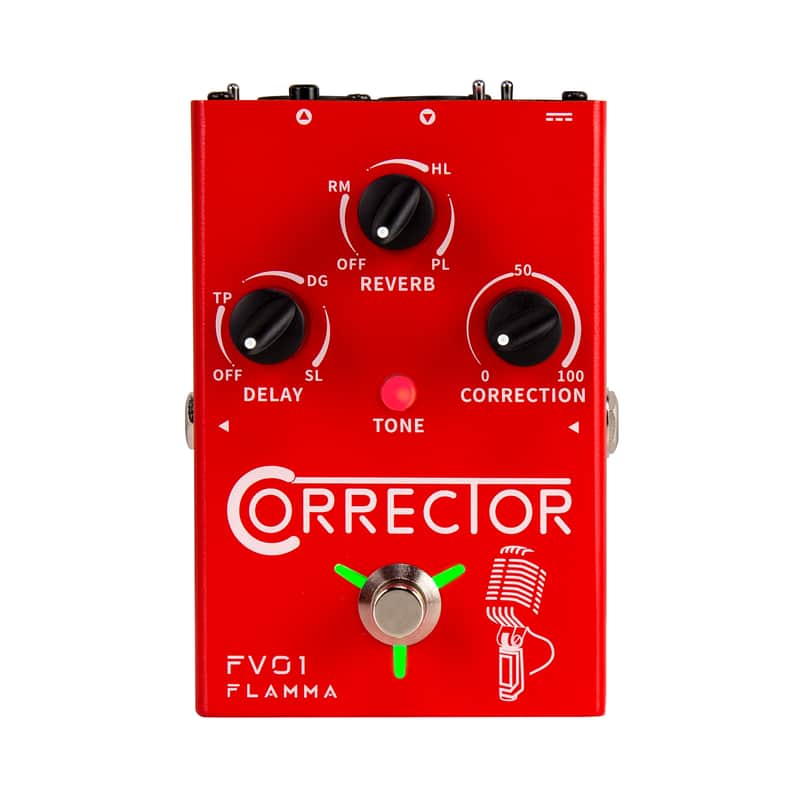
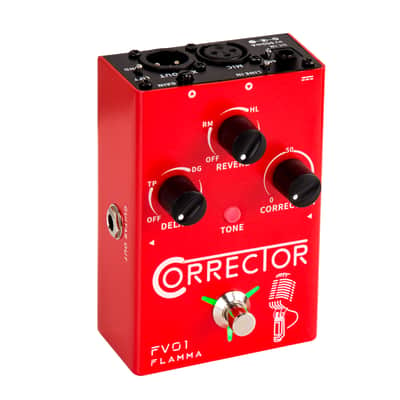

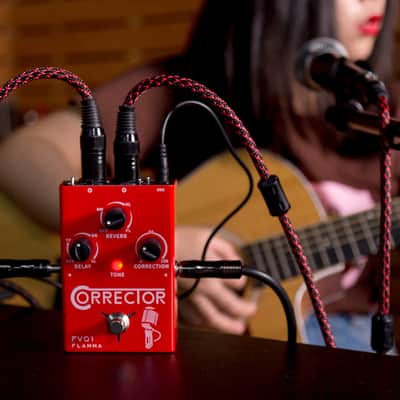

Flamma FV01 Vocal Effects Processor Pitch Correction with Delay Reverb Effects,price include the import duty for US buyer

Free Shipping
from Shenzhen, China


Our users rate Reverb
Features
●Precise pitch correction effect for clean, even tone.
●High-quality delay and reverb specifically designed for vocal performance.
●Built-in TAP TEMPO feature to set the timing of delay effects.
●Three unique vocal tone settings to choose from.
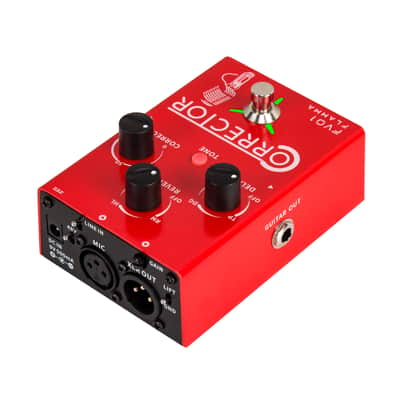
●Guitar in/out with individual guitar reverb effect.
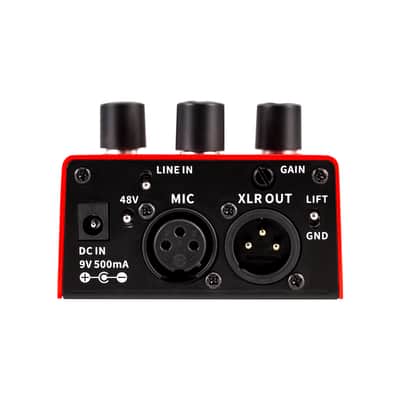
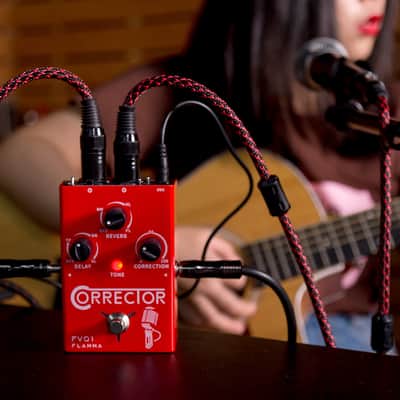
●Can be used as a microphone amplifier or a traditional stompbox
●Two different output modes for mixed signal or individual signal from guitar and microphone.
●Optional 48V phantom power for condenser microphones.
Three Vocal TONE Mode
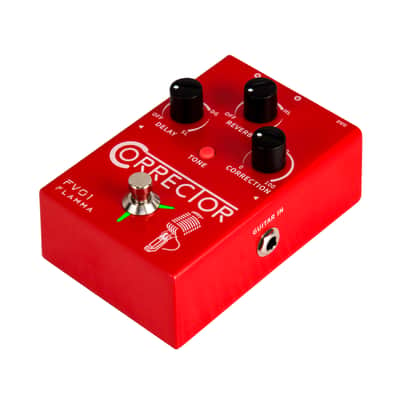
Press TONE button to switch between three different vocal modes. The color of the LED button indicates the currently selected mode.
LED off indicates normal mode. Red LED for WARM mode, and Blue LED for BRIGHT mode
Reverb Effects
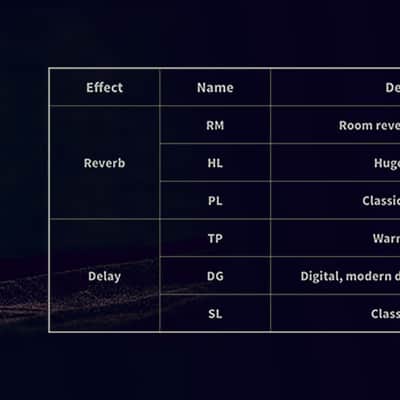
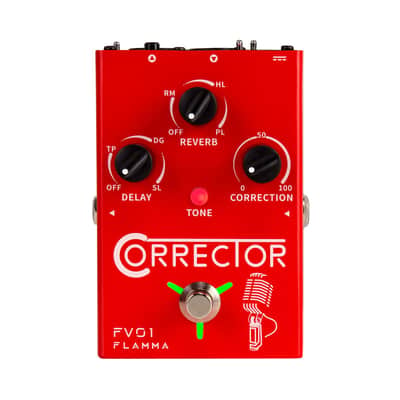
•FV01 has three different classic reverb effects. The volume level of each reverb effect can be adjusted by rotating the REVERB knob.
(Reverb type: RM for Room reverb, HL for Hall reverb, and PL for Plate reverb.)
•The Hidden Mode can be accessed by press and hold the footswitch. Reverb of GUITAR can be adjusted in the hidden menu.
Delay Effects
The FV01 has three different delay effects. The volume level of the selected delay can be adjusted by rotating the DELAY knob. The Hidden Mode can be accessed by press and hold the footswitch. In the Hidden Mode, The delay time can be controlled using the tap tempo function.(Delay Type: TP for tape delay, DG for digital delay, and SL for slap delay.)
Output Modes
•The FV01 supports two different output modes.
Individual mode: The guitar signal will only go from GUITAR OUT and the microphone signal will only go from XLR OUT.
Mixed mode: The guitar and microphone signal will be mixed and the mixed signal will go out from both the GUITAR OUT and XLR OUT.
•Change output mode: Power off the FV01. Press and hold the footswitch while powering on the FV01. The color of the footswitch LED will indicate the current mode. Blinking Blue light denotes individual mode while a blinking RED light indicates mixed mode.
Line in
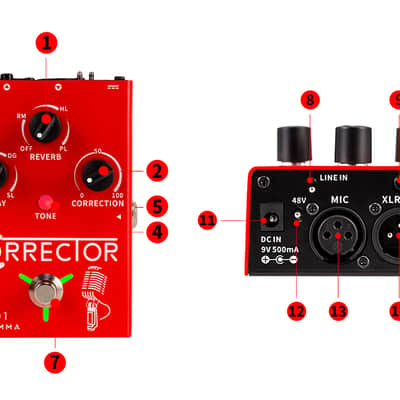
Press to turn the line in function on/off. When line in is ON, FV01 can be used as a microphone amplifier for the microphone in MIC IN. Alternatively, it can also be used as a traditional stompbox.
Footswitch
•Press to turn on Vocal TONE Mode Correction, Reverb, Delay effect. The footswitch LED will stay green. Press again to turn off the Correction. The footswitch LEDwill turn red
•If you want to turn off the Vocal TONE Mode Correction, Delay, or Reverb effects, please press the footswitch twice quickly when effects are on. The footswitch will turn off to indicate all the effects are off.
Package Included
1x FV01 Vocal Pitch Correction Pedal
This item is sold As-Described
This item is sold As-Described and cannot be returned unless it arrives in a condition different from how it was described or photographed. Items must be returned in original, as-shipped condition with all original packaging.Learn More.
| Condition | Brand New (New) Brand New items are sold by an authorized dealer or original builder and include all original packaging.Learn more |
|---|---|
| Brand | |
| Model |
|
| Categories | |
| Made In |
|
| Color Family |
|
| Pedal Format |
|
Product safety information may be available here.

