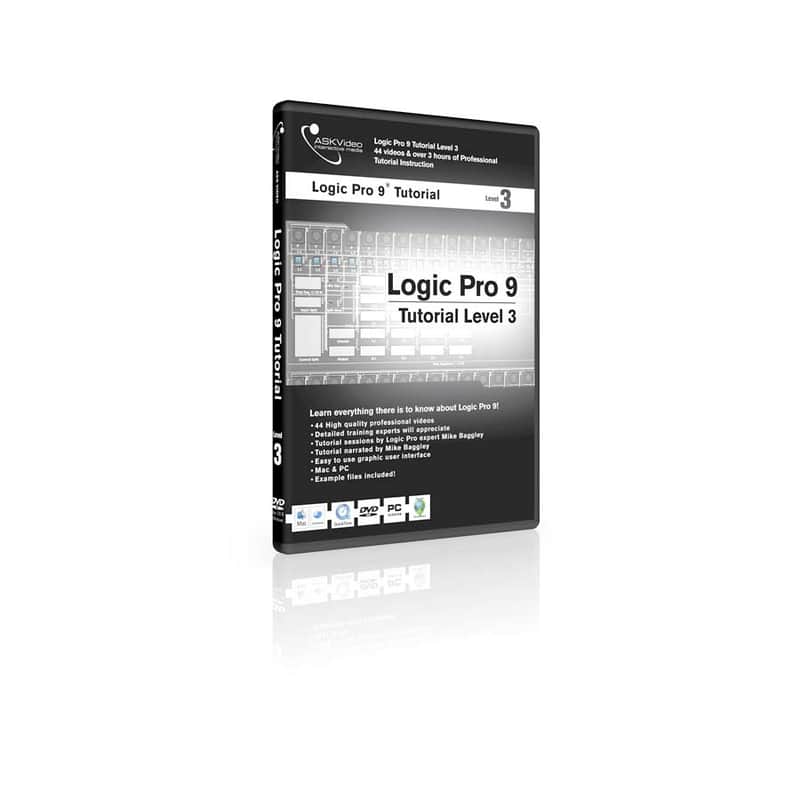
Ask Video Logic Pro 9 Tutorial Level 3 Tutorial DVD
This seller has not set a shipping cost for Portugal. Please contact them to ask about shipping.
Price€33.68
Incl. VAT
+ Shipping

Only 1 left
Grab it before it's gone
Listed:over a month ago
Views:31
Saves:1

Pennsauken, NJ, United States
Our users rate Reverb
Logic Pro is back with a vengeance, with all new instruments and effects and the incredibly impressive Flex tool. If you're feeling overwhelmed by Logic, this tutorial series is perfect for you!
In Level 3 of this 3 part series we're going to finish our look at Logic by making sure you've seen all it has to offer. We're even going to take a look at something Apple doesn't want you to know about... the Environment! We're going to be jumping through advanced topics so make sure you've seen Levels 1 and 2 if you're not already up to speed on the basics. We're going to cover items like the Transform Window, External MIDI Instruments, Surround, and even working with video. Plus, we'll talk a look at some of Logic's best plug-ins.
Apple Logic Pro makes it easier than ever to translate your ideas into music. This tutorial will guide you through the basics of using this powerful software.
- 44 Videos
- Over 3.5 hours of instructional video
- Extremely high quality tutorial videos
- Easy to use interface
- Great for users of Logic Pro or Logic Express.
- Mac OSX Logic Pro 9 Tutorial Level 3 Content:
- Transform Window 1
- Transform Window 2
- Multi-out Instruments
- External MIDI Instruments 1
- External MIDI Instruments 2
- Track Automation 1
- Track Automation 2
- Bouncing 1
- Bouncing 2
- Monitor Mixes
- ReWire
- Advanced Editing
- Time Stretching - example video
- Beat Slicing
- Creating Apple Loops
- Split Stereo Files
- Recycle Files
- Binaural Panner
- Surround Audio 1
- Surround Audio 2
- Surround Bounce
- Using External Effects - example video
- Audio Units Plug-ins
- Tempo Operations
- Tempo Interpreter
- Tempo List
- Global Tuning
- Score Editor 1
- Score Editor 2
- Score Editor 3
- Environment: Intro
- Environment: Faders
- Environment: Transformers - example video
- Environment: Integration
- Project Export
- Video Track
- Synchronization
- Control Surfaces
- Sharing Settings - example video
- TDM/HD Support
- Sculpture
- Ultrabeat
- Delay Designer
- Space Designer System Compatibility:
- This product requires QuickTime for video playback. DVD-Rom drive required for Mac/PC DVD-ROM. Internet product registration required. Minimum screen resolution for DVD-ROM 1024 x 768. Internet connection for Downloadable tutorial and internet product authorization required - up to 3 computers. Authorization and De-Authorization permitted to allow moving tutorial to different computers.
- PC: Windows XP Home or Professional, Intel Pentium or AMD Athlon 800 MHz or faster, 256 MB RAM. Windows MME or DirectSound Sound Card.
- MAC: Requires Mac OS X v10.2 or higher, Power Mac G4 867 MHz, 256 MB RAM, Sound Card.
MPN: LOG9L3
| Condition | Brand New (New) Brand New items are sold by an authorized dealer or original builder and include all original packaging.Learn more |
|---|---|
| Brand | |
| Model |
|
| Categories |
Product safety information may be available here.

