Red Panda Remote 4


30-Day Return Policy
Enjoy peace of mind with your new gear
Our users rate Reverb
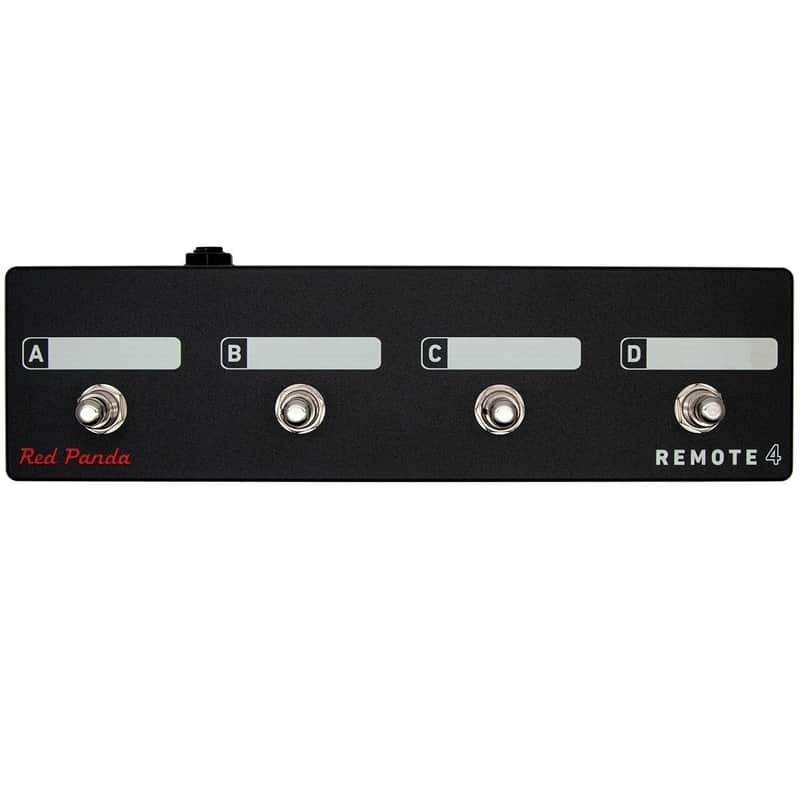
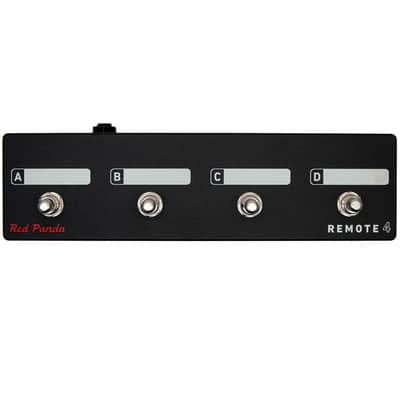
Remote switch with 4 modes to access presets and pedal functions. Scribble strips above each switch can be labeled with a Sharpie and erased using isopropyl alcohol.
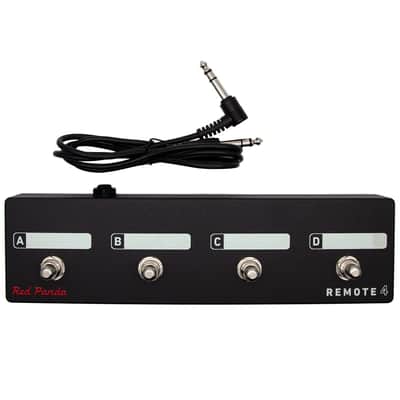
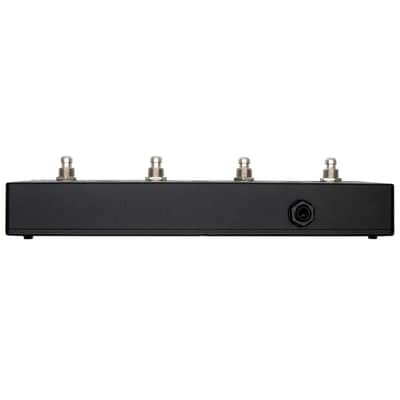
Connects to our pedals via a 1/4" TRS cable (included). The Remote 4 does not require power.
Size: 10" x 2.75" x 2.25" high
Bitmap 2 Remote switch modes Mode Switch Function 1 A Preset 1 (hold to save) B Preset 2 (hold to save) C Preset 3 (hold to save) D Preset 4 (hold to save) 2 A Next preset B Bypass / on C LFO hold D Tap Context 2 Remote switch modes Mode Switch Function 1 A Preset 1 (hold to save) B Preset 2 (hold to save) C Preset 3 (hold to save) D Preset 4 (hold to save) 2 A Preset footswitch B Right footswitch C Reverb hold (latching) D Tap tempo 3 A Dry kill (momentary) B Delay kill (momentary) C Reverb sustain (momentary) D Reverb damping (momentary) Particle 2 Remote switch modes Mode Switch Function 1 A Preset 1 (hold to save) B Preset 2 (hold to save) C Preset 3 (hold to save) D Preset 4 (hold to save) 2 A Left footswitch B Right footswitch C Preset down D Preset up Raster 2 Remote switch modes Mode Switch Function 1 A Preset 1 (hold to save) B Preset 2 (hold to save) C Preset 3 (hold to save) D Preset 4 (hold to save) 2 A Left footswitch B Right footswitch C Preset down D Preset up Tensor Remote switch modes Mode Switch Function 1 A Preset 1 (hold to save) B Preset 2 (hold to save) C Preset 3 (hold to save) D Preset 4 (hold to save) 2 A Left footswitch B Right footswitch C Preset 1 (hold to save) D Preset 2 (hold to save) 3 A Record / Overdub B Play / Stop C Play Once D Toggle TIME & PITCH (tap) Toggle SPEED (double tap) 4 A Toggle SPEED knob B Toggle TIME knob C Toggle PITCH knob D Toggle RAND knob Tensor Loop Sampler (Remote Mode 3)Mode 3 is designed to use the Tensor as a loop sampler with live loop manipulation. Switches A-C control loop record, overdub, play, and retrigger functions. Switch 4 toggles between the current knob settings and the default (normal playback settings). For example, you can set SPEED to reverse and PITCH to -1 octave for instant access to reverse and half-speed effects. See the user's manual for complete details.
Configuring the Remote Switch (all pedals):-
Start with the pedal powered on and nothing plugged into the CTRL port.
-
Hold the right footswitch while plugging in the remote switch. The right LED will blink yellow 3 times
to indicate it is in CTRL configuration mode. You can release the right footswitch and begin configu-
ration immediately.
-
Press one of the buttons on the remote switch to select a mode.
-
Hold the right footswitch for 2 seconds to save the configuration. The right LED will blink green to
indicate that the configuration has been saved.
If you would like to build your own, the is available in our knowledge base.
| Condition | Brand New (New) Brand New items are sold by an authorized dealer or original builder and include all original packaging.Learn more |
|---|---|
| Brand | |
| Model |
|
| Categories | |
| Made In |
|
| Pedal Format |
|
Product safety information may be available here.

