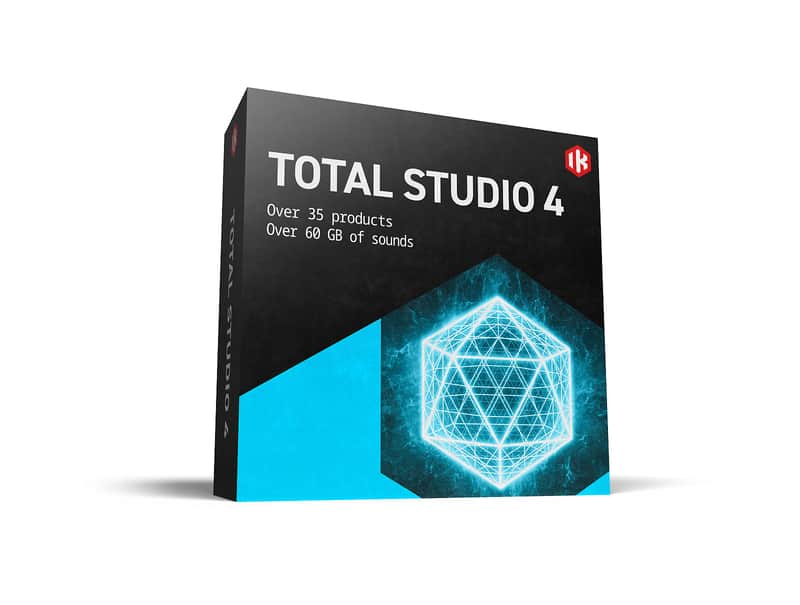
IK Multimedia Total Studio 4

Free Shipping
from Chicago, IL, United States

Our users rate Reverb
38 plug-ins covering every stage of music production
Total Studio 4 packs 3,000 instrument presets, including the latest versions of MODO DRUM 1.5 and MODO BASS 2, Lurssen Mastering Console, plus SampleTank 4 SE sound library. It’s over 60 GB of sounds in all, from piano to percussion, as well as incredibly realistic physically modeled bass and drums. All created with unparalleled attention to accuracy and detail for non-stop inspiration.
Compatibility
Total Studio 4 for Mac/PC includes 64-bit applications and requires a 64-bit CPU and Operating System.
Mac®- Intel: Intel® Core™ i3 (Core i5 recommended), macOS® 11 or later, 8 GB of RAM.
- Apple Silicon: Apple M1, macOS® 11 or later, 8 GB of RAM.
- Hard drive space: Total Studio 4 MAX: 680 GB; Total Studio 4 Pro: 235 GB; Total Studio 4: 65 GB.
- Supported Plug-in formats : Audio Units, VST 2, VST 3, AAX.
Windows®
- Intel: Intel® Core™ i3 or equivalent CPU (Core i5 recommended for Modeler), Windows® 10 or later, 8 GB of RAM.
- Hard drive space: Total Studio 4 MAX: 680 GB; Total Studio 4 Pro: 235 GB; Total Studio 4: 65 GB.
- Supported Plug-in formats (64-bit): VST 2, VST 3, AAX.
- NVIDIA GPU with Maxwell or newer architecture is recommended to reduce training times with TONEX Modeler (e.g. GeForce GT 750 or higher).
Some included applications require an OpenGL 2 compatible graphics adapter.
Internet connection is required to authorize the application and access ToneNET.
*Note: On Windows and MacOS Intel MODO Drum and ARC 3 require a CPU with support for AVX instructions.
Hard disk space requirements depend on how many products or libraries you wish to install. You may install sound content on separate internal or external drive. The installation process will require additional drive space for downloads. We recommend a large drive with empty space or external drives.
Installation Instructions
| Brand | |
|---|---|
| Model |
|
| Categories |
Product safety information may be available here.

