Stagecraft Infinity Synth
This listing has ended
See similar gear from other Reverb sellers

Our users rate Reverb
What it is:
A contemporary, sample-based synth, utilizing Multidimensional Polyphonic Expression.
How we use it:
Add a brand new element to any track.
Why it's cool:
Infinity Synth stays true to its name as it ships with 1,200 presets and access to downloadable sample banks.
Expressive Control - Infinite Sonic Expandability
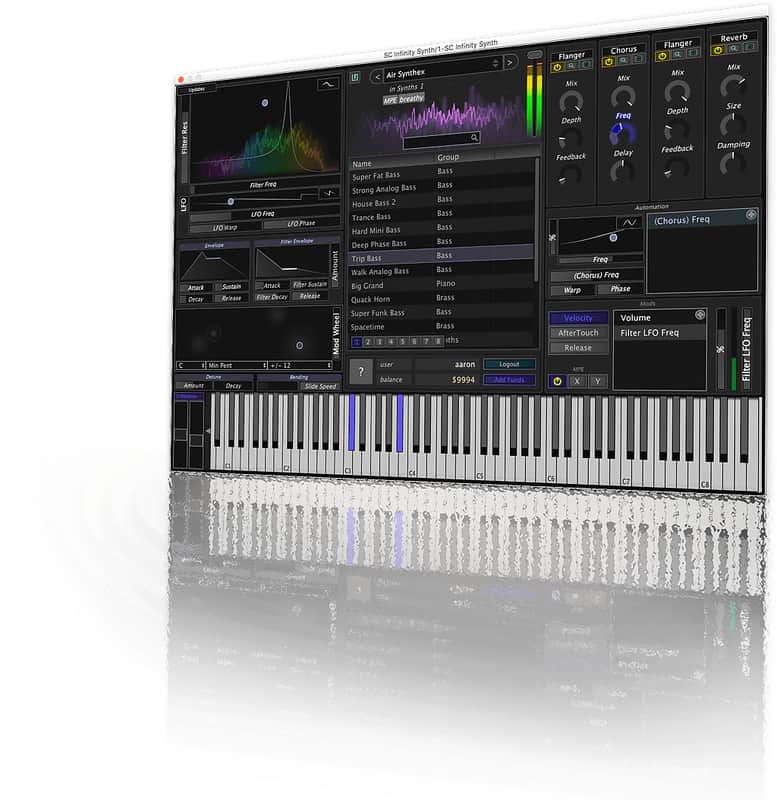
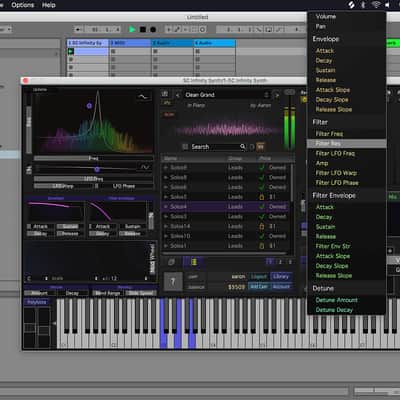
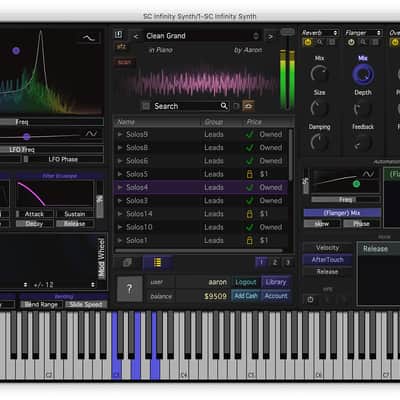
A sample-based synth designed for maximum expressiveness, this new synth is designed to give you a high-quality sounds right out of the box. It comes with all the bells and whistles you would expect from a professional sample based synth, including ADSR envelopes, effects chaining, filters, Mods, velocity and aftertouch support; as well as a few more unique and advanced features like fully configurable parameter automation, drill down effects controls, a high definition spectrum display, MPE compatibility.
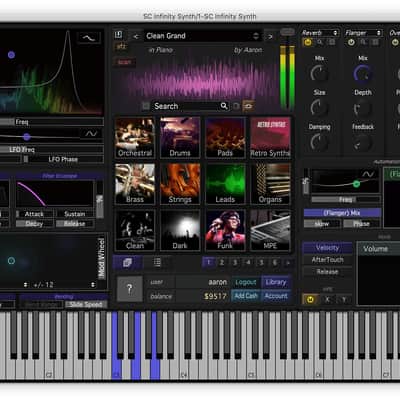
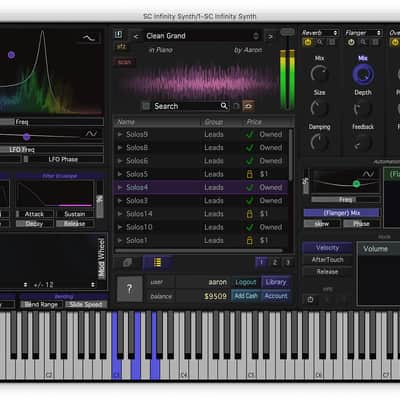
Infinity connects to an online marketplace with tons of sample banks, so you can build your library to include only the sounds you want. There are a number of included presets, and immediate credit so you can build a large library immediately. If you want a truly expansive library, you can purchase more credits and download additional sample banks.
MPE Compatibility- Non-MPE synths are limited by the original MIDI standard. While they can modulate pitch and other attributes with a pitch wheel, trackpad, or other controller, they must apply this modulation to all notes at the same time. MPE expands the MIDI standard, sending each note in its own separate MIDI channel, enabling polyphonic expression.
- Use automation to create anything from that wobble characteristic of so much dubstep, to a voice that comes in and out at random intervals, effects that fade in and out with perfect, quantized precision.
- The layout and design principles are built around making the product show you what it does, so that every knob or button should produce a visible change as well as a sonic one. Doing this lets you see exactly how the sound is changing.
- Audition and purchase additional sample banks form our large library without leaving Infinity Synth.
- Multidimensional
Polyphonic Expression (MPE) support
- Library
of sample banks to audition and purchase
- Filter
bank with auto filter style display
- Full
automation of any or all parameters
- LFOs
for parameter automation
- Advanced
quantization options for all parameters
- Customizable
effects chaining with access to a dozen effects
- 1200
presets
- Preset saving and sharing
Compatibility
Mac:
- OSX 10.7 or newer (32 or 64 bit)
- Win7 or newer (64 bit only)
Installation Instructions
General Instructions:
- We auto-detect your computer operating system, so just click the download button above.
- Find the downloaded plugin (it's in your computer's download folder, or wherever you've chosen to save it) and double click the installer.
- A plugin installer window will open. Simply go through the installation process.
- We will also send you an email with a link to re-download in case you need it.
- If Ableton Live is closed, open it and skip to #5.
- If Ableton Live is already open, go to Preferences.
- Go to Files & Folder.
- Click "Rescan plugins".
- Find the plugin in the Ableton plugins folder in the sidebar.
- Drag-and-drop the plugin onto your track at the bottom of the screen.
- Open Logic Pro X. Newly installed plugins should be detected automatically every time Logic is opened.
- If you've downloaded an effect or utility plugin, these can be used on an insert for any track in the mixer.
- Create a software instrument track if you downloaded a virtual instrument plugin.
- Under Default Patch, go to AU Instruments and choose the plugin you just installed.
- Open Pro Tools. Newly installed plugins should be detected automatically every time Pro Tools is opened.
- If you've downloaded an effect or utility plugin, these can be used on an insert for many types of tracks (Audio, Aux, Instrument, Master Fader...)
- If you’ve downloaded a software instrument, create a new Instrument track.
- Navigate to the Mixer and locate the newly created Instrument track.
- Select the desired instrument plugin by clicking on any of the Inserts on the Instrument track.
- Go to the Reverb SYNC Software and plugin Collection.
- Choose your desired plugin.
- Reverb will auto-detect your platform, so simply click the download button.
- Continue the installation process by following the prompt.
- Hover your mouse over the smart control button.
- Click Show Inspector icon.
- Click on plugins and choose your desired plugin.
| Brand | |
|---|---|
| Model |
|
| Categories |
Product safety information may be available here.