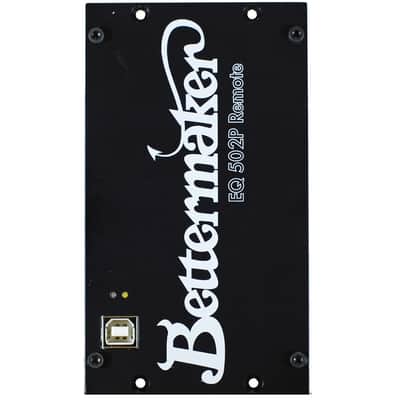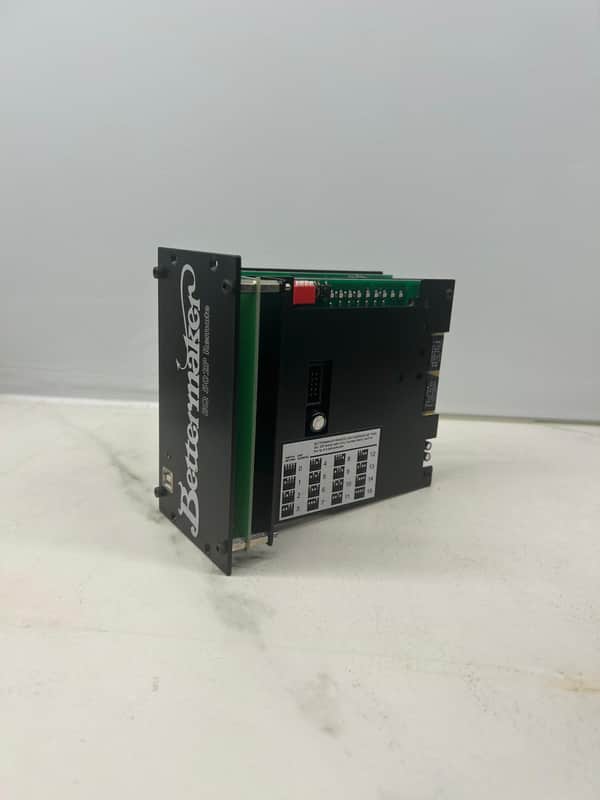
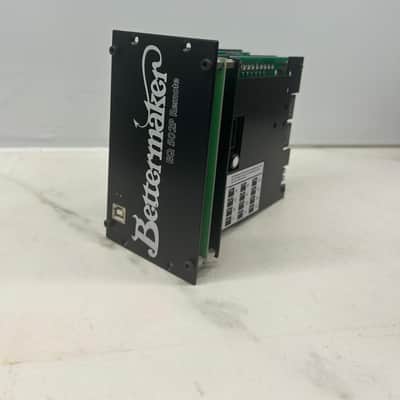
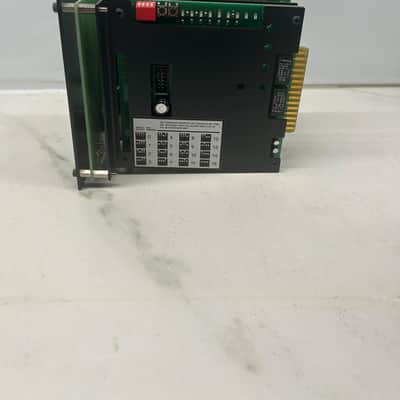

Bettermaker EQ 502P Remote USB 500 Series Stereo Equalizer Pultec style Module - Black


Rare Find
These don't show up often
Our users rate Reverb
Bettermaker EQ502P Remote 500 Series EQ - the analog EQ you use like a plug-in!
Used only twice for a project. Absolutely mint.
I'm selling this wonderful Bettermaker EQ502P Remote Series Stereo Equalizer Module Pultec Style EQ in perfect condition. Everything works as it should. Purchased as new.
It ships worldwide. If your country isn't listed, contact for a quote, I will glad to answer.
Condition:
- This is a "like new" unit
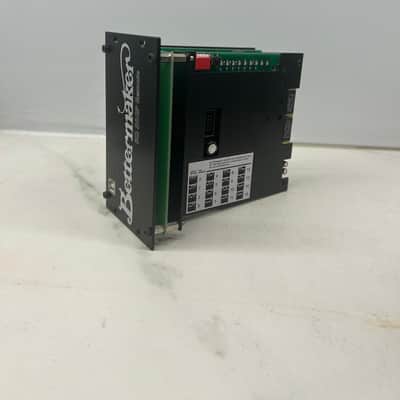
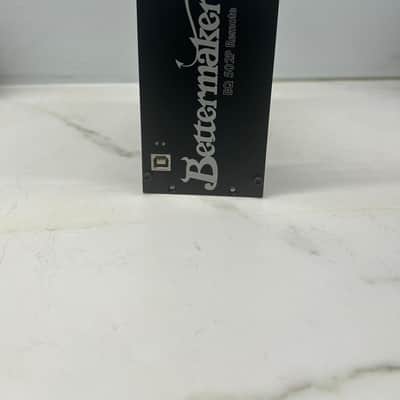
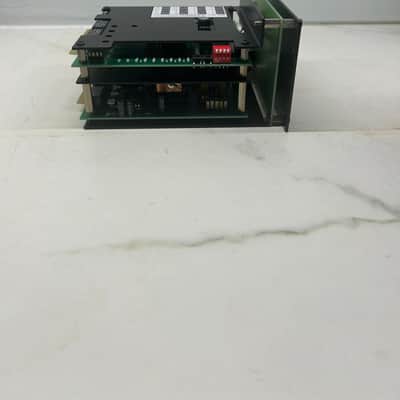
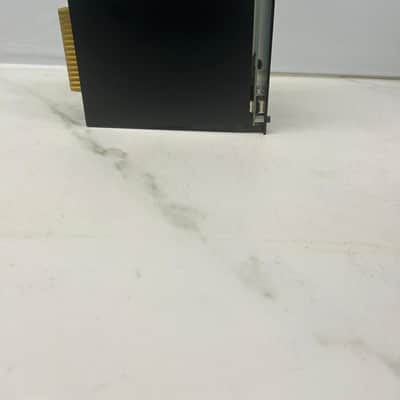
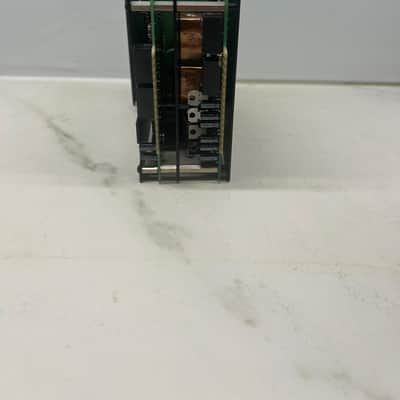
- Please, see all photos.
- This unit has been tested and I can confirm it is working as it should.
- It does not include original box.
Please feel free to ask any questions.
---------------------------------------------------------------------------------------------
Bettermaker EQ502P Remote 500 Series EQ
Use This Analog EQ Like a Plug-in
Use the Bettermaker EQ502P Remote 500 series analog EQ module just like a plug-in to add classic passive-EQ tone to your DAW tracks. With no front-panel controls you won't need to move from your mix position to tweak settings - connect it via USB and control the EQ502P Remote from your DAW session as a plug-in. Save up to 399 of your own presets for easy recall. With its amazingly sweet sound and plug-in flexibility, Sweetwater engineers agree that the Bettermaker EQ502P Remote EQ module has the perfect blend of analog tone and digital convenience.
Bettermaker EQ502P Remote 500 Series EQ at a Glance:
- Powerful stereo EQ for your studio
- Integrate the Bettermaker directly into your DAW
Powerful stereo EQ for your studio
Designed after vintage passive-EQ units, Addicted to Music's Bettermaker EQ502P delivers the classic sound of shelf filters. Each filter, high and low, has a dedicated cut and boost control. Various switches and buttons give you even more control and ways to focus your sound to produce the exact EQ you're looking for. Once you dial in your sound, you can save it for future recall as a user preset. No more having to hunt and find an old setting or trying to match the sound you had yesterday, simply hold the preset knob for two seconds and your EQ settings are saved. The Bettermaker EQ502P EQ offers all-analog sound with digital convenience.
Integrate the Bettermaker directly into your DAW
The front-panel USB input of the Bettermaker EQ502P Remote 500 Series EQ module lets you control your settings directly from your DAW. Via a free plug-in, you can recall presets, adjust setting, and save presets on the EQ502P Remote. You can even program and save automation in your session. The USB connection is only for changing EQ settings within your DAW, and does not pass audio - the signal path is analog, and steel screen isolators provide maximum separation of the digital and analog sections.
Bettermaker EQ502P Remote 500 Series EQ Features:
- 500 Series stereo EQ with USB I/O and plug-in control
- Isolated and separated analog and digital sections
- Shelf filters based off of classic passive-EQ designs
- USB link to use EQ as a plug-in, including Automation
- Free plug-in controller available in AU, VST, RTAS, AAX
- Save up to 399 presets for instant recall
This item is sold As-Described
This item is sold As-Described and cannot be returned unless it arrives in a condition different from how it was described or photographed. Items must be returned in original, as-shipped condition with all original packaging.Learn More.
| Listed | 23 days ago |
|---|---|
| Condition | Excellent (Used) Excellent items are almost entirely free from blemishes and other visual defects and have been played or used with the utmost care.Learn more |
| Brand | |
| Model |
|
| Finish |
|
| Categories | |
| Year |
|
Product safety information may be available here.