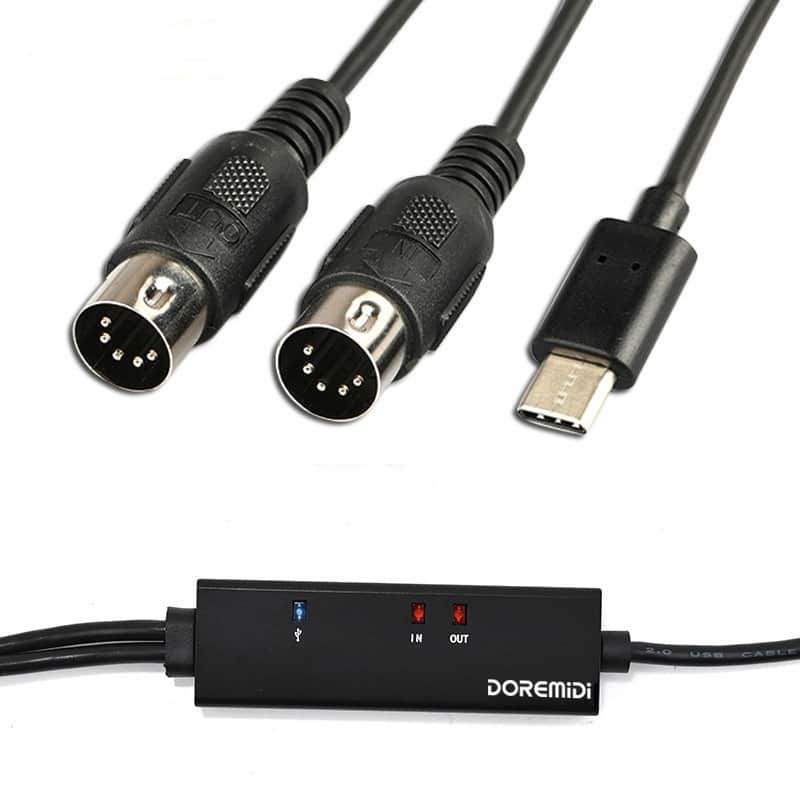
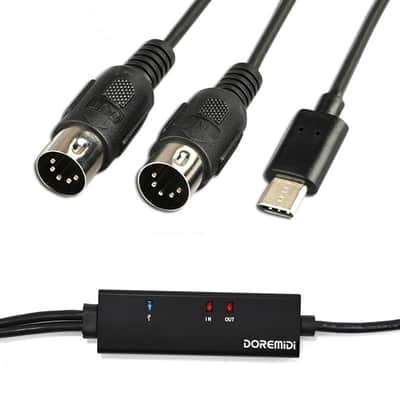
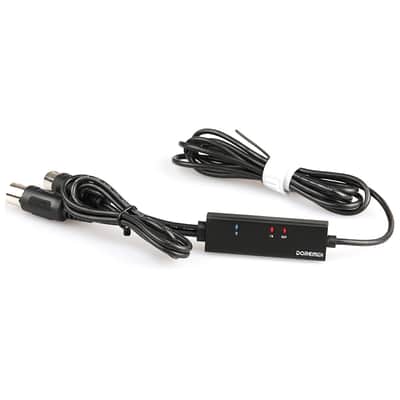
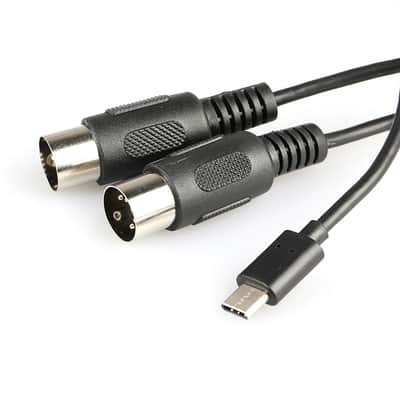
DOREMiDi MIDI To USB C Type C Cable USB MIDI Converter With Indicator Light For MacBook Android

Our users rate Reverb
Support MIDI SysEX commands, and all standard MIDI messages and commands!
With a built-in driver.
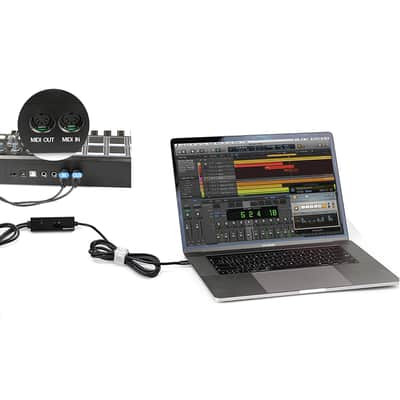
Easy to turn your PC into a music studio, start by connecting a music keyboard to your computer with the supplied Type-C MIDI Cable.
100% brand new and high quality.
Just connect to a computer Type-C socket for automatic installation of the driver.
Cable length: 2m
Supports Windows XP, Vista Win7 and Mac OS X operating systems
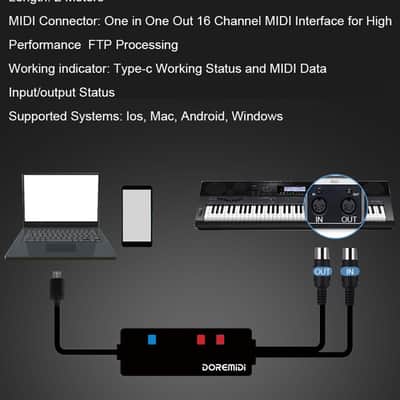
LED indicate power on,MIDI in signal and MIDI out signal.
Type-C powered and Class Compliant for true plug & play.
Make Music recording by connecting a music keyboard to your computer with the Type-C MIDI cable with input/output.
How to use:
1. Connect the "up" to the MIDI "OUT" jack of a MIDI keyboard
Cable (or MIDI device).
2. Connect the "OUT" to the MIDI "IN" socket of a MIDI keyboard
Cable (Of MIDI device).
3. Plug the Type-C cable into a free USB port on the computer,
The red LED is lit to show the power supply.
4. Open up your music software program, such as Cubase,
Sonar, MIDI connections, etc.
5. Set the music to MIDI in
And MIDI-out devices "Type-C Audio Device".
6.Your Type-C MIDI interface is now ready for use.
Package Included:
1 x Midi Type-C Cable Converter
This item is sold As-Described
This item is sold As-Described and cannot be returned unless it arrives in a condition different from how it was described or photographed. Items must be returned in original, as-shipped condition with all original packaging.Learn More.
| Condition | Brand New (New) Brand New items are sold by an authorized dealer or original builder and include all original packaging.Learn more |
|---|---|
| Brand | |
| Model |
|
| Categories | |
| Made In |
|
Product safety information may be available here.

