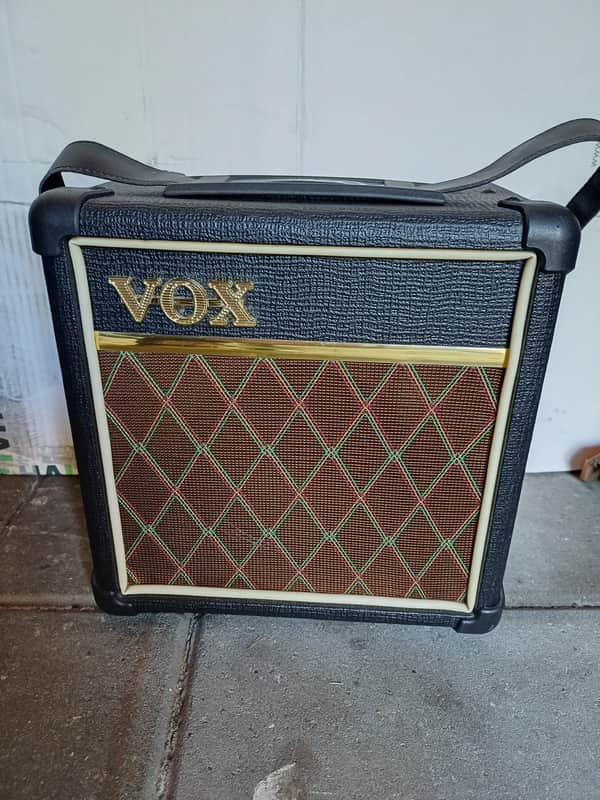
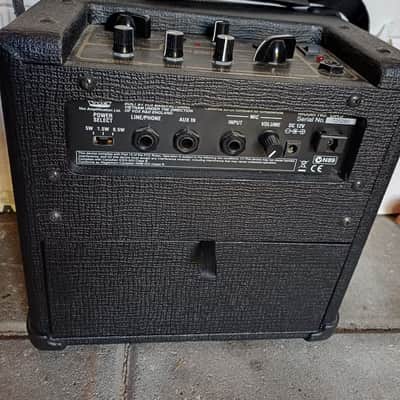
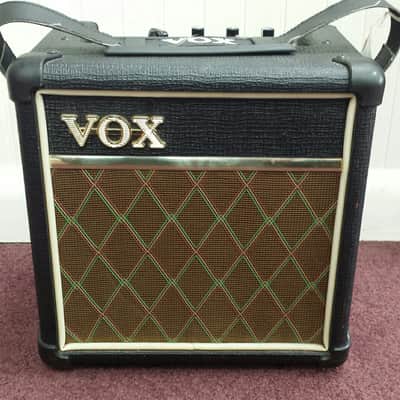
Vox DA5 Classic 5W 1x6.5 Guitar Combo 2010s - Black
Price€89
+ €15 Shipping

Listed:a day ago
Views:7
Saves:0
Offers:0

GRONINGEN, Netherlands

Rare Find
These don't show up often
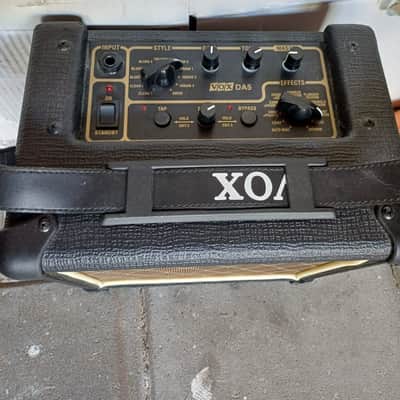
The VOX DA5 is a versatile 5-watt portable practice amp. Its built-in digital effects section features 11 distinct effects settings, many of which utilize the reverb: How to use Reverb on the VOX DA5To activate and adjust the reverb, use the top control panel:
- Select the Effect: Turn the EFFECTS rotary knob to REVERB (or one of the combo options listed below).
- Adjust the Intensity: Turn the EDIT 1 knob to dial in how much reverb you want in your signal.
- Adjust Reverb Time: Press the TAP switch twice to manually set the decay time of the reverb.
- Bypass Effects: Make sure the BYPASS LED is dark. If it is lit, your effects are turned off.
Available Reverb CombinationsThe DA5 allows you to run reverb by itself or combined with modulation effects:
- Reverb (Standalone)
- Chorus + Reverb
- Flanger + Reverb
- Tremolo + Reverb
- Rotary + Reverb
Tip: If you choose a combination like "Chorus + Reverb" but only want the chorus, you can hold down the BYPASS button while turning the EDIT 1 knob all the way to the right to roll off the reverb volume.
| Listed | a day ago |
|---|---|
| Condition | Excellent (Used) Excellent items are almost entirely free from blemishes and other visual defects and have been played or used with the utmost care.Learn more |
| Brand | |
| Model |
|
| Finish |
|
| Categories | |
| Year |
|
| Number of Inputs |
|
| Speaker Configuration |
|
| Power Tube Type |
|
| Built-In Effects |
|
| Reverb |
|
| Electronics |
|
| Color Family |
|
| Number of Channels |
|
| Output Power (Watts) |
|
Product safety information may be available here.