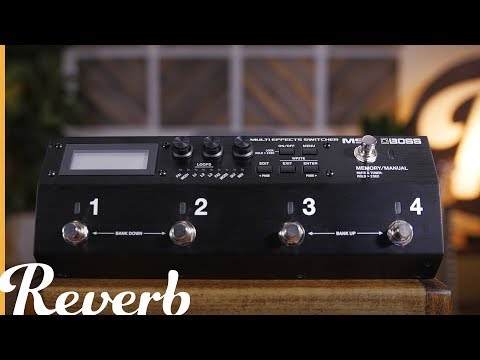
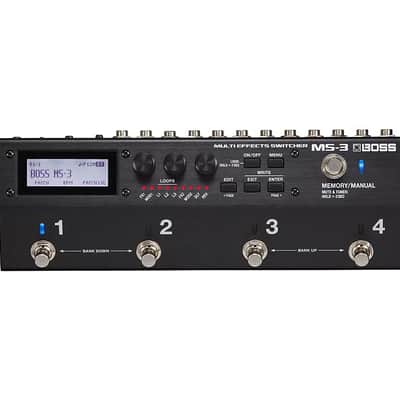
Boss MS-3 Multi Effects Switcher 2017 - Present - Black


Our users rate Reverb
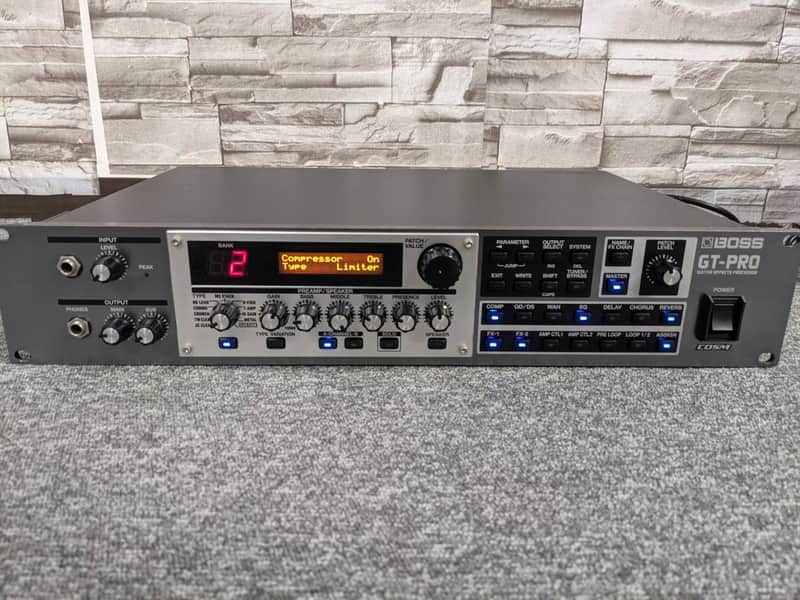
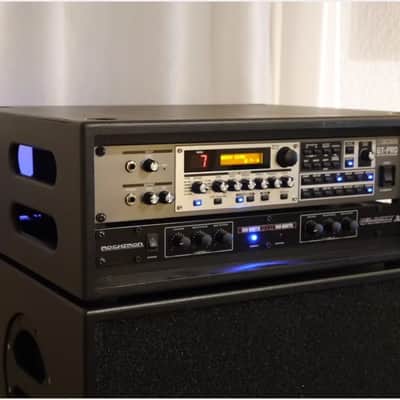
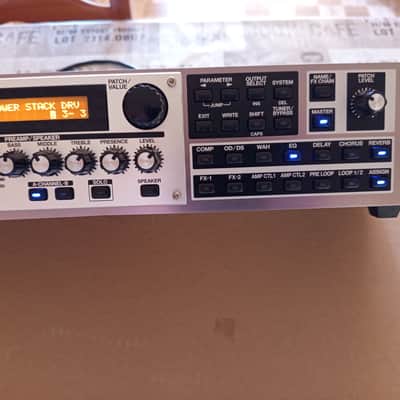
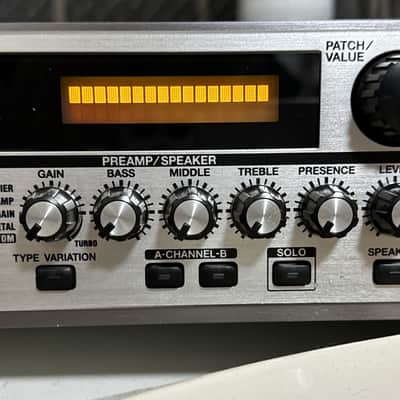
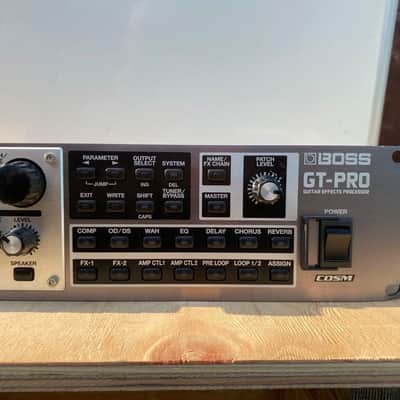
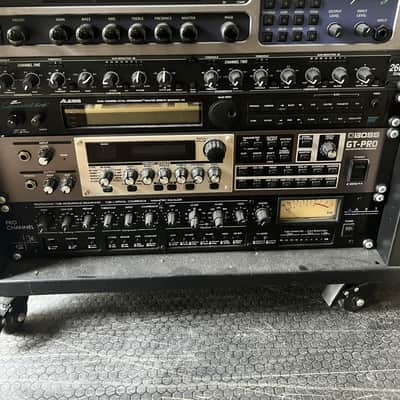
The Boss GT-Pro is a premium, dual-engine guitar effects and amp simulator housed in a 2U rackmount chassis. Although it is now discontinued, it remains a highly flexible piece of gear that combined the processing power of the GT-8 floorboard with professional-grade studio and stage connectivity.
🌟 Key Features
- Dual COSM Amp Engine: Run two distinct amp models simultaneously, layer them, or switch between them dynamically based on your pick attack.
- Solo Switch Mode: Every amp model features a dedicated "Solo" channel voicing for an instant boost in volume and gain during leads.
- Massive FX Library: Features 44 effect categories with up to 15 simultaneous blocks that you can freely route in any order.
- Patch Memory: Includes 400 total patch slots (200 permanent factory presets and 200 fully customizable user slots).
📌 Professional Connectivity
The rear panel sets the GT-Pro apart from its pedalboard counterparts, offering advanced routing options:
- Balanced I/O: Main stereo outputs on balanced XLR connectors alongside standard 1/4-inch Sub Outputs.
- Triple FX Loops: Three independent, programmable external effects loops to integrate hardware pedals or preamps.
- Digital & USB: Equipped with a coaxial S/PDIF digital output and a built-in USB audio interface.
- MIDI Control: Full MIDI In/Out/Thru capability to control patches via MIDI floor controllers or DAW automation.
⚠️ Modern Considerations
If you are looking to buy a used unit today, keep these factors in mind:
- Software Compatibility: The official PC editor software was built for legacy operating systems (Windows XP/Vista). Running it on Windows 10 or 11 typically requires third-party drivers or compatibility workarounds.
- Using a MIDI interface to bypass the outdated USB audio drivers is the smartest way to keep using the Boss GT-Pro on modern macOS versions like Ventura (13), Sonoma (14), and Sequoia (15). [1, 2, 3]Since macOS handles class-compliant MIDI automatically, you do not need any special Boss drivers to send and receive data. [1, 2]
🛠️ Hardware Setup
- Get a Class-Compliant MIDI-to-USB Interface: Use a reliable USB-MIDI cable (like the Roland UM-ONE MK2 or iConnectivity Mio) connected to your Mac. [1, 2, 3]
- Cable Connections:
- Connect the MIDI OUT plug of the cable to the MIDI IN port of the GT-Pro.
- Connect the MIDI IN plug of the cable to the MIDI OUT port of the GT-Pro. [1, 2]
🖥️ Software Editors for Modern macOS. Because the original Boss GT-Pro Editor is a 32-bit app that will not open on modern macOS, you have two great alternatives to edit patches from your Mac:
- FxFloorBoard (Recommended): This is a free, open-source, third-party editor created by software developer Colin Willcocks specifically for older Boss units. It has a dedicated version for the Boss GT-Pro that is compatible with modern 64-bit macOS. It gives you a full visual interface of your signal chain.
This item is sold As-Described
This item is sold As-Described and cannot be returned unless it arrives in a condition different from how it was described or photographed. Items must be returned in original, as-shipped condition with all original packaging.Learn More.
| Listed | an hour ago |
|---|---|
| Condition | Very Good (Used) Very Good items may show a few slight marks or scratches but are fully functional and in overall great shape.Learn more |
| Brand | |
| Model |
|
| Finish |
|
| Categories | |
| Year |
|
| Made In |
|
| Pedal Format |
|
Product safety information may be available here.

