Arturia B-3 V Organ Virtual Instrument Software
Price€160.95
Incl. VAT
Instant Download

Free Shipping
from Chicago, IL, United States
Listed:over a month ago
Views:427
Saves:2
Offers:0

Chicago, IL, United States
Our users rate Reverb
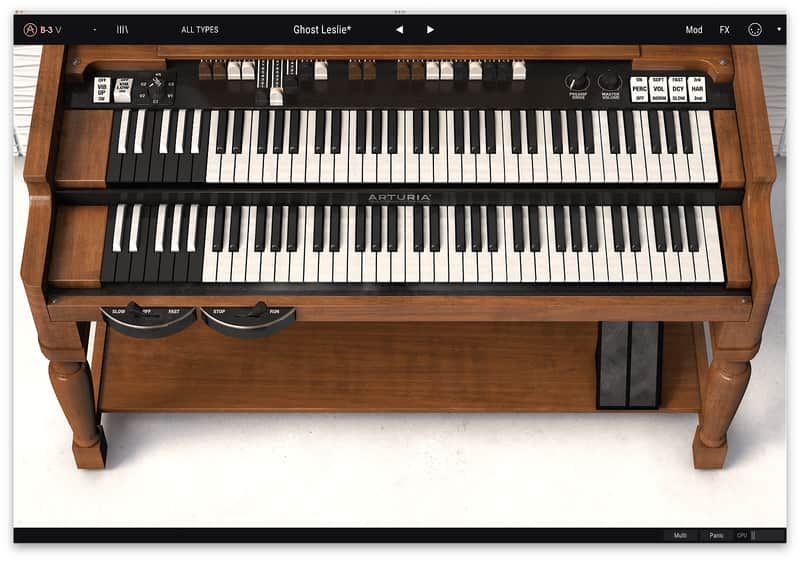
B-3 V is the most authentic and soulful software emulation of the legendary tonewheel organ and rotary speaker available today. It puts all the classic sound plus a slew of state-of-the-art sonic extras at your fingertips.
Compatibility
Windows
Installation Instructions
- Physical Modeling Engine (no samples)
- Dual manual Interface
- Each manual has separate MIDI channel preferences
- 9 Drawbars per manual
- 3 modeled chorus and vibrato settings
- Separate upper and lower ON/OFF
- Preamp drive
- Modeled rotary speaker emulator
- Advanced controls for adjusting the model
- Convolution based Reverb
- Traditional Leslie performance controls
- Swell pedal
- Percussion controls
- On/off
- Volume soft/normal
- Slow/Fast decay
- Harmonic selection
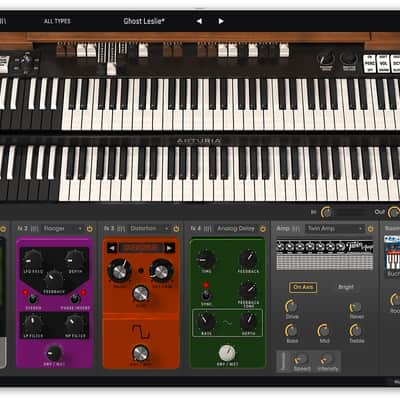
- Output effects where you can change the order
- Volume, wah, auto-wah
- Flanger
- Compressor
- Chorus
- Analog Delay
- New Advanced Drawbar modulators
- LFO’s with multiple waveforms and phase
- Multipoint envelopes
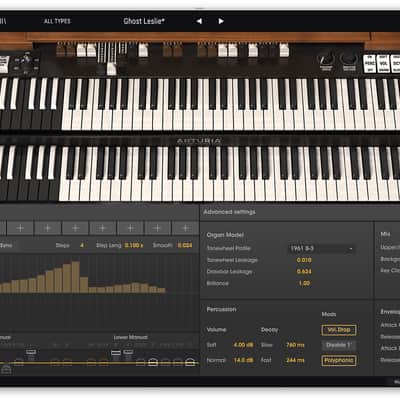
- Step sequencer
- Drawbar destinations with positive and negative amount controls
- Mod view
- Drawbar leakage
- Tonewheel leakage
- Brilliance
- Background noise
- Polyphonic Percussion
- Key click volume
- Attack and release controls
- 50 factory presets
- Easy to use MIDI mapping
Compatibility
Windows
- Win 10+ (64bit)
- 4 GB RAM
- 4 cores CPU, 3.4 GHz (4.0 GHz Turbo-boost)
- 3GB free hard disk space
- OpenGL 2.0 compatible GPU
- ARM processors not supported on Windows
- Works in Standalone, VST, AAX, Audio Unit, NKS (64-bit DAWs only).
- Mac OS 11+
- 4 GB RAM
- 4 cores CPU, 3.4 GHz (4.0 GHz Turbo-boost) or M1 CPU
- 3GB free hard disk space
- OpenGL 2.0 compatible GPU
- An elegant and simple solution to help you install, activate, and update your Arturia software instruments.
Installation Instructions
To download your purchase, follow this link to download the Arturia Software Center (ASC)
Once downloaded, launch the ASC and log in (new users can select “Create Account”)
After logging in, find your product in the list and select “Activate”
Once the product has been activated, select “Install”
| Brand | |
|---|---|
| Model |
|
| Categories |
Product safety information may be available here.

