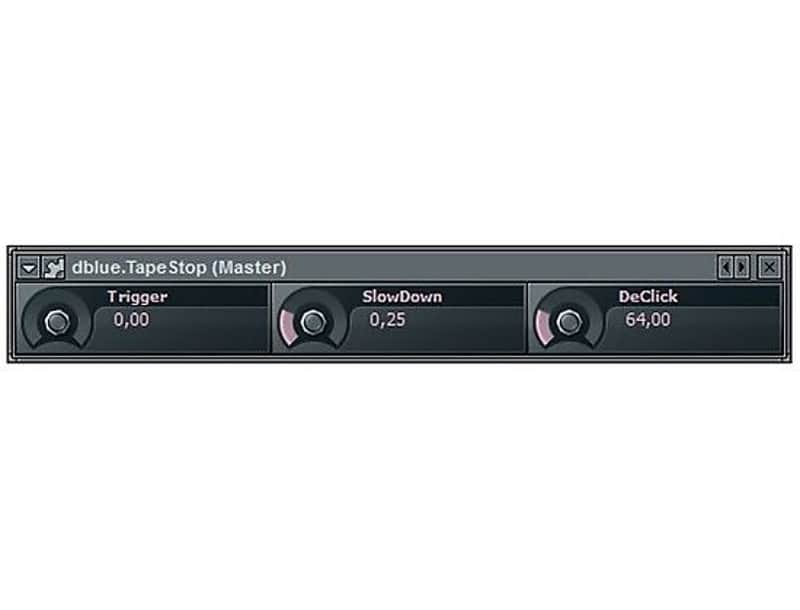

Illformed dblue.TapeStop
PriceFREE
Instant Download
This listing has ended
See similar gear from other Reverb sellers
Listed:over a month ago
Views:5,729
Watchers:32
Downloads:829

Chicago, IL, United States
Our users rate Reverb
That time-warp effect from stopped tape.
What it is:
A plugin that emulates a tape machine coming to a stop.
How we use it:
Stop a track with an abrupt pitch shift.
Why it's cool:
TapeStop pairs the magic and quirkiness of working with tape with modern day music technologies. TapeStop re-creates the time-stretched sound that occurs when you press the stop button.
Installation Instructions
General Instructions:
What it is:
A plugin that emulates a tape machine coming to a stop.
How we use it:
Stop a track with an abrupt pitch shift.
Why it's cool:
TapeStop pairs the magic and quirkiness of working with tape with modern day music technologies. TapeStop re-creates the time-stretched sound that occurs when you press the stop button.
Installation Instructions
General Instructions:
- We auto-detect your computer operating system, so just click the download button above.
- Find the downloaded plugin (it's in your computer's download folder, or wherever you've chosen to save it) and double click the installer.
- A plugin installer window will open. Simply go through the installation process.
- We will also send you an email with a link to re-download in case you need it.
- If Ableton Live is closed, open it and skip to #5.
- If Ableton Live is already open, go to Preferences.
- Go to Files & Folder.
- Click "Rescan plugins".
- Find the plugin in the Ableton plugins folder in the sidebar.
- Drag-and-drop the plugin onto your track at the bottom of the screen.