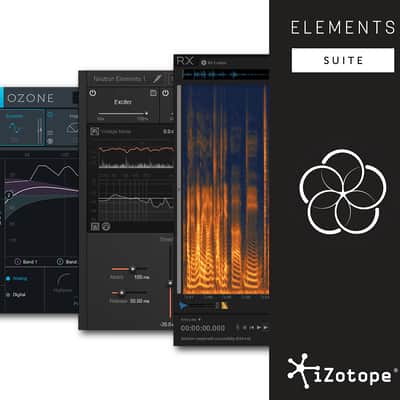

iZotope Elements Suite + Reverb Exclusive Preset Pack
This listing has ended
See similar gear from other Reverb sellers

Our users rate Reverb
What it is:
An eclectic bundle featuring all the tools you need to perfect a production.
How we use it:
From de-clipping via RX Elements to an intuitive mix assistant in Neutron Elements to a fully polished product with Ozone 8.
Why it's cool:
Though a lot of bundles give you a lot of interesting plugins - those included in the Elements Bundle have a clear and defined use making it an excellent addition to any collection.
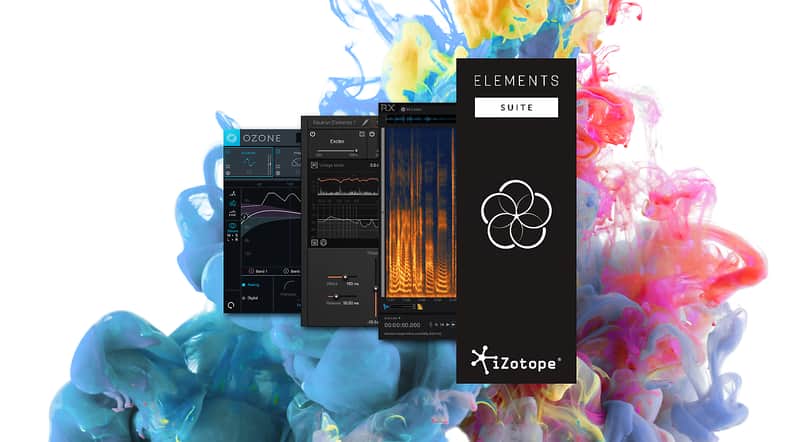
The iZotope Elements Suite + Reverb Exclusive Preset Pack
The Reverb.com Preset Pack for iZotope’s RX, Neutron and Ozone Elements includes 25 presets tailor-made for people who record guitars and drums on a regular basis.
You’ll notice a number of presets designed to fix common audio problems using RX, which will help save the one magical take. Once you’re happy with the basic sound, the Neutron Elements presets will help get that mix sitting where you want it, before Ozone 8 Elements brings it home with a variety of those ‘X factor’-style radio-ready presets.
Get everything you need to mix, master & repair your audio in one budget-friendly package, with iZotope's Elements Bundle.
Three powerful, award-winning audio technologies in one package: RX Elements, Neutron Elements, and Ozone Elements.
The Elements Bundle has everything you need to bring audio projects to life. Repair and edit audio with essential repair tools like De-Clip, De-Hum and De-Click with RX Elements. For your mix, wield futuristic mixing technologies like Track Assistant and EQ Learn with Neutron Elements.
When you’re ready to master, choose from Genre-Specific, All-Purpose, or Artist Signature presets featuring the industry-leading mastering technology of our flagship mastering suite, Ozone 8 with Ozone 8 Elements.
Neutron Elements
A Smarter Way to Mix for Home Studios and Hobbyists
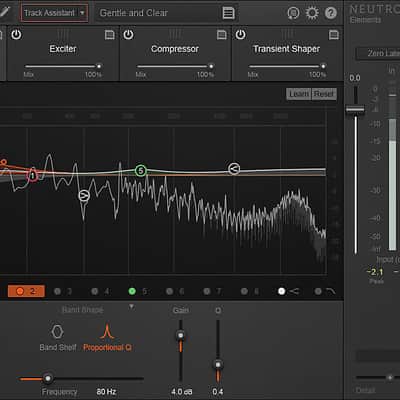
Achieve unprecedented focus and clarity with the newest mixing plug-in from the iZotope Neutron family of plug-ins: Neutron Elements. Combining the latest innovations in analysis and metering with award-winning audio processing, Neutron Elements gives you the power of Neutron and is included in the Elements Bundle.
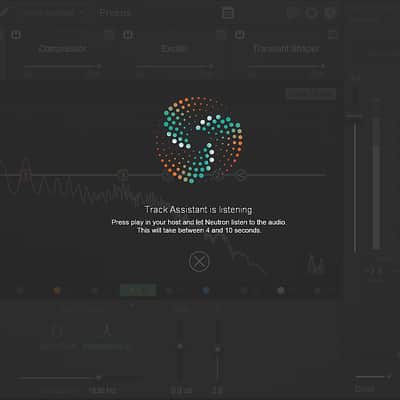
Neutron Elements includes powerful new features like Track Assistant and EQ Learn to help you quickly reach an optimal starting point, identify mix issues, and fully wield creative control over all your mix decisions.
Features- Perfect for home studio musicians and mix engineers
- 4 built-in mix modules: EQ, Compressor, Transient
- Shaper, and Exciter
- Track Assistant
- EQ Learn
- Neutrino Spectral Shaping
- 200+ Professionally designed presets
Ozone Elements
Mastering Made Easy
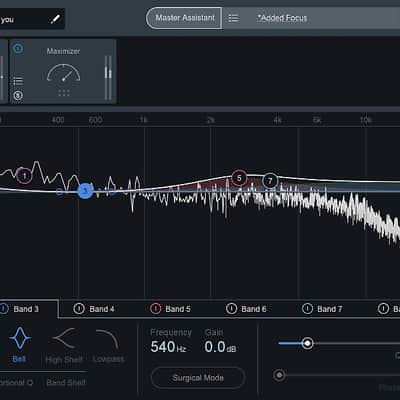
Effortlessly get your mixes radio and streaming-ready with Ozone Elements. With best-in-class processing from Ozone 8, this new mastering plug-in enables you to achieve a full, rich, and loud final master with professionally crafted presets and simple macro controls to shape your sound.
Perfect for Producers, Beatmakers, and Songwriters:
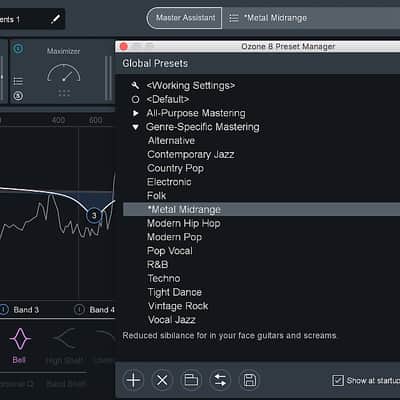
- Your music, your decisions. Ozone 8 Elements puts YOU in creative control with best-in-class, professional presets you’re able to tweak to taste
- Custom mastering for your songs. Audition presets and mold Ozone 8 Elements’processing to your track with high-impact macro controls to optimize the sound of your master
- The sound of the pros. Ozone 8 Elements utilizes Ozone 8’s renowned processing under the hood - the same algorithms used both by the biggest names in mastering, and by producers in home studios around the world
Features
- Easy to use, preset-based mastering plug-in
- 75+ professionally-crafted presets
- Simple controls make it easy and quick to shape the radio-ready sound you’re after
- Polish off your tracks with Ozone’s industry standard processing, made easy
- Get your songs up to a competitive level with a taste of Ozone’s legendary Maximizer
RX Elements
Essential Audio Repair at an Affordable Price
RX Elements is a budget-friendly version of RX designed for small home studios that need the basics. It includes the standalone audio editor and spectral editing so you can visualize your audio and make edits with precision and accuracy.
In addition, RX Elements includes four essential, real-time noise reduction plug-ins that can also be used inside your favorite digital audio workstation, including the critically acclaimed De-noise technology.
Perfect for Home Musicians and Podcasters on a Budget:
- Includes standalone audio editor with spectral editing
- Remove unwanted background noise with Voice De-noise plug-in
- Eliminate clicks and pops with De-click plug-in
- Remove buzz and grounding issues with De-hum plug-in
- Fix clipped audio takes with De-clip plug-in
- RX Audio Editor standalone application: Visually identify audio problems with the spectrogram view then use familiar image editing tools to fix the issue
- Voice De-noise: Finely tuned for vocals and dialogue, reduce unwanted steady state or evolving background noise like air conditioning, refrigerator hum, and amp hiss
- De-clip: Repair digital and analog clipping artifacts to restore distorted audio
- De-click: Clean up vinyl clicks, mouth noise, and soften up clicky bass guitars with the new low latency De-click algorithm
- De-hum: Remove ground loop hum and line noise
Compatibility
Neutron Elements
Supported Operating Systems:
- Mac: OS X 10.8.5 - 10.12
- Windows: 7, 8, and 10
Plug-in Formats:
- AAX (64-bit), Audiosuite DPM, Audio Unit (32-bit and 64-bit), RTAS (32-bit), VST 2 (32-bit and 64-bit), and VST 3 (32-bit and 64-bit)
Supported Plug-in Hosts:
- Ableton Live 9, Cubase 8 & 9, FL Studio 12, Logic Pro X, Nuendo 7, Pro Tools 10-12, REAPER 5, Studio One 3
Note: Neutron runs as a plug-in within your digital audio workstation. Neutron is not a standalone application and requires the installation of a DAW host.
RX 6 can be used as a standalone audio editor, as a standalone audio editor connected to your host via RX Connect, or as a suite of plug-ins.
Supported Operating Systems:
- Windows: 7, 8, and 10
- Mac: OS X 10.8.5 - 10.12
Supported Plug-in Hosts:
- Audition CC 2017, Cubase 9*, Final Cut Pro 10*, Live 9, Logic Pro X*, Media Composer 8.8, Nuendo 7, Premiere Pro CC 2017, Pro Tools 10-12, Studio One 3
*Supported in OS X 10.11 or higher
Supported Plug-in Formats:
- AAX (64-bit), Audiosuite DPM, Audio Unit (32-bit and 64-bit), RTAS (32-bit), VST 2 (32-bit and 64-bit), and VST 3 (32-bit and 64-bit).
Ozone Elements
Ozone runs as a standalone application, or as a plug-in in your audio editing software.
Operating system requirements
- Windows: 7, 8, and 10
- Mac: OS X 10.8–10.12 (Intel only)
Plug-in formats
Pro Tools 10-12 (RTAS, AudioSuite, 64-bit AAX), VST 2, VST 3, and Audio Unit.
Plug-in host compatibility
Pro Tools 10-12, Logic Pro X, Ableton Live, Cubase, Digital Performer, SONAR, REAPER, and many more.
Graphics card requirements
For use of the scrolling 3D Spectrogram in Insight, Ozone 8 Advanced requires a graphics card that supports Open GL 2.0.
Minimum screen resolution
- Plug-in: 1,159 x 614
- Standalone application: 1,166 x 827
Note: The Ozone standalone application does not currently support the Waveshell format for Waves plug-ins within the Ozone signal chain.
Installation Instructions
First Time Users: If you haven't already, create an account with iZotope: http://www.izotope.com/en/account/log-in/
- Download your installer (Mac or PC) from your account. Once the file has finished downloading to your computer, you will need to open and run the installer.
- Once you have gone through the install wizard and accepted the software license agreement, you will be prompted to select which features you would like to install. If you are not sure what you will need, it is advisable to just leave the default options ticked and press 'Continue'.
- Once you have selected your install features, press 'Continue' and start the 'Install'.
- Near the end of the installation, you will be prompted if you would like to 'check for updates to iZotope software', press yes on this prompt, and your plug-ins will be scanned to see if there are any newer versions for any of your iZotope products.
- If any updates are found, you will be prompted with an updates window where you can follow the on screen prompt.
- Once the installation is complete and all checks have been run, you will be prompted with an installation was successful window, which you can then 'Close'.
- When the installation is finished, you will next need to open and authorize the product. It is always best practice to authorize using the standalone version (if available).
- The first time launching for product, you will be prompted with an Authorization box. After clicking 'Authorize' you will need to enter your serial number and the Name and E-mail address used to create your iZotope user account. [If you intend to use your software offline, here you will need to press the 'Offline Authorization' button and follow the on screen instructions.]
- After pressing 'Authorize' you will see a pop-up box confirming your details for you to then press 'Submit'. Your software should now be fully authorized and ready to go!