Smartelectronix s(M)exoscope
PriceFREE
Incl. VAT
Instant Download
This listing has ended
See similar gear from other Reverb sellers
Listed:over a month ago
Views:4,232
Saves:12
Downloads:771

Chicago, IL, United States
Our users rate Reverb
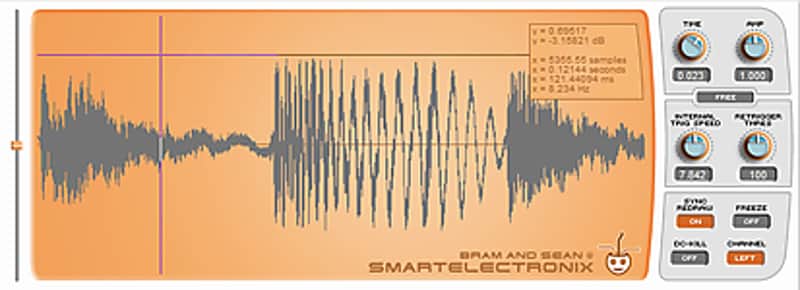
Visually monitor your audio with this free oscilloscope plugin from Bram @ Smartelectronix.
What it is:
An oscilloscope mix assistant.
How we use it:
As a visual aid in the mix process.
Why it's cool:
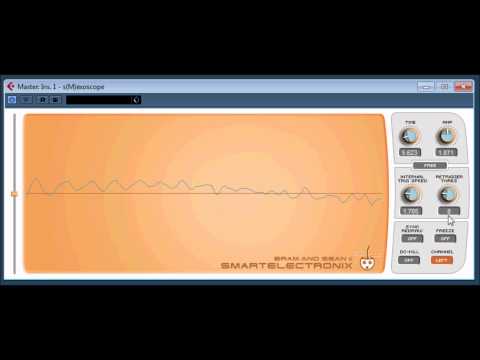
s(M)exoscope's 4-knob interface allows for a no-frills, yet versatile, to the point look at incoming audio. s(M)exoscope is a free oscilloscope VST/AU plugin. This great plugin can be used to visually monitor audio waveforms.
Installation Instructions
General Instructions:
What it is:
An oscilloscope mix assistant.
How we use it:
As a visual aid in the mix process.
Why it's cool:
s(M)exoscope's 4-knob interface allows for a no-frills, yet versatile, to the point look at incoming audio. s(M)exoscope is a free oscilloscope VST/AU plugin. This great plugin can be used to visually monitor audio waveforms.
Installation Instructions
General Instructions:
- We auto-detect your computer operating system, so just click the download button above.
- Find the downloaded plugin (it's in your computer's download folder, or wherever you've chosen to save it) and double click the installer.
- A plugin installer window will open. Simply go through the installation process.
- We will also send you an email with a link to re-download in case you need it.
- If Ableton Live is closed, open it and skip to #5.
- If Ableton Live is already open, go to Preferences.
- Go to Files & Folder.
- Click "Rescan plugins".
- Find the plugin in the Ableton plugins folder in the sidebar.
- Drag-and-drop the plugin onto your track at the bottom of the screen.
- Open Logic Pro X. Newly installed plugins should be detected automatically every time Logic is opened.
- If you've downloaded an effect or utility plugin, these can be used on an insert for any track in the mixer.
- Create a software instrument track if you downloaded a virtual instrument plugin.
- Under Default Patch, go to AU Instruments and choose the plugin you just installed.
- Go to the Reverb SYNC Software and plugin Collection.
- Choose your desired plugin.
- Reverb will auto-detect your platform, so simply click the download button.
- Continue the installation process by following the prompt.
- Hover your mouse over the smart control button.
- Click Show Inspector icon.
- Click on plugins and choose your desired plugin.
| Brand | |
|---|---|
| Model |
|
| Categories |
Product safety information may be available here.